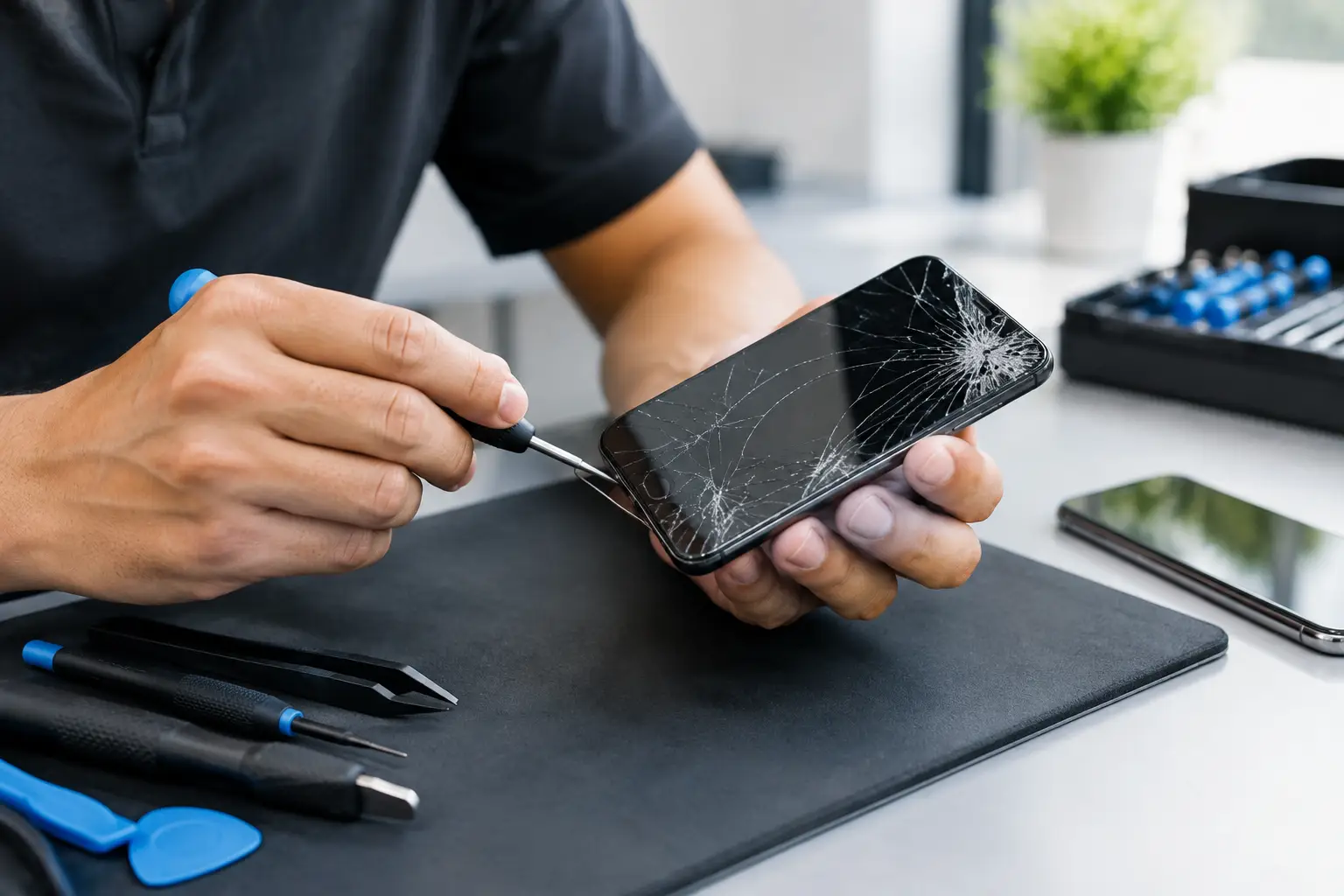
A phone that suddenly asks for a code you cannot remember can stop your whole day. Calls, work apps, photos, banking, and school accounts may all be stuck behind one screen. So, can repair shops unlock phones? Sometimes, but the answer depends on what kind of lock is on the device and whether you can verify that it belongs to you.
A legitimate repair shop can help diagnose the problem, explain your recovery options, repair physical damage that prevents normal access, and guide you through approved account or carrier steps. What a shop cannot do is bypass security meant to protect a lost, stolen, or unverified device.
Can Repair Shops Unlock Phones With a Forgotten PIN?
If you forgot the screen PIN, password, or pattern on your own phone, a technician may be able to help you regain use of the device. That does not usually mean preserving everything on it.
On most newer iPhones and Android phones, the approved recovery process involves erasing the phone and setting it up again. This protects the information stored on the device. A shop can walk you through the process, check whether a backup is available, and make sure the phone is working correctly after the reset.
The hard part is that a reset does not remove every security check. An iPhone may still ask for the Apple Account previously used on the phone. An Android device may ask for the Google account that was signed in before the reset. These protections are designed to stop someone from wiping and using a phone that is not theirs.
If you know the account email and password, the process is usually straightforward. If you do not, start with the account recovery process before bringing the phone in. A technician can help with setup and troubleshooting, but they cannot ethically or legally remove an account lock without proper authorization.
Carrier Locks Are Different From Screen Locks
A carrier lock controls which mobile network a phone can use. It is not the same as a passcode lock. You might be able to use your phone normally, but it will reject a SIM card from another carrier.
Repair shops can often tell you whether the phone appears carrier-locked, check for common SIM or eSIM issues, and explain what needs to happen next. The actual release normally has to come from the original carrier. Each carrier has its own rules, but eligibility often depends on whether the device is paid off, active for a required period, and not reported lost or stolen.
Be careful with anyone promising an instant carrier release with no questions asked. A proper service will tell you what information is needed and set realistic expectations. If the phone is still under a payment agreement or has been flagged, the carrier may deny the request.
In many cases, the fastest route is to contact the original carrier with the device information and account details. Once the carrier confirms eligibility, a local repair shop can help make sure the phone recognizes the new SIM or eSIM and connects correctly.
Account Locks Protect the Phone’s Owner
Activation Lock on an iPhone and Google Factory Reset Protection on an Android phone are ownership protections. They are supposed to remain in place until the original owner signs in or removes the phone from their account.
A repair shop should not offer to bypass these protections. That is a major red flag, especially if a seller says a used phone is “easy to fix” but cannot provide the account details or a clear purchase history.
If you bought a used phone and find an account lock after the sale, contact the seller right away. Ask them to remove the device from their Apple or Google account while you are present, if possible. A receipt, original purchase documentation, and matching device serial information may help when working through official support channels, but proof of purchase does not guarantee that every account issue can be resolved.
The same caution applies to phones with a blacklisted IMEI. An IMEI is a unique device identifier. If it has been reported lost, stolen, or associated with an unresolved account issue, a repair shop may be able to identify the problem but cannot make it disappear. Buying a phone with a clean screen and a suspiciously low price can become expensive fast.
When the Phone Only Looks Locked
Not every access problem is a true lock. A broken screen, failing touch layer, water damage, bad charging port, weak battery, or software crash can make a working phone look unusable.
For example, the phone may turn on, receive calls, and make notification sounds, but the display will not register your passcode. In that situation, the issue may be the screen, not the password. Replacing the damaged part could let you enter your code normally and protect your data.
A phone that keeps restarting can also prevent you from entering a code before it shuts down again. A technician can test the battery, charging system, display, and software behavior to find out whether a repair is possible before you consider erasing the device.
This is why a quick diagnosis matters. Resetting a phone too early can erase photos, messages, and app data that might have been saved if the actual hardware issue had been repaired first.
What to Bring to a Repair Shop
Bring the phone, any known passcodes, and the account email address connected to it. If you have a receipt, carrier paperwork, or proof of purchase, bring that too. It helps establish ownership and can be useful if the technician needs to confirm device details.
Before your visit, gather these items if you can:
- The phone and any charging cable that normally works with it
- Your Apple Account, Google account, or Samsung account sign-in information
- The phone number and original carrier name
- Proof of purchase or a receipt for a used-device sale
- A description of what happened before the phone became inaccessible
Be honest about the situation. A phone that was dropped, exposed to water, bought secondhand, or recently changed carriers may need a different path than a phone with a forgotten PIN. Clear details save time and prevent the wrong repair or recovery attempt.
Ask the Right Questions Before Authorizing Service
A dependable shop should explain whether the problem appears to be hardware, software, a screen lock, a carrier restriction, or an account lock. Ask whether your data is likely to remain intact, whether a reset is required, and what the next step will cost before work begins.
It also helps to ask what the shop can do directly and what must be handled by your carrier or account provider. There is no benefit in paying for a promise that depends on approval from someone else.
At Excell Wireless VA, the practical starting point is simple: bring in the device or request a quote with the phone model and a short description of the problem. A technician can check what is actually preventing access and point you toward the safest option.
If the phone contains important photos, work files, or access to financial apps, do not keep guessing at passwords or trying random online fixes. Stop, gather your ownership details, and get the device checked before a small access problem becomes a permanent data-loss problem.
Leave a Reply