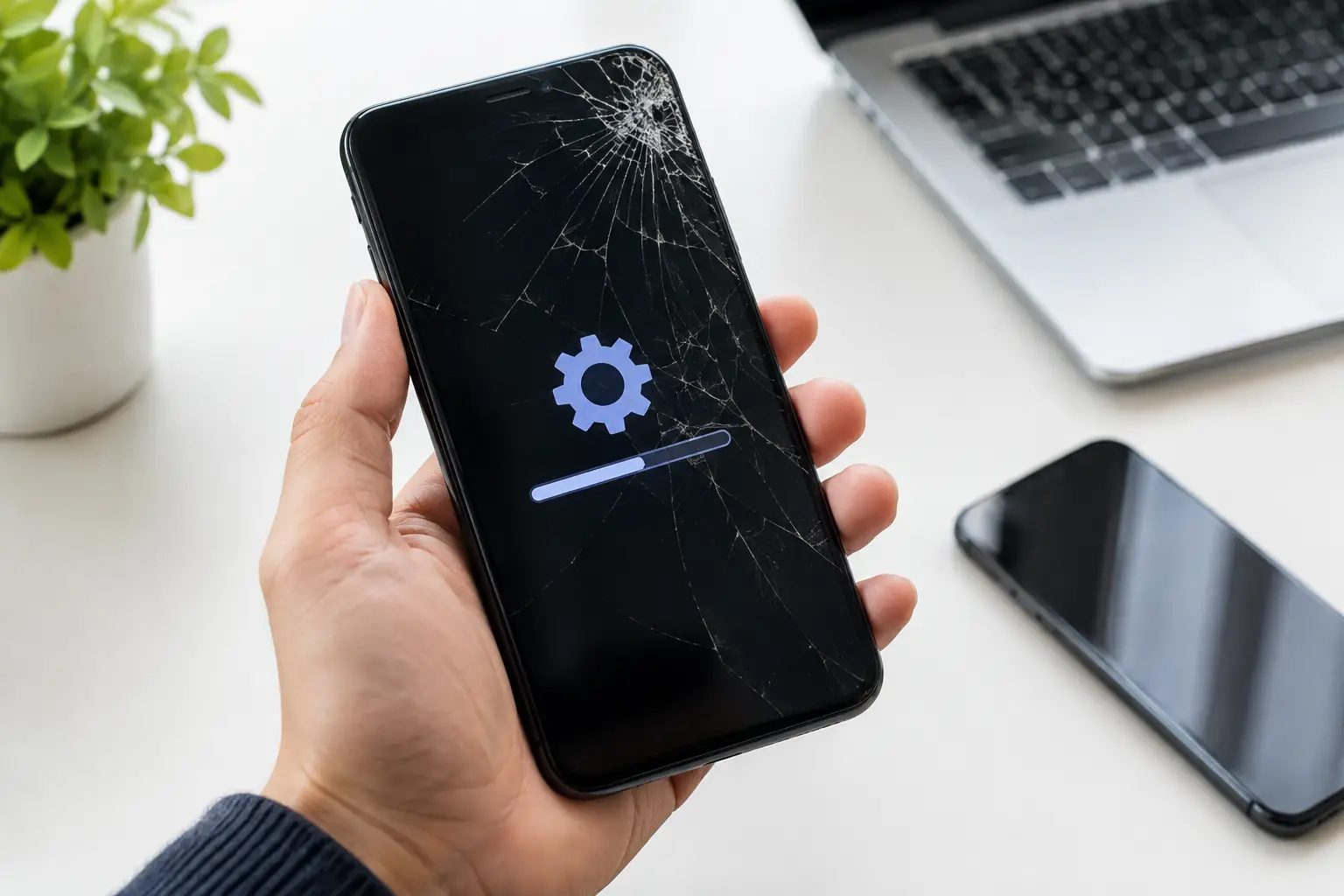
Your phone can look perfectly fine and still stop doing the things you need it to do. Apps freeze before a payment goes through, calls drop at the worst time, messages will not send, or the battery suddenly falls from 40% to 5%. Common phone software problems can feel a lot like hardware damage, but the right fix depends on what is actually causing the issue.
Before replacing a phone or assuming the worst, start with a few safe checks. Many software issues come from a stalled app, a failed update, a storage problem, or a setting that changed without you noticing. Others point to a deeper problem that needs hands-on troubleshooting.
Common Phone Software Problems You May Notice
Software is the system that makes your phone run. When it is not working correctly, the symptoms can show up almost anywhere: calls, camera, Wi-Fi, apps, charging, notifications, or battery life. The key is to notice whether the problem affects one app or the entire device.
Apps that freeze, crash, or will not open
One app refusing to open is usually not a phone-wide failure. The app may need an update, its stored data may be corrupted, or it may not work well with your current operating system version. Close the app completely, restart the phone, then check for available updates in the app store.
If the problem continues with just that app, remove and reinstall it if you can do so without losing important information. Be careful with banking, authentication, notes, and messaging apps. Make sure you know your login information and that any needed data is backed up before deleting anything.
When several unrelated apps crash at once, low storage or an incomplete system update is more likely. That is a sign to stop deleting apps at random and check the phone itself.
Slow performance and constant lag
A phone that takes several seconds to open messages, switch apps, or respond to typing is frustrating, especially when you need it for work or school. Full storage is one of the most common causes. Phones need available space to install updates, save temporary files, and keep apps running normally.
Check your storage settings and look for large videos, duplicate photos, downloaded files, and apps you no longer use. Moving photos to a trusted backup service or computer can help, but do not delete anything until you confirm it was copied successfully.
A restart can also clear temporary processes that are slowing the phone down. If the device remains slow after freeing storage and restarting, the issue may be tied to the operating system, an aging battery, or a hardware fault that only looks like a software problem.
Battery drain, overheating, or random shutdowns
Battery trouble is not always a bad battery. A poorly behaving app, background location tracking, nonstop syncing, or a recent update can make a phone run hot and lose power faster than usual. Start by checking battery usage in Settings. If one app is using an unusual amount of power, update it, limit its background activity, or remove it if you do not need it.
Overheating deserves more attention. Take the phone out of a heavy case, stop charging it, and let it cool down on a hard surface. Do not put it in a freezer or leave it in direct sunlight. If overheating happens repeatedly during light use, or the phone shuts down with plenty of battery left, it may need a diagnostic check.
A software reset can fix certain battery-reading errors. It will not repair a worn battery, liquid damage, a charging-port issue, or internal board damage. That distinction matters before you spend time trying the same reset again and again.
Wi-Fi, Bluetooth, and mobile data problems
When Wi-Fi will not connect, start simple. Turn Wi-Fi off and back on, restart the phone, and test another network if possible. If every device in the house has trouble connecting, the issue may be your router or internet service rather than your phone.
For Bluetooth problems, remove the device from your phone’s saved connections and pair it again. This often fixes earbuds, car systems, and speakers that show as connected but do not play sound. Make sure the accessory has a charge and is not still connected to another phone.
Mobile data problems can be different. Check whether Airplane Mode is on, confirm that your cellular plan is active, and restart the phone. If calls and data fail in areas where you normally have service, network settings may need to be reset. This can remove saved Wi-Fi passwords, so save those first.
Notifications that arrive late or not at all
Missed calls, delayed text alerts, and silent app notifications can create real problems for parents, workers, and small business owners. In many cases, the phone is working but a setting is blocking alerts. Focus mode, Do Not Disturb, battery saver, app notification permissions, and muted conversations are all common causes.
Check the phone-wide notification settings first, then check the individual app. Also make sure the app is allowed to run in the background. Some battery-saving settings are useful, but they can delay alerts from email, delivery, banking, and messaging apps.
Update failures and restart loops
A phone that gets stuck during an update or keeps restarting is not a problem to ignore. Do not keep forcing updates if the phone has very low storage, is overheating, or has a weak charge. Connect it to a reliable charger, allow it time to finish, and avoid interrupting the process.
If the phone restarts over and over, cannot get past the logo screen, or becomes unusable after an update, professional troubleshooting is often the safer move. A forced reset may work, but repeated attempts can risk data loss or make it harder to tell whether the issue is software, battery related, or internal hardware.
Safe Steps to Try Before a Reset
A factory reset can solve some serious software glitches, but it should be near the end of the process, not the first step. It erases personal content and settings. If your photos, contacts, two-factor authentication codes, or work files are not backed up, a reset can turn a repair problem into a data-loss problem.
Try these steps in order:
- Restart the phone and test the problem again.
- Install available system and app updates while connected to reliable Wi-Fi.
- Free up storage space, especially if the phone is nearly full.
- Check permissions, notification settings, and battery restrictions for the affected app.
- Back up important data before resetting network settings or considering a factory reset.
If one clear change caused the problem, such as installing a new app, start there. Remove that app and see whether the phone returns to normal. If the issue began after a drop, water exposure, a swollen battery, or a charging problem, software troubleshooting may not be enough.
When a Software Problem Needs Repair Help
Some phone issues are too disruptive or too risky to handle with trial and error. Get help if your phone will not turn on, is stuck in a restart loop, cannot complete an update, keeps overheating, or will not hold a charge. The same applies if you cannot access critical accounts or if a reset is the only option and you are unsure whether your data is backed up.
Be cautious with pop-ups that claim your phone has a virus and demand immediate payment or a downloaded cleaner app. Close the page, do not enter passwords, and do not install anything from the pop-up. Real device warnings usually appear through your phone’s built-in settings, not as a flashing browser message.
For Richmond customers, Excell Wireless VA can help sort out whether the problem is an app, an operating-system issue, battery trouble, charging damage, or something deeper. Bring the phone in with a clear description of what changed, when it started, and what you have already tried. That saves time and helps get to the right fix faster.
Your phone does not need to be completely dead to deserve attention. If it is getting in the way of calls, work, school, payments, or family communication, address the problem before a small glitch becomes a day without the device you rely on.
Leave a Reply