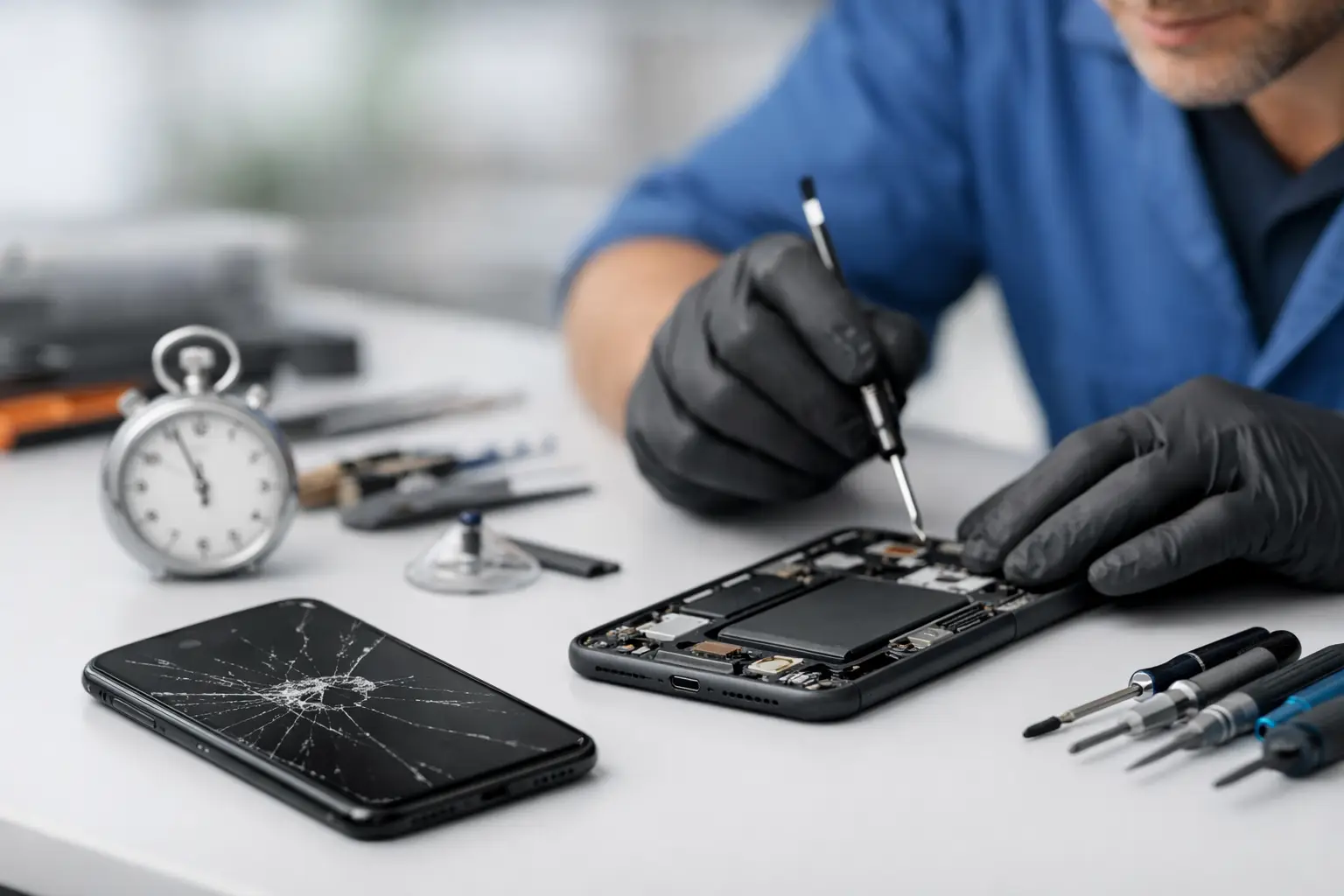
A cracked screen before work, a phone that will not charge at lunch, or a device that died after getting wet can put your whole day on hold. If you are asking how long phone repair takes, the honest answer is that it depends on the problem, the phone model, part availability, and what the technician finds after checking the device.
Many common repairs can be completed the same day. Others need more time because the issue is deeper than it first appears. A local repair shop can usually give you a clearer timeline once the phone is inspected and the correct part is confirmed.
How Long Does Phone Repair Take?
For straightforward issues, phone repair may take anywhere from 30 minutes to a few hours. Screen replacements, battery replacements, and some charging port repairs are often completed on the same day when the needed part is available.
More complicated problems can take a day or longer. Water damage, motherboard issues, repeated restarting, data recovery concerns, and problems caused by a previous repair may require careful testing before anyone can promise a completion time.
The fastest way to get a real answer is to describe the issue, share your phone model, and bring the device in for an inspection. A quote and timeline should be based on the actual condition of your phone, not a guess over the phone.
Typical Repair Times for Common Phone Problems
Cracked or broken screen
A screen replacement is one of the most common phone repairs. If the display is cracked but the phone still powers on and the replacement screen is in stock, the repair may take about 30 minutes to two hours.
A badly damaged phone can take longer. If the frame is bent, the touchscreen is not responding, the display has black spots, or the device has damage beyond the glass, the technician may need to check for additional issues. Newer phones with fingerprint sensors, face recognition components, curved displays, or tightly sealed frames can also require more careful work.
Do not wait too long with a cracked screen if glass is loose or the display is exposed. Small cracks can allow moisture and dust inside the phone, turning a simple screen repair into a larger problem.
Battery replacement
Most battery replacements are same-day repairs when the correct battery is available. In many cases, the work itself can be completed in one to two hours.
Your phone may need a battery if it drains unusually fast, shuts off at random, gets hot during normal use, or only works when connected to a charger. However, those symptoms do not always point to the battery. A charging issue, software problem, damaged charging port, or power-related board problem can create similar signs. Testing the device first helps avoid replacing a part that is not actually the cause.
If the battery is swollen, stop using the phone and do not keep charging it. A swollen battery can push against the screen or back cover and needs prompt attention.
Charging port repair
Charging problems can sometimes be resolved quickly, but the timeline depends on why the phone is not charging. Lint packed into the port may be removed during a cleaning and inspection. A damaged port that needs replacement may take a few hours, depending on the phone and part availability.
Before assuming the port has failed, try another known-good cable and wall adapter. If several chargers do not work, the cable will not fit securely, or the phone only charges at a certain angle, the port may need service. Wireless charging failing at the same time can point to a different issue, which is why diagnosis matters.
Camera, speaker, microphone, or button repair
Repairs to cameras, speakers, microphones, and buttons are often completed the same day if the part is available. The repair may take one to several hours depending on how far the phone must be opened and whether the damaged component is connected to other parts.
For example, muffled sound may be caused by debris in a speaker grill, while no sound at all can be related to the speaker, software settings, water exposure, or internal damage. A quick check can separate a simple fix from a repair that needs replacement parts.
Water damage repair
Water damage does not follow a reliable clock. A phone may stop working immediately, continue working for several hours, or appear fine before corrosion causes a problem days later. That is why water-damaged phones usually need more than a quick visual check.
Inspection and cleaning may take a day or more, especially if the device needs to be opened, dried properly, tested, and checked for damaged components. If data is important, let the repair technician know before work begins. The best repair path may be different when photos, contacts, business files, or other information need to be protected.
If your phone gets wet, turn it off if possible. Do not keep plugging it in to see whether it works, and do not use rice. Rice does not remove moisture from inside the phone and can leave dust where it does not belong. Bring it in as soon as you can.
Software and performance problems
A phone that freezes, restarts, runs slowly, will not update, or shows storage errors may need software troubleshooting rather than a physical part replacement. Some software issues can be resolved the same day. Others take longer because the device needs updates, backups, resets, or testing after the work is done.
Bring your passcode if you are comfortable providing it for testing, and know your account login information before a reset is considered. Back up your phone if it still turns on and you can access it. A reset can fix certain software problems, but it can also erase data if there is no backup.
What Can Make a Repair Take Longer?
The repair itself is only one part of the timeline. Part availability matters, especially for less common models, older phones, newer releases, foldable devices, and phones with unusual colors or storage versions. If a part needs to be ordered, the repair will take longer than a same-day service with a part already in stock.
The original damage also matters. A phone dropped face-down may have a cracked screen, but it may also have frame damage, a weak battery connection, a damaged camera, or touch issues that become clear only after the screen is removed. A good technician checks the device before and after repair rather than rushing through one visible problem.
Security features can affect timing too. Some devices require software calibration, fingerprint testing, camera testing, or other verification after a part is installed. That extra time is worth it because the goal is not simply to replace a part. The goal is to return a phone that works properly.
Shop workload can also affect turnaround. If you need your device back quickly, ask about the current repair queue when requesting a quote. A direct answer about timing is more useful than a vague promise.
How to Get Your Phone Repaired Faster
A little preparation can prevent delays. Bring the phone, any charger that may be involved in the problem, and a clear description of what happened. Mention whether it was dropped, exposed to water, repaired before, or showing an error message. Those details help narrow down the issue faster.
If possible, back up your data before service. Remove your case and accessories if they make it difficult to inspect the device. If you have a screen lock, be ready to unlock the phone for functional testing or discuss another option with the shop.
It also helps to be specific about your priority. If you need the phone for work, need data recovered, or are deciding whether repair makes sense compared with replacement, say so upfront. The right recommendation may not always be the fastest repair, but it should be the one that makes the most sense for your device and budget.
For Richmond customers dealing with a broken phone, Excell Wireless VA can inspect the issue, explain the repair options, and provide a practical timeline based on your specific device. Call, request a quote, or visit the shop with the phone in hand. The sooner the problem is checked, the sooner you can get back to calls, messages, work, and everything else your phone handles.