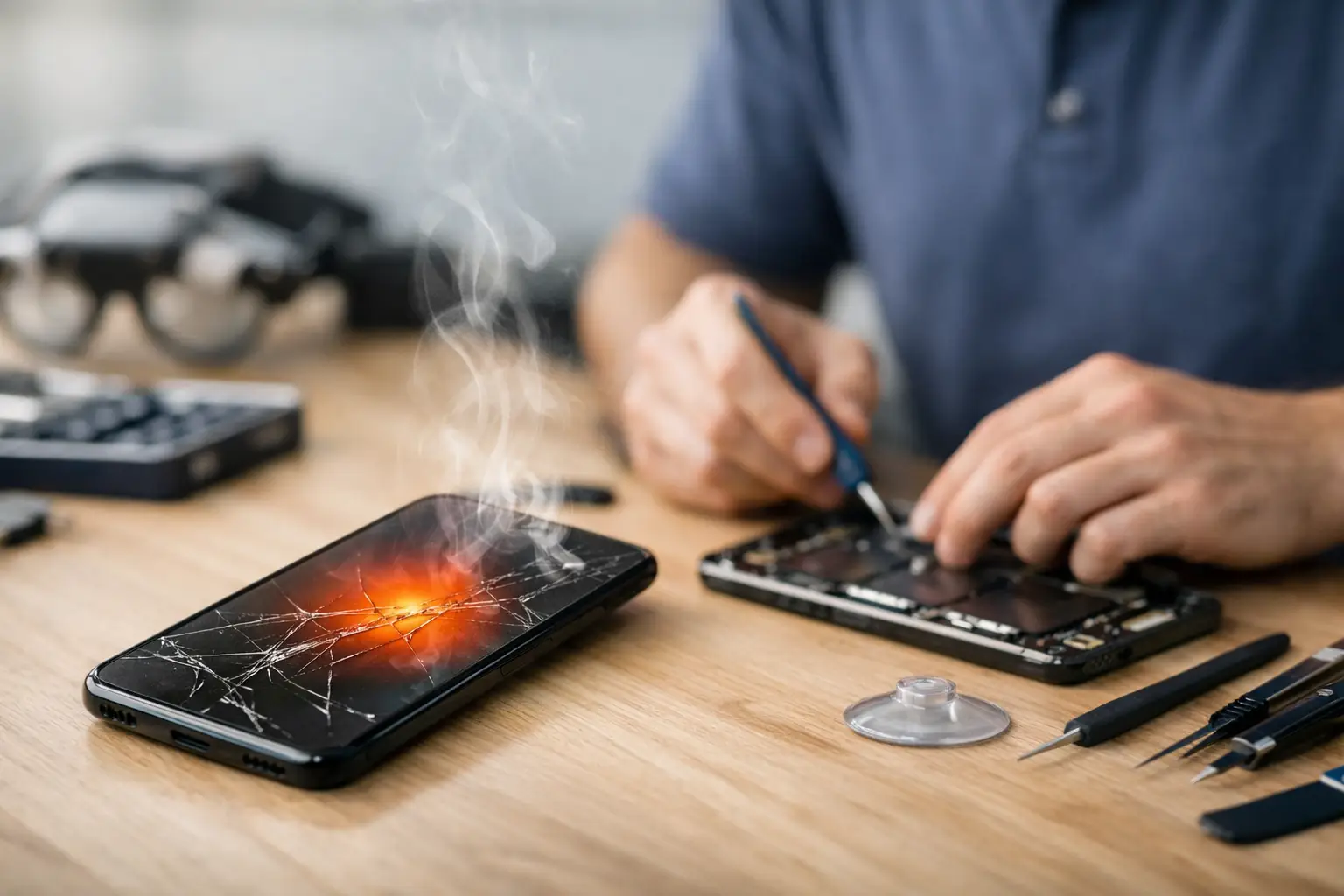
A phone that gets hot enough to make you put it down is not just annoying. It can drain the battery faster, slow down performance, damage internal parts, and leave you without the device you rely on all day. To repair a phone overheating issue, start by stopping the heat source, then look for the pattern behind it. Sometimes the fix is simple. Other times, the phone needs a battery, charging port, or internal repair before the problem gets worse.
When Phone Heat Is Normal and When It Is Not
Most phones get warm during demanding tasks. Video calls, GPS navigation, gaming, streaming, hotspot use, and fast charging all make the processor and battery work harder. A little warmth during those activities is normal, especially if the phone is inside a thick case or sitting in direct sunlight.
The concern starts when the phone stays hot after you stop using it, gets hot while sitting idle, shuts down unexpectedly, displays a temperature warning, or becomes uncomfortable to hold. Heat that appears every time you charge the phone is also a sign worth taking seriously. Repeated overheating puts extra strain on the battery and can turn a small issue into a no-power problem.
If you smell anything unusual, see a lifted screen, notice a bulging back cover, or find that the battery is swelling, stop using and charging the device. A swollen battery needs professional attention. Do not press the screen back down, puncture the battery, or try to take the phone apart at home.
What to Do Right Away
First, unplug the phone if it is charging. Remove the case, turn the screen off, and move the device away from sun, car dashboards, blankets, pillows, or other surfaces that trap heat. If it is very hot, power it off and let it cool naturally on a hard, dry surface.
Do not put a hot phone in a refrigerator or freezer. Fast temperature changes can create moisture inside the device, which may cause more damage than the original heat problem. Letting it cool at room temperature is slower, but safer.
Once the phone has cooled, restart it before using it again. A restart can stop a stuck app or background process that is forcing the processor to run continuously. If the phone heats up immediately after restarting, even when you are not using it, that points to a deeper battery, software, or hardware issue.
Check Charging Equipment Before You Blame the Phone
A bad cable, damaged charging brick, or loose charging port can cause heat during charging. Look closely at the cable for bent ends, exposed wires, discoloration, or a connector that feels loose. Replace damaged accessories rather than continuing to use them.
Try a known-good charging cable and wall adapter that match your phone’s charging requirements. Cheap or worn-out accessories can deliver inconsistent power. That can make the phone work harder to charge, create excess heat, and eventually damage the charging system.
Also check the charging port. Pocket lint and debris can keep the cable from seating correctly, leading to intermittent charging and heat. Do not dig into the port with metal tools. A repair technician can safely inspect and clean the port if the connection feels loose or the phone only charges at certain angles.
Watch for Heat During Wireless Charging
Wireless charging naturally produces more heat than a wired connection because power is transferred through the charging pad instead of directly through a cable. A slightly warm phone may be normal. A phone that becomes very hot, repeatedly disconnects, or stops charging is not.
Remove thick cases, magnetic attachments, cards, and metal accessories before using a wireless charger. Make sure the phone is centered on the pad. If the issue happens only with wireless charging, try a wired charger. If it happens with both, the battery or charging hardware may need inspection.
Find the App or Setting Causing the Heat
If overheating began after installing an app, updating your phone, or changing a setting, the cause may be software. Check battery usage in your phone settings to see which apps are using the most power. Social media apps, navigation apps, games, video apps, and apps that constantly access location services are common sources of battery drain and heat.
Close apps you are not using, update the apps that use the most battery, and delete any app that seems suspicious or continues running heavily in the background. Turning down screen brightness, disabling Bluetooth when you do not need it, and limiting background refresh can reduce heat while you troubleshoot.
Software updates can help, but timing matters. If the phone is already hot, cool it down before installing anything. Keep the phone connected to reliable Wi-Fi, make sure there is enough storage available, and back up important data when possible. A failed update or nearly full storage can create performance problems that feel like an overheating issue.
If the heat started immediately after an update and persists for more than a day or two, a technician can help determine whether the phone needs a software reset, data backup, or hardware diagnosis. Resetting a phone without a backup can create a different emergency, especially if you need photos, messages, banking access, or work files.
Environmental Heat Can Push a Phone Over the Edge
Richmond summers can be tough on phones left in a car, used outside, or mounted on a dashboard for navigation. Direct sun heats the phone from the outside while GPS, cellular data, and a bright screen create heat from the inside. That combination can trigger a temperature warning fast.
Keep the phone out of direct sun when possible. For navigation, place it near an air vent but do not block the vent or let cold air blow directly onto a wet device. If you need GPS for a long trip, lower the screen brightness, close other apps, and use a wired charger only if the phone is not already overheating.
Poor cell service can also cause heat. When your phone struggles to hold a signal, it uses more power searching for a connection. In a low-signal area, switching to airplane mode temporarily or connecting to Wi-Fi can reduce battery drain.
When You Need Professional Phone Overheating Repair
A phone that overheats once after a long gaming session may just need a break. A phone that overheats every day, gets hot while charging, loses battery quickly, shuts off at random, or has a swollen battery needs more than a settings change.
The underlying problem may be an aging battery, liquid damage, a failing charging port, a damaged charging circuit, or an internal component drawing too much power. These issues cannot be confirmed by looking at the outside of the phone. A proper diagnosis checks how the device charges, how the battery performs, and whether heat is coming from a specific internal area.
This is especially important after a drop or water exposure. A phone can appear to work normally at first, then develop heat, charging, or battery problems days later. Continuing to charge it heavily can make the damage spread.
For customers in Richmond, Excell Wireless VA can inspect overheating phones and help identify the practical next step. Bring the phone in with its charging cable if the heat happens during charging. Tell the technician when the overheating started, what you were doing when it happened, and whether the device has been dropped, exposed to water, or repaired before. Those details can speed up the diagnosis.
Protect the Battery After the Repair
Once the issue is fixed, a few habits can help the battery last longer. Avoid charging under pillows or blankets, do not leave the phone in a hot car, and replace worn cables instead of bending or taping them. Use a case that does not trap excessive heat during heavy use, and give the phone a break if it becomes warm during games, video calls, or navigation.
Your phone should be a tool you can count on, not something you have to watch for temperature warnings. If the heat keeps returning after basic troubleshooting, get it checked before a weak battery or charging problem leaves you with a phone that will not turn on.