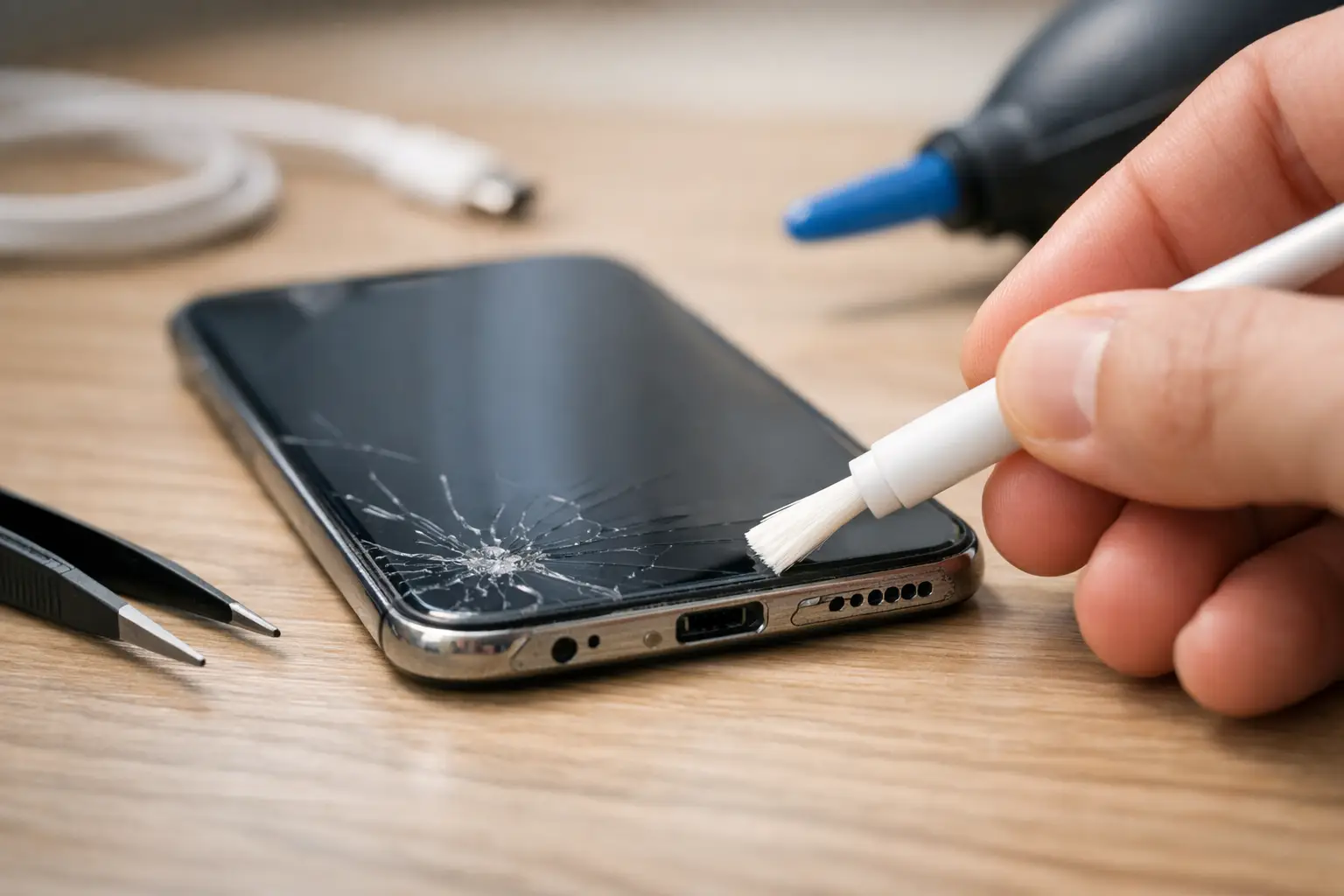
Your phone may not need a new battery or a new charger. Sometimes the cable will not click into place because the charging port is packed with pocket lint. A clean charging port can fix loose connections, slow charging, and the frustrating cycle of plugging in your phone only to see it stop charging a few minutes later.
The key is to clean it carefully. Charging ports contain small internal pins that can bend, break, or corrode. A quick fix with the wrong tool can turn a simple lint problem into a repair. Start with the safest steps, then know when it is time to stop and bring the device in.
Signs Your Charging Port Needs Attention
Look at how your charging cable fits. A healthy cable should slide in firmly and sit securely. If it feels loose, falls out with a small bump, or only charges when held at a certain angle, debris may be blocking the connector from seating all the way.
Other common signs include intermittent charging, a phone that charges very slowly with a known-good cable, or a charging notification that comes and goes when you move the device. Lint is especially common on phones that spend a lot of time in jeans pockets, purses, backpacks, cars, or work environments with dust and debris.
Still, lint is not the only possibility. The cable may be worn, the charging block may be failing, the battery may have a problem, or the port itself may be damaged. Cleaning is a sensible first check, not a guarantee that every charging issue will disappear.
How to Clean a Charging Port Safely
First, turn the device completely off. Disconnect the charging cable and remove any case that makes it hard to inspect the bottom of the phone. Use a bright light and look directly into the port. You may see a compact layer of gray, black, or tan material at the bottom. That is often lint compressed by repeated cable insertions.
Use a dry, nonmetal tool with a fine tip, such as a plastic dental pick, a nylon electronics-cleaning tool, or a wooden toothpick trimmed to fit carefully. Work slowly around the inside edges of the port. The goal is to lift loose debris out, not scrape hard against the center contacts.
Keep the phone angled downward while you work so debris can fall out instead of being pushed farther inside. Make a few gentle passes, then tap the phone lightly against your hand and inspect the port again. It can take more than one attempt because lint is often packed tightly at the back.
Once the port looks clear, reconnect your cable. It should insert more fully and feel more secure. If it still will not seat correctly, do not force it. Forcing a cable into a blocked or damaged port can make the problem worse.
What Not to Use
Avoid anything metal, including paper clips, sewing needles, safety pins, tweezers, and knife tips. Metal can scratch the port, bend the connector pins, and create an electrical short if the device is not fully powered down.
Do not pour liquid, household cleaner, or rubbing alcohol directly into the port. Moisture and electronics are a bad combination, and liquids can move debris deeper into the device. Compressed air can also be risky when used too close or too forcefully because it may push lint inward or introduce condensation.
A cotton swab is usually too large for a phone port. Cutting one down can leave cotton fibers behind, creating a second blockage. When in doubt, use a purpose-made nonmetal tool or leave the cleaning to a repair technician.
Check the Charger Before Blaming the Port
A clean-looking port does not automatically mean the port is the issue. Test your phone with another charging cable and wall adapter that you know work properly. Cables often fail near the connector ends, especially if they have been bent, pulled, or used in a vehicle every day.
Try a different power outlet too. If the phone charges normally with another cable, replace the cable instead of attempting more cleaning. If it charges with wireless charging but not with a wired cable, that points more strongly to the port, although the cable and adapter should still be ruled out first.
For USB-C devices, inspect both sides of the cable connector. Dirt, bent metal, discoloration, or a loose connector can create the same symptoms as a blocked phone port. For Lightning devices, check for black marks, corrosion, or visible wear on the connector tip.
When Cleaning Will Not Solve the Problem
Stop trying to clean the port if you see bent pins, a broken piece of cable inside, green or white corrosion, burn marks, or moisture. Those signs call for professional inspection. Continuing to poke around can damage components that are much more difficult to replace.
A repair is also likely needed if the phone only charges at a very specific angle after debris has been removed. That can indicate worn or damaged contacts inside the port. The same goes for a device that gets hot while charging, repeatedly shows a moisture warning, shuts off when connected to power, or does not recognize any charger at all.
Water exposure changes the situation. Even if the phone seems dry on the outside, moisture can cause corrosion inside the charging assembly over time. Do not plug in a wet device to test it. Power it off if possible, let it dry in a ventilated area, and have it checked if there is any concern about liquid damage.
A Few Habits That Keep the Port Clear
Charging-port lint builds up slowly, so prevention is mostly about where the phone lives. Keep your phone out of loose, dirty pockets when possible, and avoid leaving the port exposed on dusty surfaces. If you work around construction dust, food particles, pet hair, or debris, a protective case with a port cover may be worth considering.
Do not pull the cable out by yanking the cord. Grip the connector instead. This reduces wear on both the cable and the internal port contacts. It also helps to use a charger that fits correctly. A loose, off-brand, or damaged connector can wear down the port faster than normal use.
You do not need to clean the port every week. Check it when the cable begins to feel less secure or charging becomes inconsistent. Cleaning too often or too aggressively creates more risk than benefit.
Get Help for a Charging Problem That Will Not Quit
If you have carefully removed visible debris, tested another cable and adapter, and your device still will not charge reliably, the issue may be more than a dirty port. A technician can inspect the connector, test charging behavior, check for battery or power issues, and determine whether the port needs cleaning, repair, or replacement.
For Richmond customers, Excell Wireless VA can help troubleshoot charging problems across many phone brands and personal devices. Bring the device and the charger you normally use so the issue can be tested under the same conditions that caused the problem.
Your phone should not require a perfect cable angle, constant unplugging, or a daily fight to stay charged. If a careful cleaning does not restore a firm connection, getting it checked early can prevent a small charging issue from becoming a device you cannot use when you need it most.