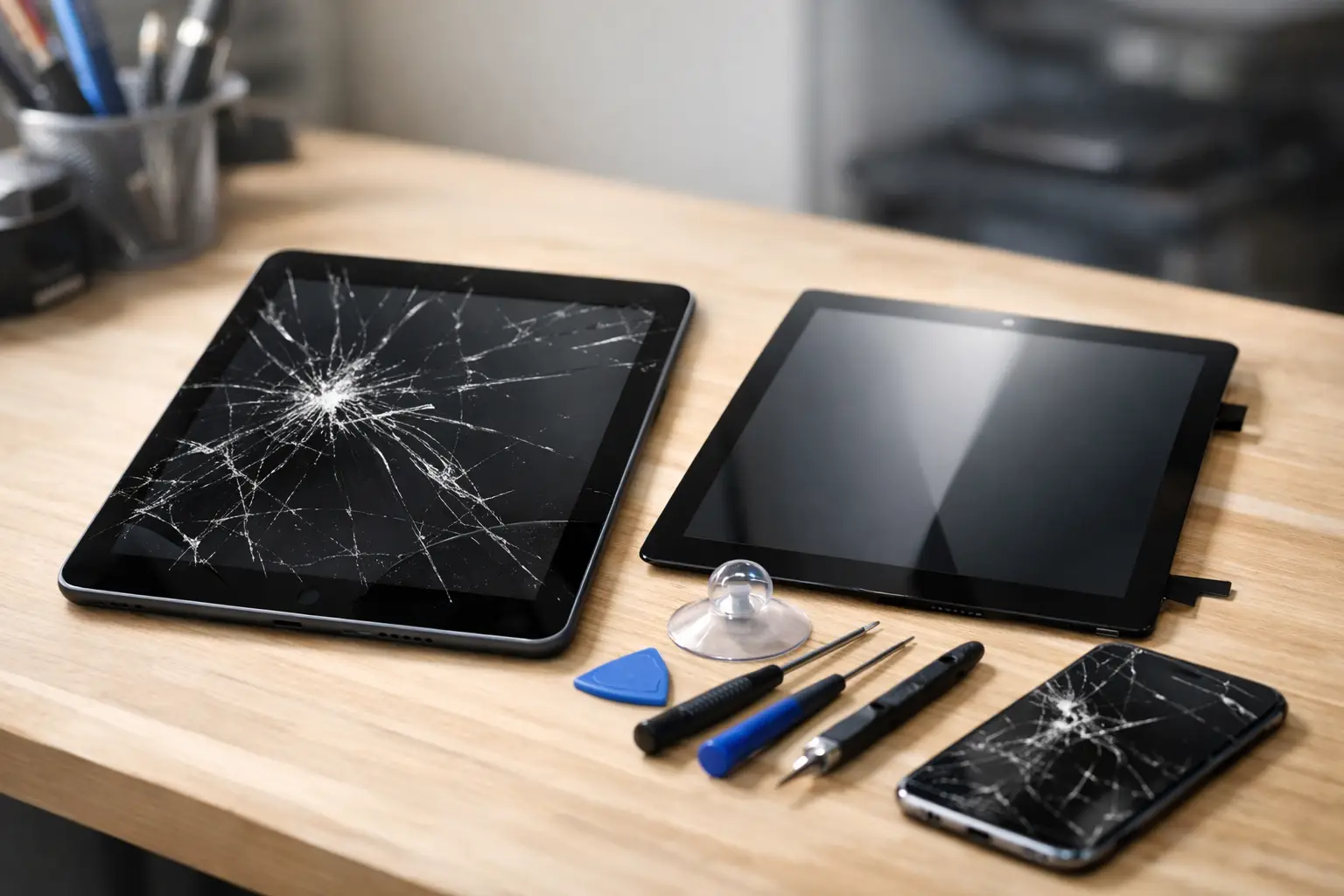
A cracked tablet can turn a simple task into a frustrating one. If you need to repair tablet screen damage, the right next step depends on more than the crack itself. A small chip in the corner may be mostly cosmetic. Black spots, flashing lines, dead touch areas, or exposed glass usually mean the problem is deeper and should be checked before it gets worse.
Tablets are used for schoolwork, business, streaming, banking, video calls, and keeping kids occupied on the go. When the screen is damaged, waiting can cost more than just convenience. A cracked surface can spread, moisture can reach internal parts, and sharp glass can become a safety issue.
When You Should Repair a Tablet Screen
A screen repair is often worth it when the tablet still powers on, holds a charge, and works normally aside from the display. This is especially true for newer tablets or devices with enough storage and speed to handle what you use them for every day.
The type of damage matters. Tablet screens are usually made up of several layers: the outside glass, the touch digitizer that registers taps and swipes, and the display underneath. On some models, one damaged layer can be replaced. On others, the complete screen assembly needs replacement. That is why two tablets with similar-looking cracks can have very different repair costs.
Bring the tablet in for an assessment if you notice any of these issues:
- Cracks that are spreading across the glass
- Touch controls that respond slowly, randomly, or not at all
- Black blotches, colored lines, flickering, or a dim display
- Glass lifting away from the frame
- Cuts or sharp edges around the damaged area
- A screen that stays black even though the tablet makes sounds or vibrates
A screen with only surface cracks may remain usable for a short time, but it is still vulnerable. Every tap puts pressure on the damaged glass. A case and screen protector may help prevent a crack from spreading temporarily, but they do not repair the screen.
What a Tablet Screen Repair Can Fix
A professional tablet screen repair can address more than visible cracks. If the display is working but touch input is failing, the digitizer may be damaged. If the screen has dark areas, vertical lines, or no picture at all, the LCD or OLED display may need replacement. If the tablet has been dropped hard, the frame may also need attention so a replacement screen can sit correctly.
This is why a quick visual inspection is useful, but it is not always enough. A technician may test touch response, charging, cameras, buttons, speakers, and the device frame before recommending a repair. A drop that breaks the screen can also loosen a connection inside the tablet.
For most customers, the goal is simple: get the device back to normal without paying for work it does not need. A proper diagnosis helps separate a screen-only problem from a larger issue.
Glass Damage vs. Display Damage
You may be able to see the difference yourself. If you can clearly see the image underneath the cracks, and every part of the screen responds to touch, the damage may be limited to the outer glass. If the image is distorted or touch stops working in certain spots, the repair is likely more involved.
Do not press hard on a screen with black spots or rainbow-colored lines. That pressure can enlarge the damaged area. Also avoid using household glue to hold loose glass in place. Glue can seep into buttons, ports, microphones, or the display layers, creating a more difficult repair.
Is It Better to Repair or Replace the Tablet?
There is no one answer for every device. Repair usually makes sense when the tablet is relatively recent, meets your needs, and has no major problems besides the screen. It can also be the better choice when replacing the device would mean setting up a new tablet, transferring files, buying accessories again, or replacing apps and accounts used for work or school.
Replacement may make more sense when the tablet is already slow, has battery trouble, will not charge reliably, or has damage beyond the screen. An older entry-level tablet with a broken display and failing battery may not be a practical repair. On the other hand, a premium tablet with a damaged screen can often be worth fixing because the replacement cost is much higher.
Before deciding, consider the tablet’s age, model, storage capacity, condition of the battery, and what you would spend on a comparable replacement. A quote based on your exact device is more useful than a generic online estimate.
What Affects the Cost to Repair a Tablet Screen?
Screen repair pricing depends on the tablet, not just the size of the crack. Apple iPads, Samsung Galaxy Tabs, Amazon Fire tablets, Lenovo models, and other brands use different parts and repair designs. Some screens are easier to remove than others. Parts availability also affects the final quote.
The biggest cost factors are usually the model, the type of display, whether the glass and display are separate, the severity of the damage, and any frame damage. A large tablet with a high-resolution display generally costs more to repair than a basic compact model. Water exposure or a bent frame can add work because a new screen may not fit safely until those issues are addressed.
Be ready to provide the exact model when asking for a quote. You can often find it in the tablet settings, on the back of the device, or near the charging port. If the screen will not turn on, bring the tablet with you. A technician can help identify it.
Protect Your Data Before Screen Service
If your tablet still works, back it up before bringing it in. Save photos, documents, notes, and school files to your preferred cloud account or a computer. A screen repair normally does not require data removal, but backups are always a smart move before any device service.
If you use a passcode, make sure you know it. The technician may need access to test touch response, cameras, speakers, and other functions after the repair. For some devices, you may be able to use a temporary passcode or remain nearby during testing. Ask what is needed when you request service.
Do not factory reset the tablet unless you are specifically advised to do so. A broken screen is usually a hardware issue, and resetting the device will not fix a cracked display or failed touch layer. It can also make recovering your files more difficult.
How to Avoid More Damage While You Wait
Handle a cracked tablet carefully. Keep it away from water, pockets or bags with loose keys, and places where it can be stepped on. If glass is missing or lifting, place the device in a protective case and avoid letting children use it until it is repaired.
A screen protector can help contain small cracks and reduce the chance of cuts, but it is a temporary measure. Do not place tape directly over damaged areas if the tablet is overheating, swelling, or showing signs of battery damage. If the screen is separating from the frame and the tablet looks swollen, stop charging it and have it checked promptly.
After the repair, a fitted case and tempered glass protector can make a real difference. They cannot prevent every accident, but they help absorb impact and protect the screen from everyday wear.
Get a Clear Answer Before You Commit
You do not need to guess whether your tablet is worth saving. Bring the device in or request a quote with the brand, model, and a clear description of what happened. Excell Wireless VA serves Richmond, Virginia with practical help for tablets and other personal electronics.
A damaged screen does not always mean you need a new tablet. Get the issue checked, understand the repair options, and choose the fix that makes sense for how you use your device.