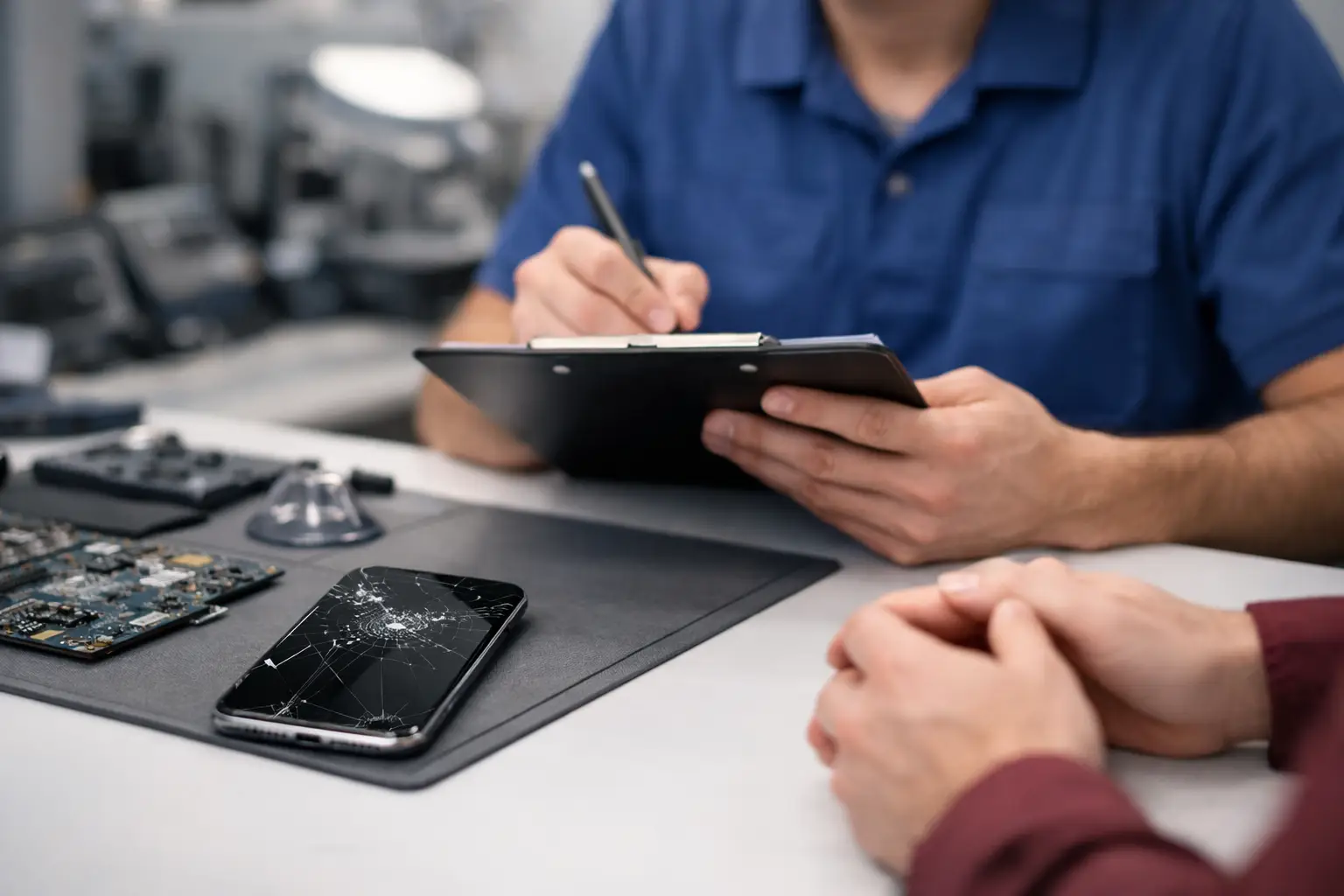
A cracked screen is obvious. A phone that will not charge, keeps restarting, or has no sound is not. That is why the device repair estimate process starts with the problem you are seeing, not a random price pulled from a list. A useful estimate gives you a clear next step: repair it, wait on a part, or decide the repair is not worth the cost.
For most customers, the goal is simple. You need to know what is wrong, how much it may cost, and how soon you can get your device back in working order. The faster and more accurately you can describe the issue, the easier it is for a repair shop to guide you.
How the Device Repair Estimate Process Usually Works
An estimate is not just a price. It is a short decision process that helps identify the device, narrow down the likely cause, and determine what parts or labor may be needed.
It often begins before you walk in. When you request a quote or call, share the device brand and model, the issue, and when it started. For example, saying your phone has a broken screen is helpful. Saying the screen cracked after a drop, still lights up, but the touch function only works in some areas gives the technician much more to work with.
At the shop, the device may need a quick inspection or diagnostic check. Some problems have a clear repair path, such as a damaged display, worn charging port, weak battery, or broken camera lens. Other issues need more testing. A device that will not turn on could have a battery problem, charging problem, damaged screen, software issue, or internal board damage.
Once the likely repair is identified, you should receive guidance on the expected repair, estimated cost, parts availability, and possible turnaround time. If additional damage is found during the repair, a reputable shop should explain the change before moving ahead with work that affects the original estimate.
What Changes a Repair Estimate
Two phones can have the same visible issue and still need different repairs. The model matters, the extent of damage matters, and the device’s history matters.
Newer or less common models can require parts that cost more or take longer to source. A cracked screen on one model may only need the display replaced. On another, the damage may also affect the frame, fingerprint reader, front camera, or touch layer. That changes both the part needed and the labor involved.
Water damage is another situation where estimates can require more caution. Even if a phone powers on after getting wet, corrosion can develop later. A technician may be able to identify visible damage and provide repair options, but no one should promise that every liquid-damaged device will be fully recoverable. The value of the device, the age of the device, and the condition of your data all affect the best choice.
Software issues can also take more diagnosis than physical damage. A phone that freezes after an update may be fixed through troubleshooting. But if the same symptoms are caused by failing storage or board damage, the repair path is different. This is why an honest estimate sometimes starts as a range until testing confirms the cause.
Give the Shop the Details That Matter
You do not need to know technical terms. Plain details are enough. A few specific facts can save time and help avoid a misleading quote.
Before requesting an estimate, have these details ready:
- The device brand, model, and storage size if you know it
- What happened before the issue began, such as a drop, spill, update, or charging problem
- What the device does now, including lights, sounds, vibration, screen behavior, or error messages
- Whether it has been repaired before or has a replacement screen, battery, or charging port
- Whether the device contains important data you need to protect
Photos can help for visible damage, especially broken screens, bent frames, cracked backs, or damaged charging ports. For issues that cannot be seen, describe what happens in order. For instance, explain whether the phone charges only at a certain angle, gets hot, shuts off at a certain battery percentage, or works normally until you open a particular app.
Small details matter because they help separate a likely screen repair from a power issue, or a charging cable problem from a damaged port.
A Quote Is Helpful, but Diagnosis Can Matter More
A fast quote is useful when the issue is clear. If you have an exact model and a clearly broken display, a shop can often provide meaningful pricing guidance right away. But a quote based only on a short description is not always a final diagnosis.
That is not a runaround. It is the difference between guessing and repairing the correct problem. Replacing a battery will not fix a phone that has internal charging circuit damage. Installing a new screen will not solve a device that is turning on but has a software failure.
Ask whether the estimate is based on the reported issue or an in-person inspection. Ask what the stated price includes and whether parts need to be ordered. If there is a chance the price could change after testing, ask what would cause that change and whether you will be contacted before additional work begins.
This keeps you in control of the decision. You should not feel pressured to approve a repair before you understand what is being repaired and why.
Think About Repair Value, Not Just Repair Price
The lowest price is not always the best value, and the highest repair price does not automatically mean you should replace the device. The practical question is whether the repair gives you enough usable life for the money.
A battery replacement on a phone you otherwise like can be a sensible choice. A screen repair can be worth it if the phone still meets your needs and replacing it would cost much more. On the other hand, a major repair on an older device with multiple issues may not be the right move, especially if storage is full, performance is already slow, and the battery is weak.
Data can change that decision. If your photos, contacts, work files, authentication apps, or messages are not backed up, getting the phone working long enough to recover important information may be worth more than the device itself. Tell the technician if data recovery is a priority before repair work starts.
Questions Worth Asking Before You Approve
A good estimate should be easy to understand. You do not need a long technical explanation, but you should know the basics: what repair is recommended, what it will cost, and what timing to expect.
Ask whether the problem appears limited to one part or whether there may be additional damage. Ask if the part is available now or needs to be ordered. If your device is needed for work, school, banking, or family communication, ask whether there is anything you should do before leaving it, such as backing it up or removing sensitive information if the device still functions.
It is also reasonable to ask what testing will be done after the repair. A screen replacement should involve more than checking that the display turns on. Touch response, charging, cameras, speakers, microphones, buttons, and basic connectivity may all be relevant depending on the repair.
Make Your Drop-Off Easier
If your device is still usable, back it up before you bring it in. Bring the device itself and any accessories directly related to the problem, such as the charger that only works intermittently. You generally do not need to bring every case, cable, or box you own unless the shop asks for it.
Remove the case if it is badly damaged or makes it hard to inspect the phone. If you use a passcode, be prepared to discuss access needed for testing. Some repairs can be completed without full access, but testing functions after repair may require you to enter the passcode yourself or provide temporary access. Use the approach you are comfortable with and ask how your information will be handled.
For Richmond customers dealing with a phone problem that cannot wait, Excell Wireless VA can start with the basics: tell the shop what device you have, what it is doing, and what happened before the trouble began. That makes the estimate faster and more useful.
The best repair estimate is not the one that sounds quickest. It is the one that gives you a realistic repair path, clear approval choices, and enough information to decide what makes sense for your device.