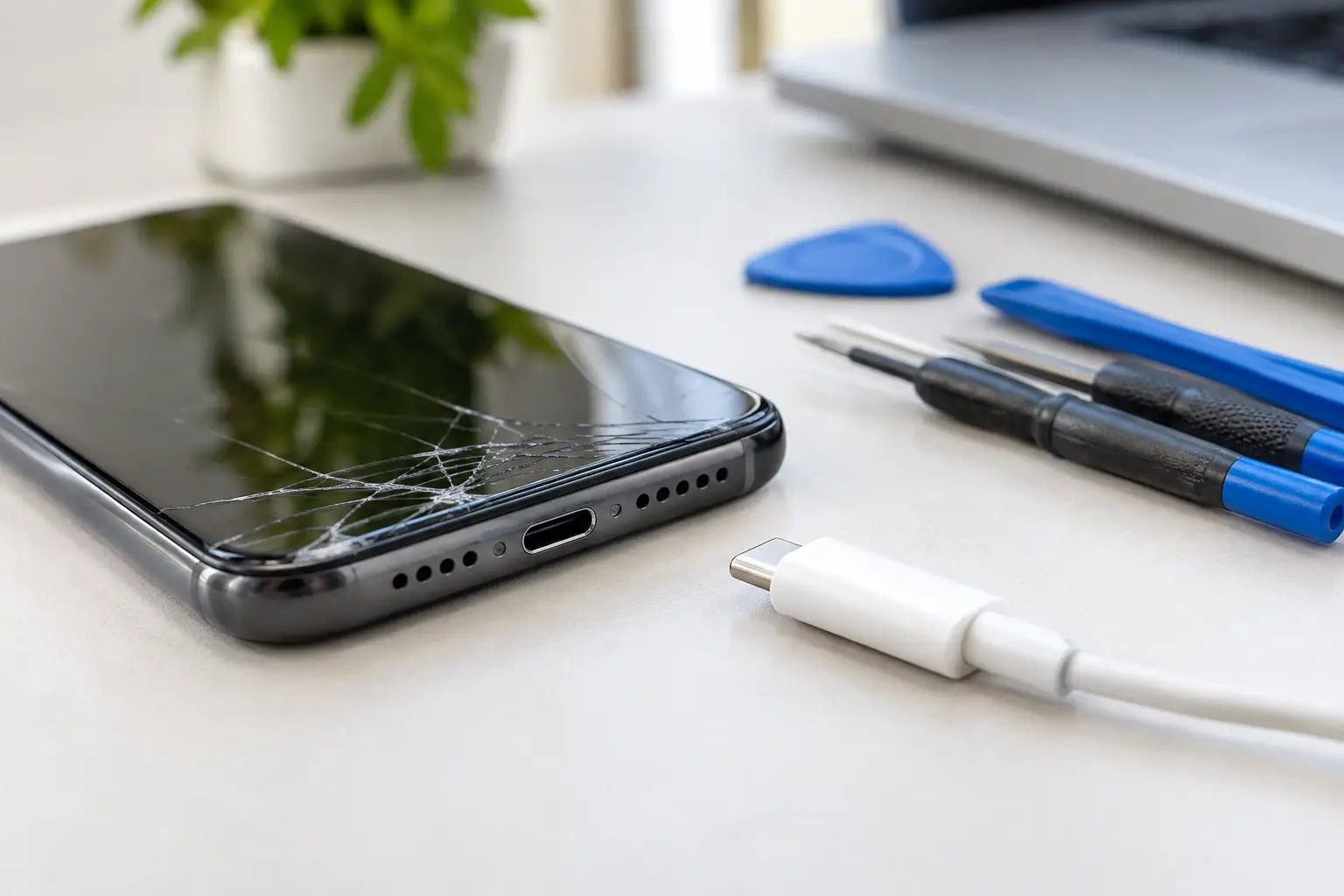
A phone that only charges at a certain angle can turn a normal day into a headache. If you are asking, “can charging port be repaired?” the short answer is usually yes. The right fix depends on whether the port is dirty, worn out, loose, damaged by moisture, or affected by another power problem inside the device.
Before you replace your phone or keep buying new cables, it makes sense to have the issue checked. Many charging problems are repairable, and a local technician can tell you whether your device needs a careful cleaning, a charging port replacement, or a different repair altogether.
Can a Charging Port Be Repaired on Your Device?
In many cases, yes. Charging ports are small but hard-working parts. Every time you plug in a cable, the connector experiences a little pressure and wear. Lint from a pocket or bag can pack into the port. A bent cable tip can damage the internal pins. Drops, liquid exposure, and ordinary use can also cause the port to stop making a reliable connection.
A repair may be as simple as removing compacted debris. If the internal connector is broken or detached, the port may need to be replaced. On many phones, tablets, game systems, and other electronics, that is a routine repair for an experienced technician. On some models, the charging port is attached to a larger board or connected near other sensitive components, so the repair can be more involved.
That is why a proper diagnosis matters. A device that will not charge does not always have a bad charging port.
Signs the Charging Port May Be the Problem
A damaged or dirty port often gives clear warning signs. Your cable may feel loose instead of clicking into place. The device may start and stop charging when the cable moves. You might need to hold the connector in a specific position, or charging may become unusually slow.
Look closely with a light, but do not force anything into the opening. If you can see lint, dust, corrosion, or a visibly bent piece of metal, the port deserves professional attention. A burning smell, unusual heat, discoloration, or a port that looks melted is more serious. Stop charging the device and have it inspected as soon as possible.
It is also possible for the cable to be the real issue. Try a known-good cable and wall adapter that are compatible with your device. If charging works normally with another set, you may not need a port repair at all.
What You Can Safely Check First
There are a few basic checks worth trying before bringing your device in. Restart the phone or tablet, then test a different outlet, charging brick, and cable. Inspect the cable ends for damage, especially if the connector is bent, loose, blackened, or frayed.
If your device supports wireless charging, test that option. If it charges wirelessly but not by cable, the charging port or related hardware becomes a more likely cause. If it will not charge either way, the battery, charging circuit, software, or motherboard may need to be checked.
Avoid using metal tools, pins, knives, or paper clips to dig into a charging port. It is easy to bend the internal contacts or create a short. Compressed air can also push debris farther in or introduce moisture. A careful professional cleaning is safer when lint is packed tightly at the bottom of the port.
When a Cleaning Is Enough and When Replacement Is Needed
Pocket lint is one of the most common reasons a cable will not stay connected. It can form a dense layer that keeps the plug from reaching the contacts. In that situation, a technician may be able to clean the port and restore normal charging without replacing parts.
Replacement is more likely when the port is physically loose, the center tab is cracked, internal pins are bent, or charging cuts in and out after cleaning. Liquid damage can also corrode the contacts. Corrosion does not always show up immediately, either. A phone may work for days after getting wet before it begins to charge poorly or lose power unexpectedly.
Some devices use a separate charging board, which can make replacement more straightforward. Others have the port soldered to the main board. Those repairs require more labor and precision, which can affect price and turnaround time. The age and value of the device also matter. Replacing a port on a newer phone is often worthwhile. On an older device with battery, screen, and power issues, it may be smarter to compare repair costs before moving ahead.
Do Not Ignore These Charging Port Warnings
A weak connection can be frustrating. A hot charging port can be unsafe. Stop using the device with a cable if you notice overheating, smoke, sparks, a burned odor, swelling, or melted plastic. Do not keep wiggling the cable to force a charge.
These signs can point to a damaged port, a failing cable, a bad adapter, or an internal electrical problem. Continued charging may worsen the damage. If the battery is swollen, do not press on the screen or try to open the device yourself. Get help promptly.
Water exposure deserves the same caution. Do not plug in a wet device just to see whether it works. Power flowing through moisture can cause additional damage. Turn the device off if possible and have it evaluated.
What Happens During a Professional Repair?
A good repair starts with testing, not guessing. The technician checks charging behavior with known-working equipment and examines the port for debris, broken contacts, and corrosion. They may also test battery health, charging current, and the device’s response to a power source.
If cleaning resolves the issue, that is the simplest outcome. If the port needs replacement, the device is opened, the damaged component is removed, and the new part is installed. The phone or device should then be tested for stable charging and data connection where applicable. USB-C, Lightning, and other ports can carry both power and data, so a repair should address more than whether the battery icon appears.
Back up your device before any repair if it still powers on. Most charging port repairs do not require data removal, but a backup is always a smart precaution when a device is being serviced. Remove cases, bring the charging cable if it seems relevant, and explain when the problem started. Details like a recent drop, liquid spill, or charging warning can help speed up diagnosis.
Is Charging Port Repair Worth It?
For most people, it is worth getting a quote before replacing a device. A port repair can cost far less than buying a new phone, especially when the screen, battery, and overall performance are still in good shape. It can also prevent the hassle of transferring photos, apps, passwords, and work information to another device.
The decision changes if the device has several expensive problems at once. An older phone with a cracked screen, weak battery, serious water damage, and a failed charging port may not be the best repair investment. A technician can explain the likely repair path so you can make a practical choice rather than spending money blindly.
If your device is still under a manufacturer warranty or has insurance coverage, review those options too. Independent repair can be a convenient choice for many out-of-warranty devices, particularly when you want local help without shipping your phone away.
Get a Clear Answer Before Your Battery Dies
Do not wait until your phone only holds enough power for one call. Charging problems rarely fix themselves, and forcing a cable into a damaged port can turn a small issue into a larger one. For Richmond customers dealing with a loose cable, slow charging, or a device that will not power up, Excell Wireless VA can inspect the problem and provide guidance based on what the device actually needs.
Bring the device in or request a quote with the model, symptoms, and any recent drop or water exposure. A clear diagnosis is the fastest way to find out whether a simple cleaning, a charging port repair, or another fix will get you powered back up.
Leave a Reply