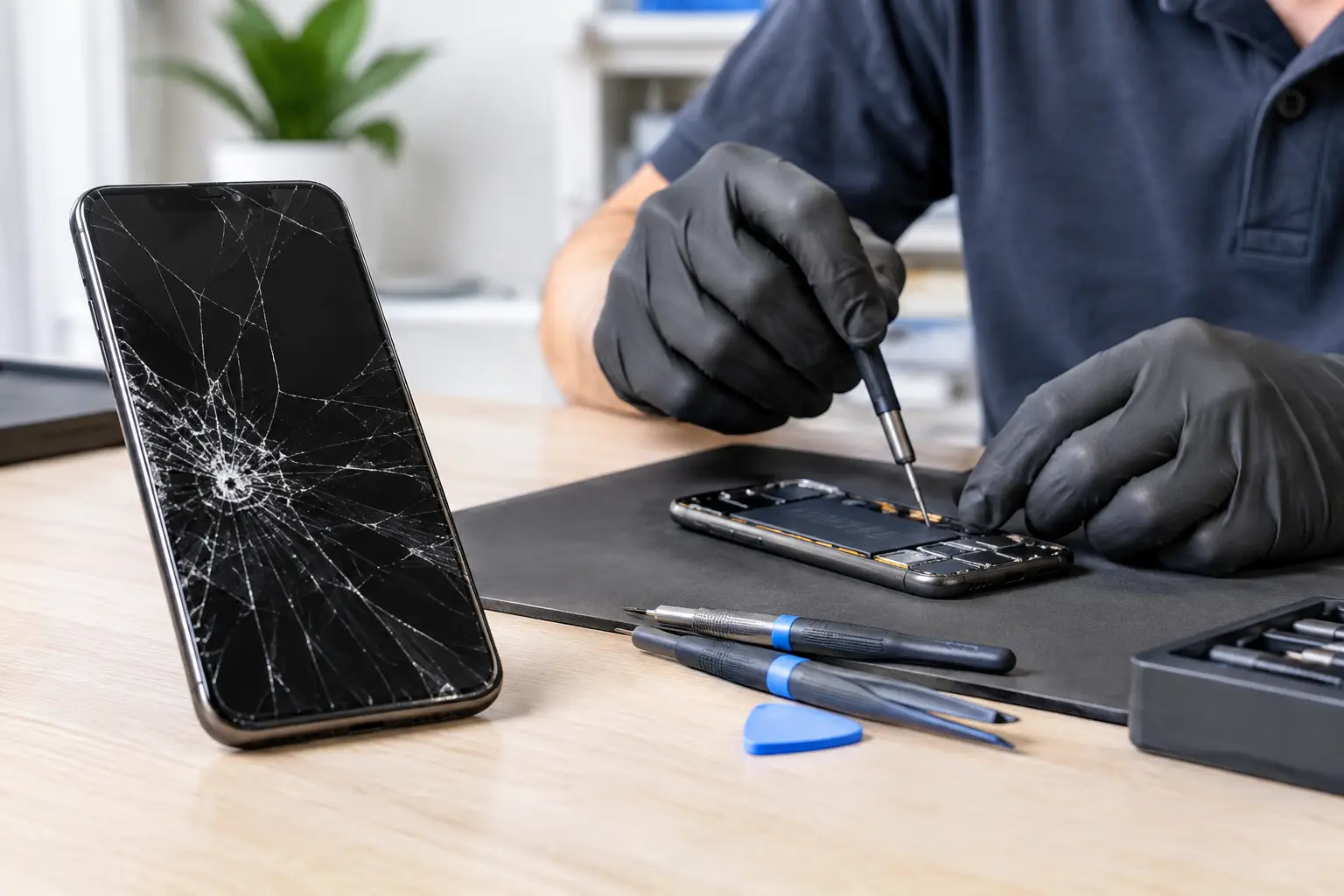
A cracked screen before work, a phone that will not charge, or a battery that dies by lunchtime can make any repair decision feel urgent. So, is third party phone repair safe? It can be, but the answer depends on the shop, the parts being used, the repair itself, and how clearly the technician explains your options.
A good independent repair shop can save you time and money while getting your device back in your hands quickly. A careless repair can create new problems, put your personal information at risk, or leave you paying twice for the same issue. The goal is not to avoid every third-party shop. It is to know how to spot one you can trust.
Is Third Party Phone Repair Safe? It Depends on the Shop
Independent repair does not automatically mean low quality. Many local technicians handle common problems every day: broken screens, weak batteries, damaged charging ports, speaker issues, camera problems, and phones that will not power on. In some cases, a local repair is more convenient than a mail-in service or a long wait for a manufacturer appointment.
Safety comes down to process. A reliable shop should inspect the device, explain the likely problem, provide a clear quote, and tell you what the repair can and cannot guarantee. They should not promise a miracle before seeing the phone, and they should not pressure you into a repair you do not understand.
Be cautious with anyone who offers an unusually low price without explaining the type of part being installed. A screen replacement, for example, can vary in brightness, touch response, color, durability, and fingerprint sensor compatibility depending on the part. The cheapest quote is not always the best value if the screen fails early or does not work correctly.
Signs You Are Choosing a Safe Repair Shop
The safest choice is usually a shop that is easy to reach, willing to answer direct questions, and accountable for its work. A physical storefront matters because you know where to return if there is a problem after the repair.
Look for these practical signs before you hand over your phone:
- The shop gives you a diagnosis or explains what may be causing the issue before starting work.
- The quote clearly separates the repair cost from any possible additional work.
- The technician explains the part options, including whether a part is original, aftermarket, refurbished, or pulled from another device.
- The shop offers a written repair warranty and explains what it covers.
- Staff can explain realistic turnaround time instead of making vague promises.
- The business has a direct phone number and a local place to visit if you need follow-up help.
You do not need a technician to explain every internal component. You do deserve plain answers to basic questions. If the person behind the counter avoids them, rushes you, or changes the price without a reason, take your phone somewhere else.
Ask About Parts Before Approving the Repair
Parts quality is one of the biggest differences between a safe third-party repair and a frustrating one. There are several types of replacement parts, and each has trade-offs.
Manufacturer parts are made or supplied through the phone maker and may offer the closest match for fit and performance. They can cost more and may not be available for every device or repair. High-quality aftermarket parts can be a practical option for many repairs, especially on older phones, but quality varies widely from one supplier to another.
Refurbished parts may be genuine components recovered from another device. They can work well when tested properly, though availability is limited. Low-grade aftermarket parts are where customers often run into trouble, including dim displays, weak touch response, poor battery life, or a screen that cracks more easily than expected.
Ask one simple question: “What kind of part are you using, and what does your warranty cover?” A trustworthy shop should answer clearly. If a lower-cost option is being offered, that is not automatically bad. It should simply be presented as a choice, not hidden behind a vague label like “premium quality.”
Understand What a Repair Can Change
Modern phones are tightly assembled. Opening one can affect factory seals, adhesive, sensors, and software features. A professional technician takes steps to restore the device properly, but some risks cannot be removed completely.
Water resistance is a common example. Even if a phone was water-resistant when new, a repaired device may not have the exact same factory seal afterward. New adhesive can help, but it is smart to treat the phone carefully around water after any screen, battery, or back-glass repair.
Some newer devices also use software pairing or calibration for certain parts. Depending on the phone model and the repair, you may see a service notification or lose access to a feature if the replacement part cannot be calibrated through the manufacturer’s system. A good repair shop should tell you about this before work begins, especially for displays, cameras, batteries, and biometric features.
That does not mean the phone is unsafe or unusable. It means you should know the full result you are paying for.
Protect Your Data Before Leaving Your Phone
Your phone holds bank apps, photos, messages, work accounts, saved passwords, and more. Most repair shops do not need your passcode for a simple hardware repair, but there are cases where testing requires access to the device.
Before any repair, back up your phone if it still powers on. Remove payment cards from your digital wallet if you are concerned, log out of sensitive apps when practical, and make sure you know your account password. If you need to share a passcode for testing, ask why it is needed and change it after you get the device back.
Do not erase your phone unless the shop specifically tells you a software repair requires it and you have a backup. Erasing a device can make diagnosis harder and may remove information needed to test the original issue. For screen, battery, charging port, camera, and most physical repairs, a backup plus basic account security is usually the better first step.
Will Third-Party Repair Affect Your Warranty?
This is where the details matter. Having a phone repaired by an independent shop does not automatically erase every manufacturer warranty right. However, a manufacturer may refuse coverage for damage caused by a non-manufacturer repair, or it may have separate policies for devices with aftermarket parts.
If your phone is still under a manufacturer warranty, carrier protection plan, or extended coverage plan, compare the repair options before deciding. Manufacturer service may be the best route for a recent device with covered damage. Independent repair may make more sense when the issue is not covered, the deductible is high, the wait is too long, or the device is older.
Ask the repair shop whether the work will affect water resistance, face or fingerprint recognition, trade-in value, or future manufacturer service. There is no one right answer for every phone. A $900 repair decision deserves more thought than a $120 battery replacement on a device you plan to keep for another year.
When You Should Be Extra Careful
Some repairs require more caution than others. If your phone has severe water damage, is swollen, overheats, smells unusual, or has a lifting screen from a possible battery issue, stop using it when possible. Do not keep charging a phone with a suspected swollen battery. Bring it in for an inspection instead of trying another charger or pressing the screen back into place.
Board-level damage and liquid damage are also less predictable than a standard screen replacement. A technician may be able to improve the phone, but corrosion can cause additional problems later. In these cases, a good shop will explain that recovery is not guaranteed and may recommend prioritizing data backup before a full repair.
Be careful with repair kiosks or online mail-in services that offer no clear warranty, no way to speak with a technician, and no local accountability. Convenience is useful, but you should still know who is handling your device and what happens if the repair does not hold up.
Get a Clear Answer Before You Commit
You should leave a repair conversation knowing the expected cost, the type of part, the likely turnaround time, and the warranty. You should also understand any limits, such as reduced water resistance or a feature that may need calibration.
For Richmond customers, Excell Wireless VA can inspect the issue and provide straightforward guidance for phones and other personal electronics. Bring in the device or describe the problem when requesting a quote. A few honest questions before the repair can protect your phone, your data, and your budget.
Leave a Reply