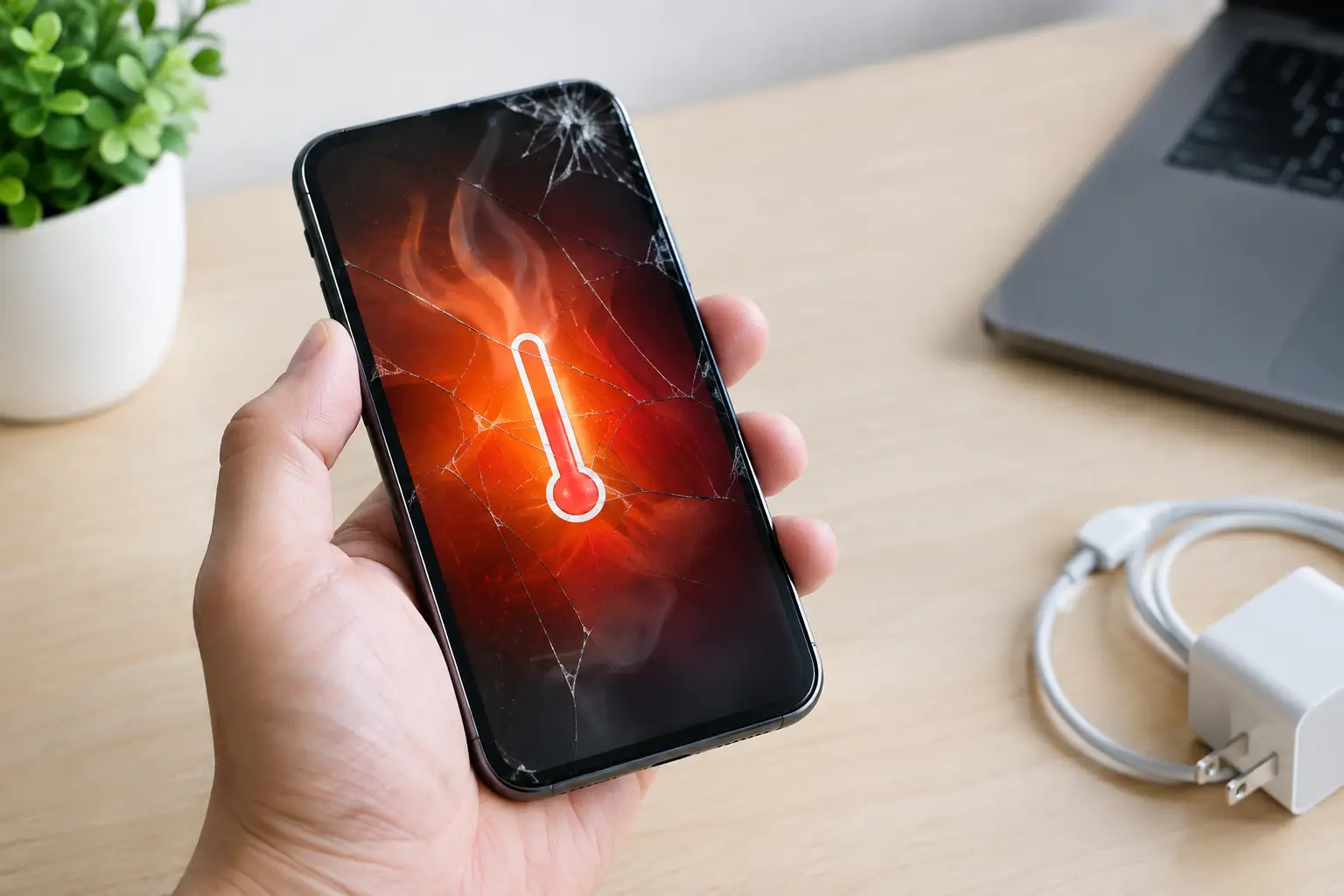
A phone that gets hot during a long video call or while charging can be normal. A phone that becomes hot out of nowhere while sitting on a desk, in your pocket, or during light use is different. If you are asking why phone overheats suddenly, the cause could be a busy app, poor signal, a charger problem, a failing battery, or internal damage that needs attention.
Heat is not just uncomfortable. It can drain your battery faster, slow down your phone, cause the screen to dim, and shorten the life of internal components. If the heat keeps returning, do not keep pushing through it.
Why phone overheats suddenly
Your phone produces heat whenever it uses power. The processor, battery, display, cameras, and cellular radio all create some heat while working. Usually, the phone manages that heat on its own. Sudden overheating happens when one part is working too hard, power is not flowing correctly, or the heat cannot escape.
A demanding app is running in the background
Games, navigation, video streaming, social media, video calls, and camera apps can use a lot of processing power. An app can also get stuck in the background after you close it, continually refreshing location data, uploading files, or trying to sync.
Check your battery settings to see which apps have used the most power recently. Close apps you are not using and restart the phone. If the problem started after installing or updating one app, update it again if available or remove it for a day to see whether the heat stops.
Weak cell service makes the phone work harder
When signal is weak, your phone repeatedly searches for a stronger connection. This is common inside large buildings, parking garages, rural areas, or places with inconsistent coverage. The phone may feel hot even when you are not actively using it because it is still trying to connect.
Try turning on Airplane Mode for a few minutes. If the phone cools down quickly, poor signal may be part of the problem. Wi-Fi calling can help when you have a stable wireless connection, but constant overheating in every location points to something else.
Charging equipment may be the problem
A warm phone while fast charging is common. A phone that gets very hot, smells unusual, stops charging, or becomes hotter each time you plug it in is not something to ignore.
Damaged cables, loose charging ports, low-quality adapters, and incompatible fast chargers can create excess heat. Dirt or lint packed into the charging port can also interfere with the connection. Use a known-good cable and adapter, preferably one made for your device’s charging requirements. Avoid charging your phone under a pillow, on a couch, in a hot car, or anywhere that traps heat.
If the phone only overheats when plugged in, stop using that charger until the issue is checked. The cause may be the accessory, the port, or the battery itself.
The battery is aging or failing
Lithium-ion batteries wear down over time. As a battery ages, it may hold less charge, drain quickly, shut down at random percentages, or heat up during ordinary use. A sudden change in temperature is one of the signs that should not be brushed off.
Battery trouble is more likely if the phone has been dropped, exposed to liquid, left in extreme heat, or charged heavily for years. It also becomes more likely after an unprofessional repair or when a low-quality replacement battery was installed.
A failing battery can become a safety issue. If your screen is lifting, the back of the phone is separating, the device looks swollen, or you notice a chemical or sweet smell, turn the phone off. Do not press the screen back down, puncture the device, or continue charging it. Place it on a nonflammable surface away from people and bring it to a qualified repair shop as soon as possible.
Heat from the environment is adding up
A dashboard in summer, direct sunlight at an outdoor event, a pocket during a workout, or a closed car can raise the phone’s temperature fast. A thick case can hold in that heat, especially while the phone is charging or running navigation.
Move the phone to a shaded, room-temperature area and remove the case. Do not put it in a refrigerator or freezer. Rapid cooling can create condensation inside the phone, which may cause more damage than the heat did.
Software issues can cause nonstop activity
A system update, failed update, corrupted file, or operating system bug can make your phone work continuously in the background. You may notice lag, fast battery drain, random restarts, or warmth even when the phone is idle.
Start with a restart, then check for software and app updates. Make sure your storage is not completely full, since a phone with very little free space can struggle with basic tasks. If overheating began after an update and persists for several days, back up your data and get the device checked before attempting major resets or repairs on your own.
What to do when your phone gets too hot
Take action early. First, unplug the phone if it is charging. Stop gaming, streaming, recording video, or using GPS. Move it out of direct sunlight, remove the case, and let it rest on a hard surface in a cooler area.
If it is still hot after a few minutes, turn it off. Let it cool naturally before turning it back on. Do not charge it until it returns to a normal temperature. Restarting may clear a stuck process, but restarting is not a fix if the phone gets hot again right away.
For the next day or two, pay attention to the pattern. Does it overheat only while charging? Only in low-signal locations? Only when one app is open? Does the battery percentage fall unusually fast? Those details make it much easier to identify the real issue.
When sudden phone overheating needs repair
Some overheating problems are temporary. Others need hands-on diagnosis. You should have the phone inspected if it gets hot during basic tasks, becomes hot while powered off, overheats every time it charges, or continues heating after you close apps and restart it.
You should also seek help quickly when overheating comes with battery swelling, a burning smell, charging interruptions, water exposure, a damaged charging port, screen separation, random shutdowns, or rapid battery loss. These symptoms can point to a battery problem, charging circuit issue, liquid damage, or internal short.
A repair technician can inspect the battery condition, charging port, cable connection, internal components, and software behavior. That is usually safer and less expensive than waiting for the phone to stop charging altogether or suffer additional damage.
Can a phone case cause overheating?
A case rarely causes serious overheating by itself, but it can trap heat that is already building up. This is most noticeable with thick protective cases, wallet cases, and cases used during fast charging, gaming, navigation, or long video calls.
Remove the case as a quick test. If the phone stays much cooler without it, use a slimmer case during high-power tasks. If it still gets very hot with no case, the case is not the main problem.
Do not ignore repeated heat warnings
Many phones show a temperature warning and temporarily disable charging, camera use, or other features to protect the device. Treat that warning as a stop sign. Continuing to use the phone in high heat can damage the battery and, in some cases, your data.
For Richmond customers who need a local answer instead of guesswork, Excell Wireless VA can help inspect overheating, charging, battery, and power issues across many phone brands. Bring the phone in with the charger you normally use and explain when the heat started. A few clear details can help get you to the right fix faster.
Your phone should not feel like a hand warmer during normal use. Let it cool down, avoid risky charging habits, and get recurring overheating checked before a small problem turns into a dead device.
Leave a Reply