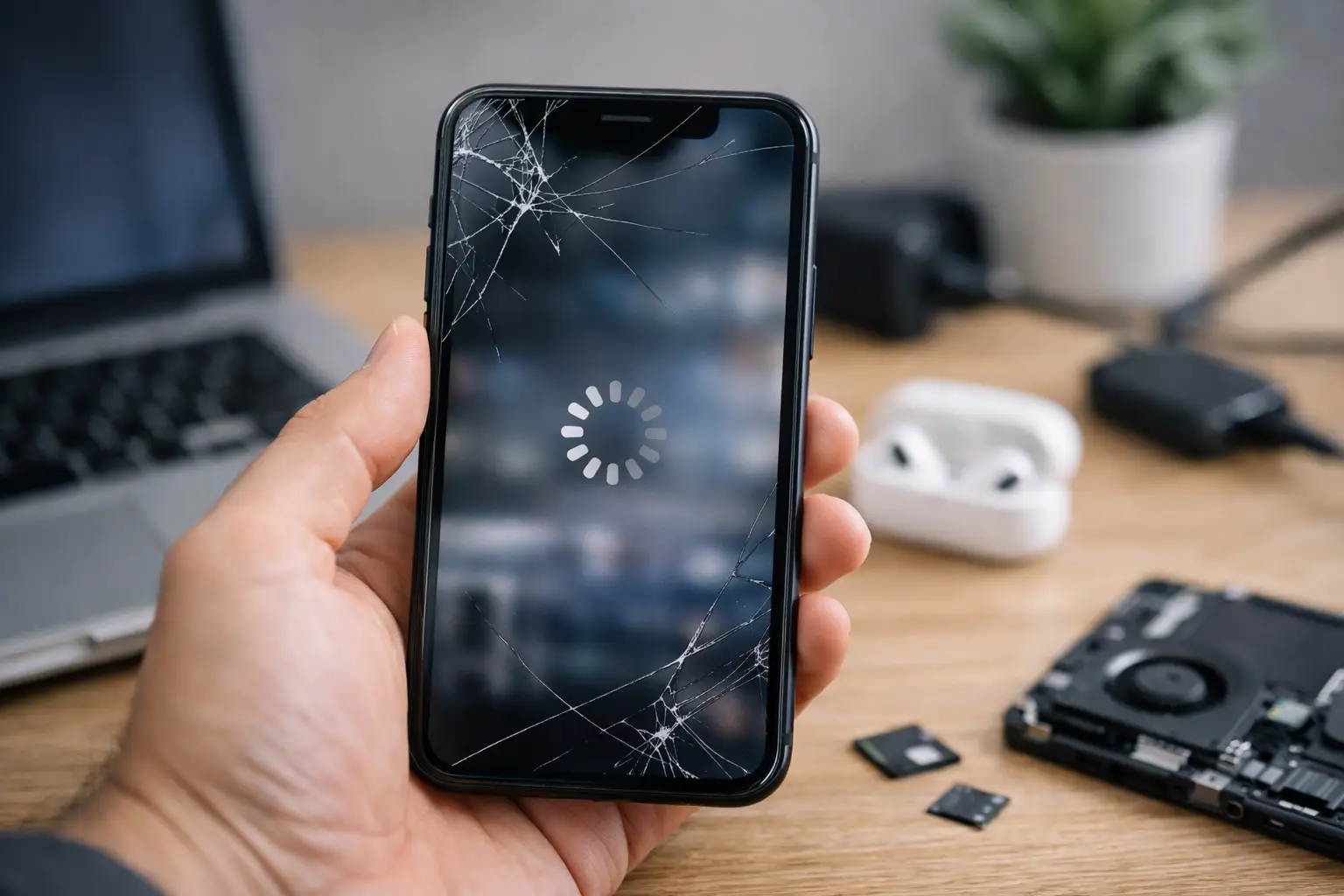
Your phone freezes while you are trying to send a text, apps take forever to open, or the keyboard falls behind your typing. If you are asking, why is my phone lagging, the cause may be as simple as a full storage drive or as serious as a weak battery, failing hardware, or a software problem.
A slow phone is frustrating because it gets in the way of everything: work messages, navigation, banking, school, photos, and calls. Start with the simple checks below. If the lag keeps coming back, the device may need hands-on troubleshooting.
Why Is My Phone Lagging All of a Sudden?
Phones do not usually slow down for just one reason. They slow down when the processor, memory, battery, storage, and software are all being asked to do more than the device can comfortably handle. A recent update, a nearly full photo library, a demanding app, or even overheating can expose a problem that was already developing.
The timing matters. If your phone only lags in one app, that app may be the issue. If it lags after an update, the software may need time to finish background tasks, or it may need another update to correct a bug. If every part of the phone is slow, including the home screen, camera, and settings, look at storage, battery condition, heat, and hardware.
Storage Is Almost Full
Your phone needs free storage space to run smoothly. It uses that space for temporary files, updates, app data, photos, videos, and system processes. When storage is nearly full, apps can take longer to load, the camera may hesitate, and even basic tasks can feel delayed.
Check your storage settings and remove what you no longer need. Old videos, duplicate photos, downloaded files, unused apps, and large message attachments are common space hogs. Back up important photos before deleting anything. As a practical rule, leave several gigabytes free rather than filling your phone to its limit.
Too Many Apps Are Working at Once
A phone can handle background activity, but it has limits. Navigation, video streaming, social media, cloud backup, music, Bluetooth accessories, and dozens of open browser tabs can add up. Lower-memory phones and older models feel this pressure sooner.
Close apps you are not using, then restart the phone. Restarting clears temporary processes and gives the operating system a fresh start. It will not fix a damaged part, but it is one of the fastest ways to tell whether the slowdown is temporary.
An App Is Buggy or Out of Date
If your phone is fast until you open a certain app, do not assume the whole device is failing. The app may have a bug, a corrupt cache, or a version that does not work well with your current phone software.
Update the app first. If that does not help, force close it and reopen it. On Android devices, clearing an app’s cache can help, though clearing its data may sign you out or remove saved settings. If the problem started right after installing an app, uninstall it and see whether the phone improves.
Your Software Needs Attention
Operating system updates often improve security, stability, and app compatibility. Delaying updates for too long can lead to glitches and poor performance. At the same time, a major update can temporarily make an older phone feel slower while it reorganizes files, indexes photos, and updates apps in the background.
Check for both phone software updates and app updates. If the lag began immediately after an update, give it a day or two while keeping the phone charged and connected to Wi-Fi. If it remains slow, restart it and check storage. Persistent problems after an update may need professional diagnosis.
The Phone Is Overheating
Heat makes phones slow down on purpose. The device reduces performance to protect its battery and internal components. You may notice lag while gaming, recording long videos, using GPS in the car, charging, or sitting in direct sun.
Take off the case if it feels unusually warm, stop charging it, close demanding apps, and let it cool naturally in a shaded room. Do not put a hot phone in a refrigerator or freezer. Rapid temperature changes can create moisture damage inside the device.
The Battery Is Worn Out
An aging battery can affect more than battery life. If the battery cannot provide stable power when the phone is under load, the device may slow down, shut off unexpectedly, or struggle during camera use, gaming, and video calls.
Battery-related lag is more likely when the phone gets hot, drops from a higher percentage to a lower one quickly, turns off before reaching 0%, or works better when plugged in. Battery health settings can offer clues on many phones, but they do not tell the whole story. A battery test can confirm whether replacement is the right fix.
Quick Fixes for a Lagging Phone
Before resetting your device or replacing it, try these steps in order. They are safe for most phones and can solve many everyday performance problems.
- Restart the phone. Leave it powered off for about 30 seconds before turning it back on.
- Check available storage and remove unneeded files, apps, and downloads.
- Update the operating system and your most-used apps.
- Close unused browser tabs and apps that may be running in the background.
- Let the phone cool down if it is hot.
- Turn off the phone and remove the case briefly if the case is trapping heat.
- Test the phone after uninstalling any app that was added just before the lag started.
Avoid random “phone cleaner” apps that promise instant speed boosts. Some use extra battery and storage themselves, show aggressive ads, or ask for permissions they do not need. Your phone already has built-in tools for managing storage and apps.
When a Reset Makes Sense
A factory reset can help when software corruption, bad settings, or leftover app data are causing widespread lag. It is not the first step because it erases your phone, and it will not repair a failing battery, damaged charging port, bad screen, or internal board issue.
Back up photos, contacts, messages, authentication codes, and important files before considering a reset. Make sure you know your account passwords as well. If you reset the phone and it is still slow before reinstalling your apps, the problem is more likely hardware-related.
Signs It Is Time for Repair Help
Some lag is not a storage problem. A phone should be checked when it is consistently slow after basic cleanup and updates, especially if other symptoms are present. Watch for repeated restarts, battery swelling, random shutdowns, severe overheating, charging problems, water exposure, a cracked screen that affects touch response, or a phone that freezes even in Settings.
A slow response after a drop can point to internal damage. Lag only while charging may point to a weak cable, damaged port, or power issue. Delayed taps, missed touches, or typing that skips letters can be a screen or digitizer issue rather than a performance issue.
If your phone holds important work files, family photos, or banking access, do not wait until it stops turning on. Back it up while you still can. For Richmond customers who want a clear answer instead of guessing, Excell Wireless VA can inspect the device and help identify whether the fix is software cleanup, battery service, screen repair, charging repair, or something deeper.
A lagging phone does not always mean you need a new one. Start with storage, updates, heat, and recent apps. If the problem keeps interrupting your day, get it checked before a small performance issue becomes a complete device failure.