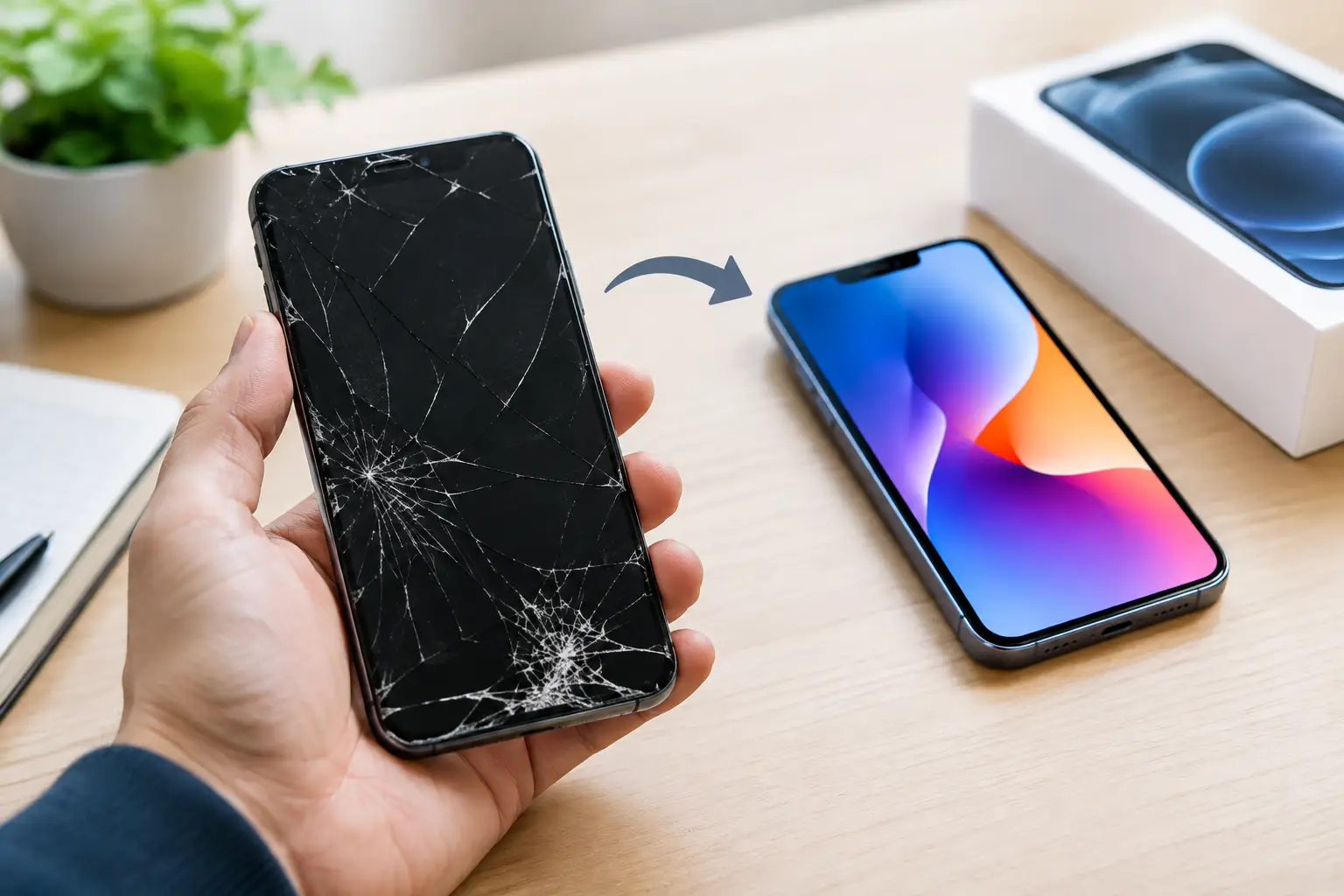
A cracked screen, weak battery, or charging problem can make a phone trade in feel like the fastest way to move on. But before you hand over your device, find out what it is really worth – and whether repairing it first could put you in a better position.
Trade-in value is not just about the phone model. Its condition, storage size, age, carrier status, and even the timing of your upgrade can change the offer. A phone that still works well may have more value than you expect. A phone with a small issue may be worth fixing before you trade it in.
How Phone Trade In Value Is Set
Most trade-in programs start with the basics: make, model, storage capacity, and whether the device powers on. Newer flagship phones usually receive stronger offers, but condition matters just as much. A phone listed as being in good condition should generally turn on, hold a charge, have a working display, and have no major damage that affects use.
Carriers, manufacturers, and third-party buyers do not always grade devices the same way. One company may accept a scratched screen as normal wear. Another may lower the offer for scratches, a worn battery, or a small dent around the frame. Promotional offers can also look high at first but may be paid out as monthly bill credits rather than cash or an instant discount.
That does not automatically make a promotion a bad deal. It just means you should understand the terms before agreeing. If you plan to stay with that carrier for the full promotion period, bill credits may work for you. If you want the flexibility to switch providers, a direct sale or a different trade-in option may make more sense.
The condition questions that matter
Be honest when you assess your phone. A device that turns on but has a damaged display, unreliable charging port, camera issue, or battery that drops quickly may be graded lower after inspection. If the final condition does not match the condition you selected online, the offer can change.
Also check whether the phone is paid off and eligible for trade-in. An unpaid balance, activation lock, or device reported as lost or stolen can stop the process completely. If the phone is financed, contact your carrier to confirm the payoff amount and whether the device can be traded before you upgrade.
Repair First or Trade It In As-Is?
This is where a quick repair quote can be useful. A damaged screen may lower a trade-in offer by more than the cost of fixing it. The same can be true for a battery replacement, charging repair, or camera issue. On the other hand, repairing an older phone with low resale value may not be the best use of your money.
It depends on the device and the issue. A recent phone with a cracked display may be a strong candidate for repair before trade-in. A much older device with several problems, such as water damage, power failure, and a bad battery, may be better traded in as-is if an offer is available.
Think about the numbers, not just the inconvenience. Compare the as-is trade-in offer with the expected value of a fully working phone. Then subtract the repair cost. If the difference is in your favor, repair first. If it is not, save the repair money and move forward with the trade-in.
For Richmond customers who are unsure what is causing a problem, getting the phone checked before making a decision can prevent a surprise. A charging issue may be a worn port, a bad cable, debris in the port, a battery problem, or something more involved. You do not want to assume your phone has no value when the issue may be fixable.
Get Your Phone Ready Before a Trade In
Your personal information matters more than the trade-in offer. A factory reset is necessary, but it should be the last step after you have moved everything you need to your new phone or backup account. Photos, messages, notes, authenticator apps, contacts, and files can be hard to recover once the old device is erased.
Before you reset the phone, handle these five steps:
- Back up photos, contacts, messages, and files to a service you can access from your next device.
- Transfer or save codes for authenticator apps and check that you can sign in to important accounts.
- Remove payment cards, transit cards, and digital wallet information.
- Sign out of your Apple ID, Google account, Samsung account, and any other account tied to device security.
- Remove the physical SIM card if your phone uses one, then erase the device and confirm that activation lock is disabled.
Activation lock is a common trade-in problem. On iPhones, Find My must be turned off and the Apple ID must be removed. On Android phones, remove the Google account before resetting the device. If the buyer cannot activate the phone after receiving it, they may reject it or send it back.
Keep your charging cable, case, and accessories unless the program specifically says they add value. Most trade-ins are based on the phone itself, not the extras in the box. Do not send an item you still need for your new phone unless it is required.
When Timing Can Change the Offer
Phone value usually drops when a new model is announced or released. If you know you are upgrading soon, waiting too long can reduce your trade-in value. At the same time, seasonal carrier promotions can sometimes make an older phone worth more as a credit toward a new device.
The best timing depends on what you want. If your goal is the highest possible cash value, selling or trading before the next major release may help. If your goal is lowering the cost of a new phone, a carrier promotion may be more valuable even if it is paid over time.
Do not let a failing device force a rushed choice if you can avoid it. A screen that is getting worse, a battery that shuts down without warning, or a port that only charges at a certain angle can make it harder to back up your data and compare offers. Handle the problem while the phone still works enough to protect your information.
Watch for Offers That Sound Better Than They Are
A high trade-in number is only useful if you can actually receive it. Read the condition requirements, payment method, deadline, carrier commitment, and return policy. Some offers require a qualifying unlimited plan. Others only apply when you finance a specific new phone. Some provide store credit that cannot be used anywhere else.
Ask yourself whether you would choose the same new phone and plan without the promotion. If the answer is no, the deal may be steering you toward a more expensive choice. A smaller, straightforward offer can be better if it gives you room to choose the carrier, device, and monthly plan that fit your needs.
Take clear photos of your old phone before mailing or handing it over. Photograph the front, back, sides, screen condition, serial or IMEI information when appropriate, and any shipping receipt. It takes a few minutes and gives you a record if there is a disagreement about the device condition.
A phone trade in should help you move to your next device with less cost and less hassle, not leave you wondering where your photos went or why the offer changed. If damage or a hardware issue is standing in the way, get the problem looked at before you decide what that old phone is worth.
Leave a Reply