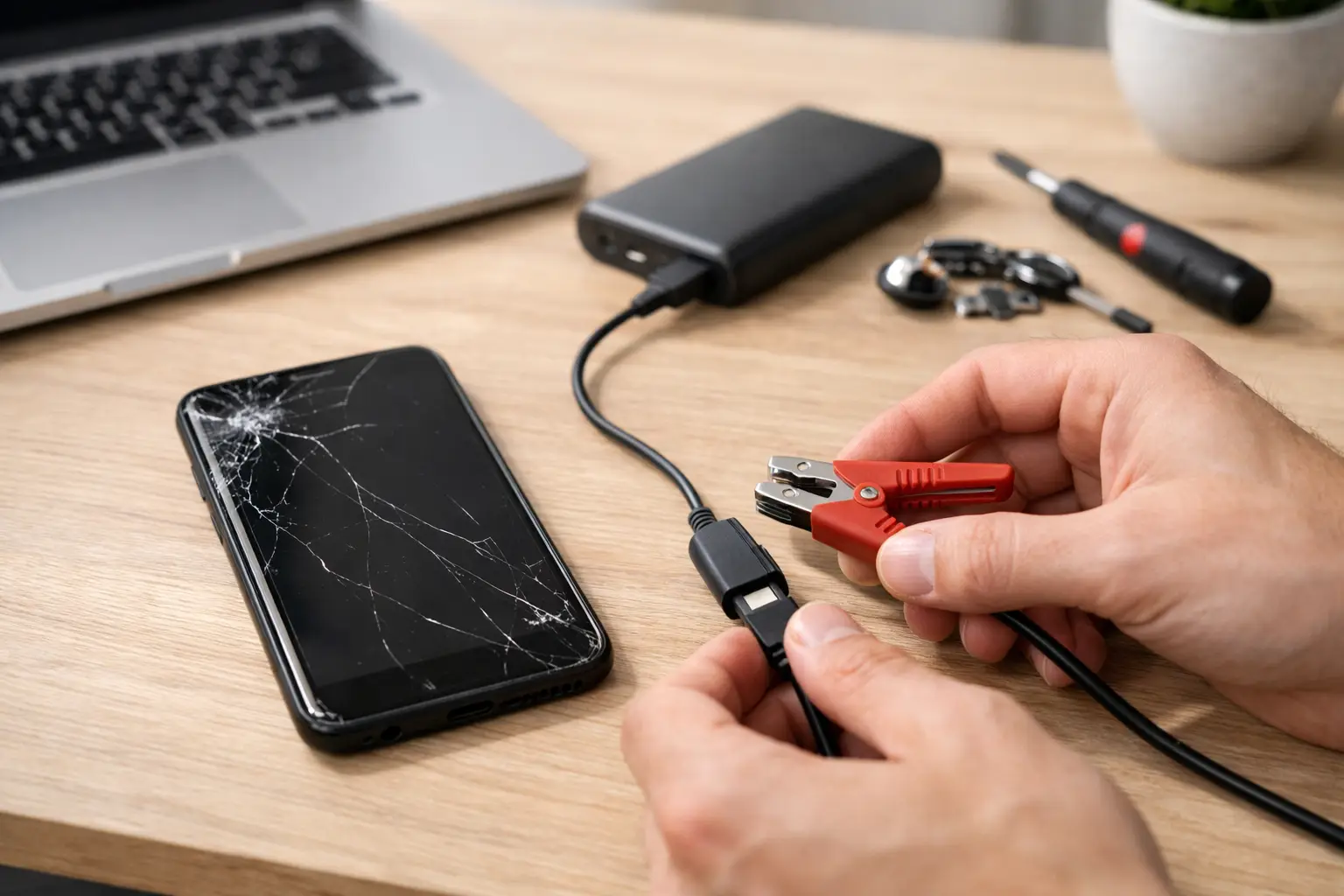
Your phone worked this morning. Now the screen is black, it will not charge, and every call or button press gets nothing. Dead phone recovery is not always about replacing the device. A phone that appears completely dead may have a drained battery, blocked charging port, damaged screen, software crash, or a power issue that needs repair.
The key is knowing which safe checks you can try at home and when to stop. Repeatedly forcing a damaged phone to charge or turn on can make a battery or charging problem worse. Start simple, pay attention to the signs, and get hands-on help if the phone still shows no response.
Start With the Charging Basics
A black screen does not automatically mean the phone has failed. If the battery drained deeply, it may need more time on a reliable charger before it can show a charging symbol or boot up. Plug the phone directly into a working wall outlet with a cable and power adapter you trust. Leave it alone for at least 30 minutes.
Do not judge the result after two minutes. Some phones with a fully depleted battery need time before the screen responds. While it is charging, look for small signs of life: vibration, warmth, a battery icon, a notification sound, or a brief flash on the display.
If nothing happens, test the cable, charging block, and outlet separately. Try another known-good cable and adapter if available. A worn cable can look perfectly fine while failing internally. A damaged adapter may provide too little power to wake the phone.
Check the charging port under good light. Pocket lint can pack tightly into the bottom of the port and prevent the cable from seating correctly. Do not use metal pins, knives, or anything sharp to dig inside. That can bend the charging contacts. A repair technician can safely clean a packed port and check whether the port itself is loose or damaged.
Dead Phone Recovery Depends on the Symptoms
What happened right before the phone went dark matters. A phone that died after falling in a parking lot needs a different diagnosis than one that slowly stopped holding a charge over several weeks.
If the phone vibrates, rings, makes sounds, or receives calls but the display stays black, the device may be powered on with a failed screen or damaged display connection. Calling the phone from another number is a quick way to check. If it rings or notifications come through, do not assume the phone is dead. Your data may still be accessible once the screen problem is repaired.
If the phone only turns on while plugged in, then shuts off as soon as you remove the cable, the battery may no longer hold a usable charge. Batteries wear out over time, especially after years of daily charging, heat exposure, or heavy use. A battery replacement can often solve this issue, but testing is needed to rule out a charging or board-level power problem.
If the device shows a logo, restarts repeatedly, or freezes before reaching the home screen, the problem may be software-related. This can happen after a failed update, storage issues, app conflicts, or unexpected shutdown. Avoid repeatedly trying random reset steps if you have photos, messages, business files, or authentication apps on the phone. Some recovery options can erase data.
A phone that went dark after water exposure should be treated differently. Do not plug it in, use a hair dryer, or bury it in rice. Heat can cause further damage, and rice does not remove moisture from inside the device. Turn it off if possible, keep it unplugged, and bring it in for inspection as soon as you can.
Try a Forced Restart Once
A forced restart can help when the phone is frozen but looks dead. It does not erase your data. The button combination varies by model, so use the correct method for your device.
On many newer iPhones, press and release Volume Up, press and release Volume Down, then hold the Side button until the Apple logo appears. On many Android phones, holding the Power button and Volume Down button for 10 to 20 seconds may restart the device. Some models use Power and Volume Up instead.
Try this once after the phone has been on a charger for at least 30 minutes. If it does not respond, do not keep cycling through button combinations for an hour. That rarely fixes a hardware failure and can make an already stressful situation feel worse.
Do Not Ignore These Warning Signs
Stop charging and do not attempt home fixes if you notice a swollen battery, a lifting screen, a burning smell, leaking fluid, smoke, or unusual heat. These can point to a damaged lithium-ion battery. Place the phone on a nonflammable surface away from fabric, paper, and direct sunlight. Do not squeeze the phone or try to press the screen back into place.
The same caution applies after major impact damage. If the frame is bent, the back glass is shattered near the battery area, or the phone gets hot immediately when connected to power, it needs professional inspection. A new cable will not solve every charging problem.
Protect Your Data Before You Approve a Reset
When a phone will not start, the first concern is usually the device. The second is what is on it. Photos, text threads, work contacts, banking access, saved passwords, and two-factor authentication codes can all be tied to one small device.
Before agreeing to a factory reset, ask whether the phone can be tested for a battery, screen, charging port, or power issue first. If the phone can be brought back on without erasing it, you may have a chance to back up your data immediately.
If your phone briefly turns on, prioritize a backup before troubleshooting further. Connect to Wi-Fi if possible, save current photos and files, and make sure you can access key accounts from another device. If you use an authenticator app, confirm that you have backup codes or another way to sign in.
Data recovery is not guaranteed, particularly when the phone has severe water damage or motherboard failure. Still, a phone that will not boot is not automatically beyond recovery. A proper diagnosis can tell you whether the problem is the battery, display, charging system, software, or internal board.
When It Is Time for a Repair Shop
Bring the phone in when it has charged with known-good equipment for 30 minutes and still has no sign of life, when the port is loose or damaged, or when it died after a drop or water exposure. It is also worth getting help if the phone works only intermittently, gets unusually hot, or has a black screen while calls and alerts still come through.
A technician can test the charging path, battery condition, display response, and internal power draw without guessing. That matters because a battery replacement may be affordable and effective, while a deeper board issue may change the repair decision. The right answer depends on the phone’s age, condition, model, and the value of the data stored on it.
For Richmond customers, Excell Wireless VA can inspect phones across brands and help identify the next practical step. Bring the phone, its charger if you have it, and a clear description of what happened before it stopped working. If you remember whether it was dropped, exposed to moisture, updating, or losing charge quickly, share that too.
A dead phone can interrupt work, school, travel, and family plans fast. Start with safe charging checks, avoid risky fixes, and get the device looked at before deciding it is time to replace it. The fastest path back to your phone is usually a clear diagnosis, not more guesswork.