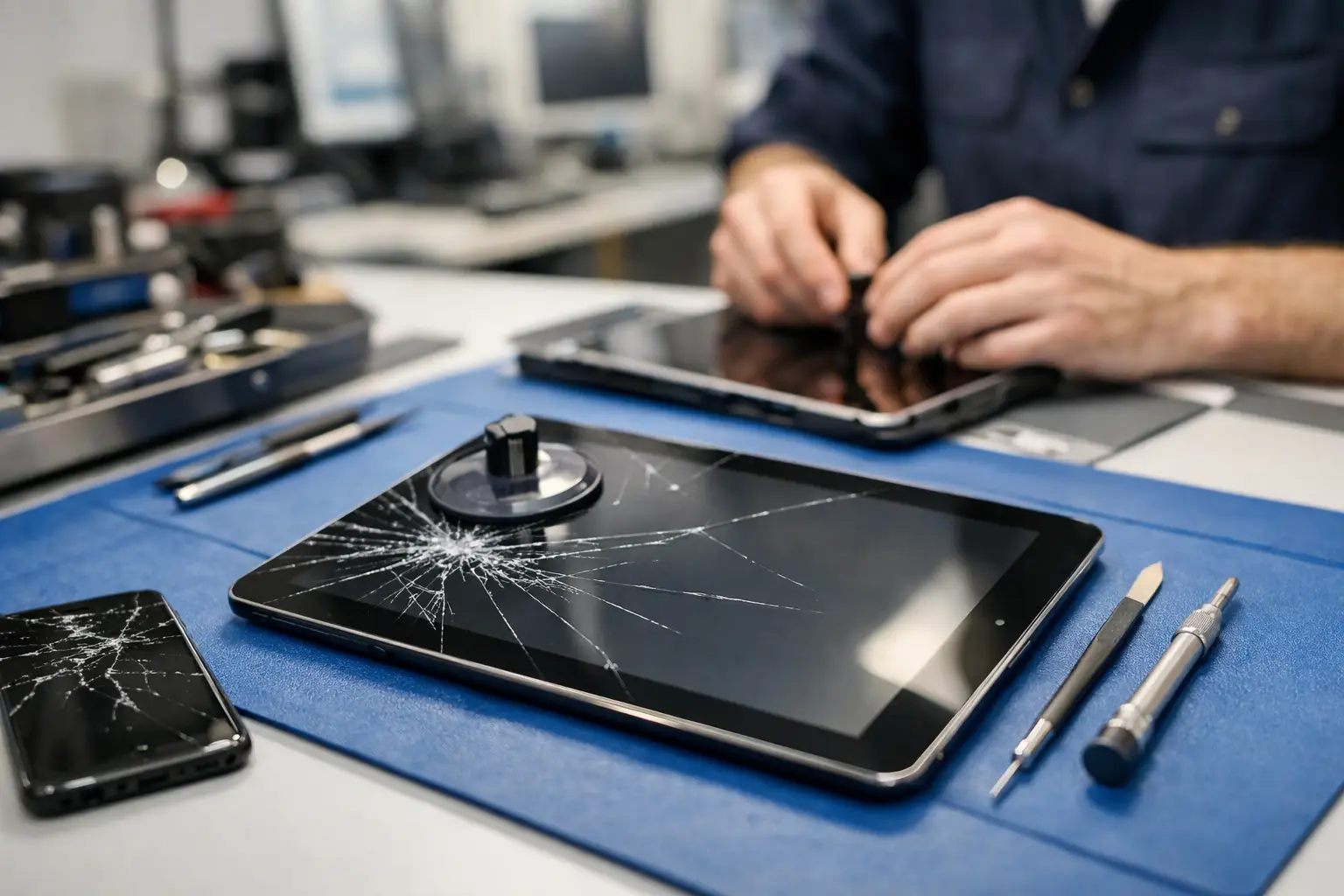
A cracked tablet screen always seems to happen at the worst time – right before a class, a flight, a work call, or when your kid finally settled down with a movie. If you are searching for tablet screen repair near me, you probably do not want a long runaround. You want to know if the screen can be fixed, how fast it can be done, and whether the repair is worth the money.
That is the right way to look at it. Not every cracked tablet needs the same repair, and not every screen problem is just a screen problem. A local repair shop should be able to tell you what failed, what the fix involves, and what to expect before you commit.
When tablet screen repair near me is the right move
Some damage is obvious. The glass is shattered, the screen has black spots, or the touch response is gone. Other cases are less clear. Your tablet may still turn on, but part of the display flickers. You may have lines across the screen, dead areas that will not respond, or a corner that lifts after a drop.
In these situations, repair often makes sense if the tablet still fits your daily use and replacing the whole device would cost more than you want to spend. That is especially true for newer tablets, larger models, and devices used for school or work.
It depends on the model, though. An older tablet with battery issues, charging problems, and screen damage at the same time may not be the best candidate for repair. A good shop will be honest about that. The goal is not just to replace glass. The goal is to get you back to a reliable device without wasting your money.
What is actually broken on a tablet?
People often say the screen is broken, but tablets usually have more than one layer involved. In some models, the outer glass and touch layer are separate from the display. In others, they are bonded together as one assembly.
That difference matters. If only the glass is cracked and the image underneath looks normal, the repair may be simpler on some devices. If the display is bleeding, showing lines, or staying black, the full screen assembly usually needs replacement. If touch is failing but the picture is clear, the digitizer may be part of the issue.
This is one reason price quotes can vary. Two tablets with similar-looking cracks may need very different parts and labor. It is also why a shop may want the exact model number before giving you a firm answer.
How to tell if your tablet has damage beyond the screen
A hard drop can cause more than surface damage. If your tablet bends slightly, stops charging, restarts randomly, or the front camera no longer lines up properly, there may be internal damage too.
That does not always mean the repair is off the table. It just means the shop should inspect the full device and not treat it like a simple glass replacement. Frame damage can affect how a new screen sits. Battery swelling can push on the display. Loose internal connections can make it look like the screen failed when the issue is deeper.
This is where local service helps. Instead of mailing the tablet out and waiting, you can bring it in, explain what happened, and get a real assessment from someone who sees the device in person.
What affects the cost of tablet screen repair near me
The biggest factor is the tablet model. Premium tablets, newer releases, and larger screens usually cost more to repair because the parts cost more. Some models are also harder to open and reassemble safely.
The type of damage matters too. A simple cracked screen with normal display output is different from a full display failure. If the frame is bent or the housing is damaged, extra labor may be needed to make sure the replacement screen fits correctly.
Part availability can also change the timeline and the price. Common models are usually easier to source. Less common tablets, older units, and specialty versions may take longer or cost more because the part is harder to get.
Then there is the question of repair quality. A cheap quote is not always the best quote. Screen quality, adhesive strength, touch response, and color accuracy can vary between replacement parts. If a price seems far below everyone else, ask what kind of part is being used and whether the repair includes testing after installation.
Should you repair it or replace it?
This is usually the real question.
If the tablet is fairly recent, holds a charge well, and still does what you need, repair is often the practical choice. It is faster, less disruptive, and usually less expensive than replacing the device and setting everything up again.
If the tablet is old, slow, and already giving you other problems, replacement may make more sense. The same goes for very low-cost tablets where the repair cost gets too close to the value of the device.
There is also the issue of data. A screen repair lets you keep the device you already use, with your apps, settings, accounts, and files in place. For many people, that convenience matters as much as the price.
A dependable shop should not push you one way or the other. They should tell you what the repair solves, what it does not solve, and whether the tablet is still worth investing in.
What to ask before you hand over your tablet
Start with the basics. Ask whether they repair your exact tablet model and whether the quote includes both parts and labor. Ask how long the repair typically takes and whether they need to inspect the device first.
It also helps to ask what happens if they find more damage once the tablet is opened. That is not unusual after a drop. You want to know whether they will contact you before doing added work.
If your tablet still powers on, ask them to test touch, display, charging, speakers, and cameras after the repair. A proper repair is not just about putting on a new screen. It is about making sure the tablet works the way it should when you pick it up.
If you are in Richmond and want a straightforward answer without guessing, a local shop like Excell Wireless VA can inspect the device, explain the issue clearly, and point you toward the next step.
Before you bring it in
Do not keep pressing on a cracked screen. Small cracks can spread fast, and loose glass can damage the display underneath. If the tablet still works, back up your data if you can. Remove any case or accessories if the shop asks you to. If the battery is running hot or the screen is lifting, stop using it until it is checked.
It also helps to know your tablet model ahead of time. That speeds up the quote process and helps the shop tell you whether parts are available.
Avoid home repair kits unless you already know what you are doing. Tablet repairs are not all the same, and opening the device incorrectly can damage cables, the battery, or the frame. A repair that looked simple online can turn into a more expensive fix very quickly.
Why local repair is often the better option
When your tablet is part of your everyday routine, shipping it away is a headache. You lose time, you lose convenience, and if the diagnosis changes halfway through, communication can get slow.
A nearby repair shop gives you a faster path. You can ask questions, get a direct quote, and talk to someone who is looking at the actual device instead of a generic ticket description. That matters when the issue is urgent or when the damage is not limited to the screen.
It also makes follow-up easier. If you have concerns after the repair, you are dealing with a local business, not a distant processing center. For a lot of customers, that alone is worth it.
If your tablet screen is cracked, flickering, or no longer responding, the best next step is simple: get it looked at before the damage gets worse. A clear diagnosis beats guesswork every time.