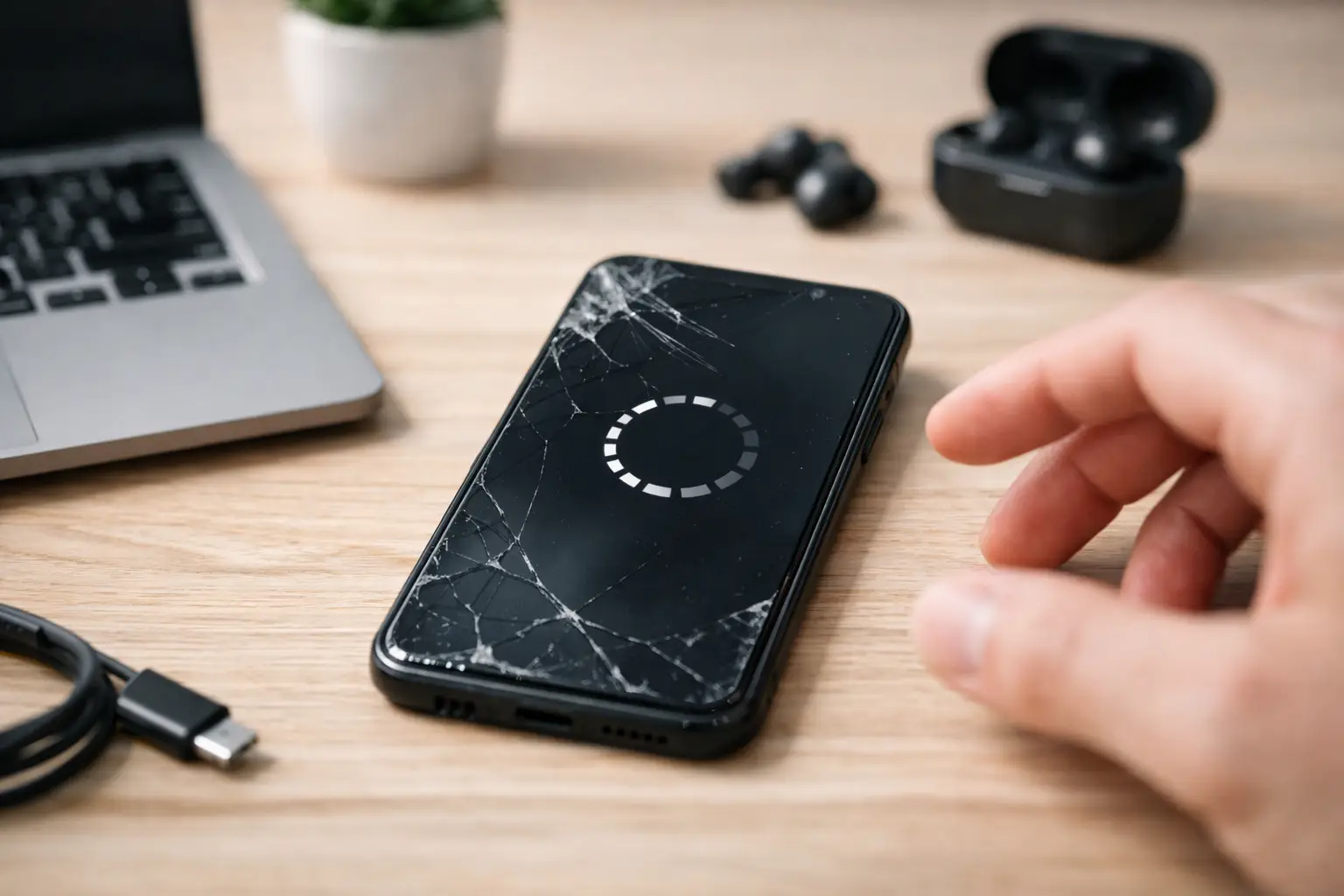
A phone that restarts once can be annoying. A phone that keeps restarting can stop you from answering calls, using maps, accessing banking apps, or even getting past the lock screen. If you are asking, why does my phone keep restarting, the cause may be as simple as a bad app or as serious as battery, charging, or internal board damage.
The key is to avoid making the problem worse. Start with the safe checks below. If your phone is stuck in a nonstop restart loop, gets hot, has liquid damage, or will not stay on long enough to troubleshoot, it is time for a hands-on diagnosis.
Why does my phone keep restarting on its own?
Your phone restarts when its software or hardware loses the stable power it needs to keep running. Sometimes the device detects a problem and restarts to protect itself. Other times, a failing part interrupts power without warning.
A restart issue usually falls into one of two groups. Software problems may be fixed with updates, app removal, or settings changes. Hardware problems often need repair, especially when the phone has been dropped, exposed to moisture, overheated, or has an aging battery.
1. A failing or worn-out battery
Batteries do not last forever. As a battery ages, it may no longer deliver consistent power, even when the percentage on screen looks normal. Your phone can shut down or restart when you open a camera, play a game, make a video call, or use another power-hungry app.
Battery trouble is more likely if the phone restarts around the same percentage each time, dies in cold weather, drains unusually fast, or only works reliably while plugged in. A swollen battery is an urgent warning sign. Do not press on the screen or keep charging a swollen phone. Turn it off and have it inspected.
2. Charging cable, adapter, or port problems
A loose charging connection can make a phone repeatedly switch between charging and not charging. On some devices, unstable power can trigger a reboot, especially if the battery is already weak.
Try a known-good cable and wall adapter before assuming the phone itself is the problem. Check the charging port for lint, dirt, bent pins, corrosion, or a cable that will not sit firmly in place. Do not dig deep into the port with metal tools. A damaged port can short out or require replacement.
3. A bad app or software conflict
An app can cause crashes after an update, especially if it is outdated or poorly optimized for your phone’s current operating system. This often happens shortly after you install a new app, update an existing one, or restore data from an older device.
Think about when the restarts started. If the issue began after installing a specific app, remove that app first and watch the phone for a day. Update the operating system and your remaining apps when possible. If your phone stays on in Safe Mode but restarts during normal use, a third-party app is a strong suspect.
Safe Mode works differently by brand, so follow the steps shown for your specific phone model. It temporarily disables downloaded apps. It does not erase your photos, messages, or contacts.
4. Not enough available storage
A phone with almost no free storage can behave unpredictably. The operating system needs working room for updates, temporary files, photos, app data, and normal background tasks. When storage is completely full, apps may crash and the phone may restart.
Delete files you no longer need, clear large downloads, and move photos or videos to a backup location if your phone can stay on long enough. Do not delete random system files or use unknown “cleaner” apps. Those apps can create more problems than they solve.
5. An incomplete update or corrupted system file
If the phone lost power during a system update, ran out of storage, or had a failed update installation, the operating system may not load correctly. The device may restart at the logo screen, reboot during startup, or keep looping before you can use it.
A forced restart may clear a temporary glitch. The button combination varies by model, so use the correct method for your device. If the restart loop continues, a software recovery may be needed. This can involve data loss, which is why professional diagnosis is worth considering before attempting a factory reset.
6. Overheating
Phones can restart when they become too hot. Direct sun, a hot car, long gaming sessions, navigation, video streaming, poor ventilation, or a failing battery can all raise the temperature. Your phone may feel hot, dim the display, slow down, show a temperature warning, or turn off entirely.
Remove the case, unplug the charger, and let the phone cool naturally in a shaded room. Do not place it in a refrigerator or freezer. Sudden temperature changes can cause condensation inside the device and create a bigger repair issue.
If your phone overheats during simple tasks or while sitting idle, that points to more than normal use. It could be a battery problem, charging issue, damaged component, or software process stuck in the background.
7. Drop or liquid damage
A phone can look fine after a drop and still have internal damage. A loose battery connector, damaged charging component, cracked circuit board connection, or screen-related power issue can cause random restarts. The problem may show up immediately, or it may start days later.
Liquid damage can be even less predictable. A phone may work for a while and then begin restarting as corrosion develops. If it got wet, turn it off if possible and do not charge it. Rice is not a repair method and can leave debris in the port. A quick inspection gives the device a better chance than repeated charging and restarting.
8. A hardware fault inside the phone
When restarts happen with multiple chargers, after software updates, after app removal, and even in Safe Mode, hardware becomes more likely. Battery failure is common, but the charging port, power button, motherboard, display assembly, or other internal components can also be involved.
A stuck or damaged power button deserves attention. If the button feels jammed, overly sensitive, loose, or keeps activating in a pocket, it may be telling the phone to restart. Cases can sometimes press against a damaged button, so remove the case and test the phone carefully.
Safe steps to try before repair
Start by backing up your data if the phone stays on long enough. Photos, contacts, notes, two-factor authentication apps, and work files are much easier to protect before the phone becomes completely unusable.
Then restart the phone manually, update the operating system, update your apps, and check your available storage. Remove any app installed just before the issue began. Test with a different charging cable and adapter, and use the phone without its case if overheating seems involved.
Pay attention to the pattern. Does it restart only when charging? Only below 30% battery? When opening one app? After a drop? That information helps identify the real cause faster than guessing.
Avoid a factory reset as your first move. It can help with severe software problems, but it erases data and will not fix a weak battery, damaged charging port, or liquid-damaged board. If you do choose to reset, make sure you know your account password and have a current backup first.
When a restart loop needs professional help
Bring the phone in for diagnosis if it cannot finish starting up, restarts every few minutes, gets unusually hot, has swelling, was dropped or exposed to liquid, or only stays on while connected to power. These signs often point to a physical issue that settings changes cannot fix.
For Richmond customers, Excell Wireless VA can inspect phones across major brands and help determine whether the issue is a battery, charging, software, or internal hardware problem. A clear diagnosis lets you decide whether repair makes sense before spending money on parts you may not need.
Your phone should not be a daily guessing game. If the restarts keep coming back after the basic checks, protect your data, stop forcing it to charge, and get the problem looked at before a small power issue becomes a phone that will not turn on at all.