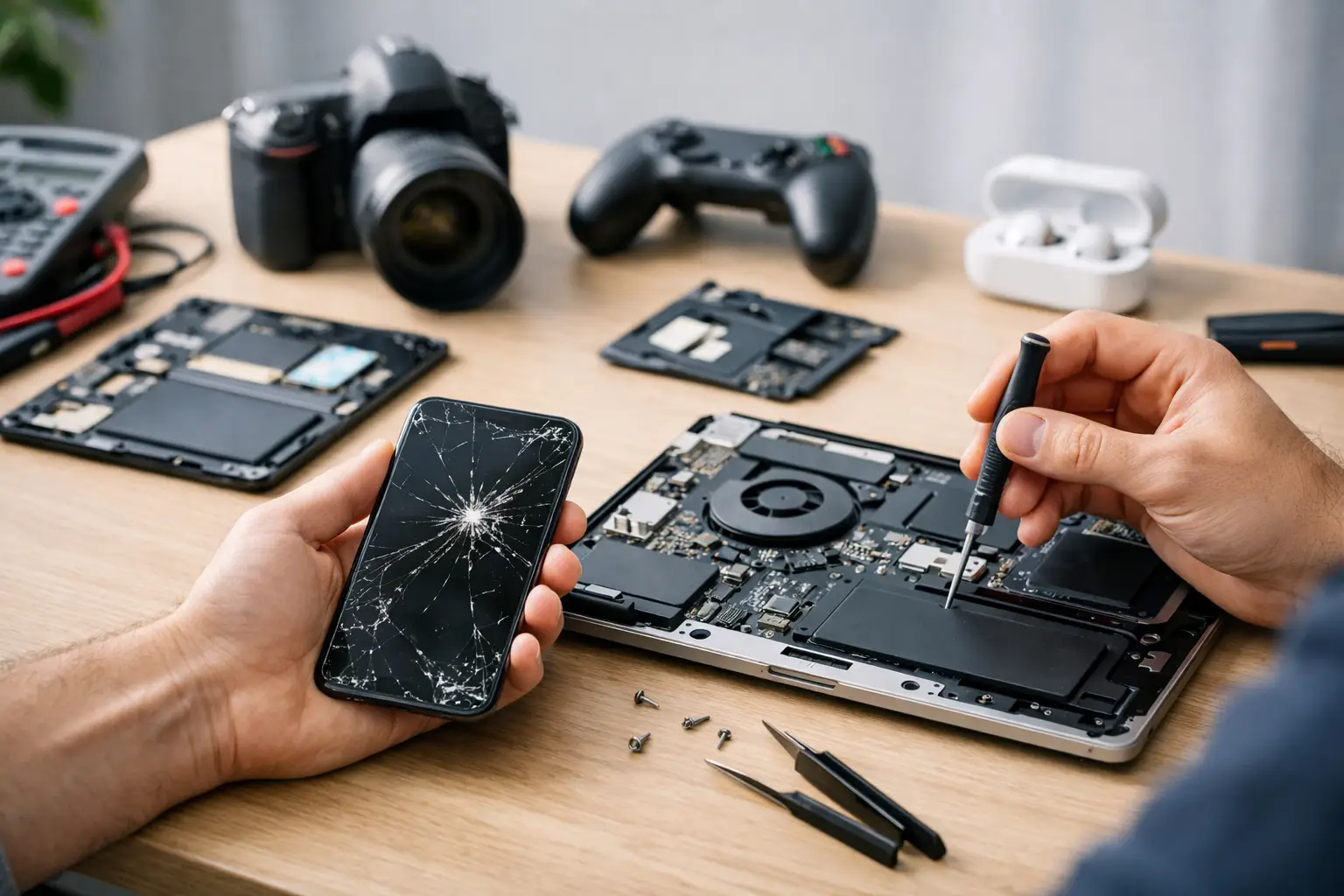
A cracked phone screen is obvious. A phone that only charges at a certain angle, a tablet that keeps restarting, or earbuds that suddenly will not pair are harder to judge. This consumer electronics repair guide helps you take the right first step without wasting time, risking your data, or making a small problem worse.
For most people, the goal is simple: get the device working again as quickly and affordably as possible. Sometimes that means a careful cleaning or a settings check. Other times, it means putting the device down and bringing it to a local repair shop before the damage spreads.
Start With the Problem, Not the Guess
Do not assume every charging issue needs a new battery or every dark screen means the display has failed. Look at what happened right before the problem started. Did the device fall? Get wet? Install an update? Start overheating? Was a new charger, case, cable, or app involved?
That quick timeline gives you useful information. A phone that stopped charging after a drop may have port damage. A device that drains quickly after a software update may need troubleshooting before any hardware repair. A screen with colored lines after impact usually points to display damage, even if the glass itself looks mostly intact.
Before changing settings or taking the device apart, test the easy variables. Try a known-good charging cable and wall adapter. Remove a bulky case that may block a connector or trap heat. Restart the device. For wireless accessories, check battery levels and forget then reconnect the pairing. These steps are simple, but they separate a device fault from an accessory problem.
Consumer Electronics Repair Guide: Know When to Stop
A little troubleshooting is reasonable. Improvised repair is not always the bargain it looks like. Modern phones, tablets, game systems, smartwatches, and laptops contain tightly packed batteries, delicate cables, adhesives, and components that can be damaged by the wrong tool or too much force.
Stop using the device and seek repair help right away if you notice any of these warning signs:
- The battery is swollen, the screen is lifting, or the device will not sit flat.
- The device gets unusually hot while charging or during light use.
- There is a burning smell, smoke, discoloration, or visible corrosion.
- The device was exposed to water and will not power on or charge normally.
- The charging port feels loose, sparks, or requires pressure to work.
A swollen battery is not a cosmetic issue. Do not press the screen back into place, puncture the battery, or keep charging the device. Water damage also needs a fast response. Turn the device off if possible, disconnect it from power, and avoid repeatedly trying to turn it on. Heat and electrical current can turn a recoverable issue into corrosion or board damage.
What You Can Safely Check at Home
Some problems have straightforward causes. If a phone says it is charging but the battery percentage barely moves, inspect the cable and adapter first. Cables fail often, especially near the ends. Use a charger with the appropriate power rating rather than a damaged, bargain-bin adapter that runs hot or disconnects randomly.
A charging port can also collect pocket lint. If the cable will not click firmly into place, debris may be blocking the connection. Power the device off and use a dry, nonmetal tool with a very light touch. Do not force anything into the port, spray liquid inside it, or scrape the contacts with a pin. A damaged charging port often needs more than cleaning.
For slow or frozen devices, make sure storage is not completely full. Remove apps you no longer use, restart the device, and install pending system updates if the device is stable enough to do so. If an app crashes only after you open it, the app may be the issue. If the entire device freezes, reboots, or shows errors across multiple apps, the cause could be software, battery health, or internal hardware.
Audio problems deserve a basic check too. Confirm Bluetooth is off when testing the phone speaker, since audio may be routing to another device. Remove any case or screen protector that blocks the microphone opening. If callers cannot hear you but voice recordings are clear, the issue may be network-related rather than a broken microphone.
Common Device Problems and What They Usually Mean
Cracked glass, black spots, and touch problems
A cracked screen can remain usable for a while, but cracks allow moisture and debris closer to the display. Black spots, flashing, dead areas, colored lines, or unreliable touch response are stronger signs that the display assembly has been damaged. A screen protector can cover sharp edges temporarily, but it cannot restore a failing display.
Battery drain and unexpected shutdowns
Battery drain depends on device age, signal strength, screen brightness, background apps, and usage. If the battery suddenly drops from 30 percent to zero, shuts down in cool weather, or needs constant charging, the battery may be worn out. A replacement can be a practical fix when the rest of the device is in good condition. If the device also overheats, restarts, or has water damage, it needs a fuller diagnosis.
Charging failures
Charging trouble can come from the cable, adapter, outlet, port, battery, charging circuit, or software. That is why replacing parts based on one symptom is risky. A professional inspection can identify whether the port is packed with debris, physically broken, or working normally while another component is causing the failure.
Water exposure
Water damage does not always show up immediately. A phone may appear fine for a day, then develop charging, screen, camera, or power issues as corrosion progresses. Do not rely on rice. It does not remove moisture from inside the device or clean corrosion from the board. Fast, proper inspection gives the device a better chance.
No power or constant restarting
A device that will not turn on may have a depleted battery, broken display, charging problem, software fault, or board-level issue. If it vibrates, makes sounds, or receives calls with a black screen, the device may still be running. Repeated restarts can be caused by storage problems, a failing battery, faulty buttons, software errors, or liquid damage. The details matter.
Protect Your Data Before Repair
If the device still works, back it up before handing it over for service. Save photos, contacts, notes, authentication codes, and anything else you cannot easily replace. Confirm that you know your device passcode and account credentials. Repair may require testing functions that cannot be checked while the device is locked.
Do not erase a device before getting advice if your priority is data recovery. A reset can remove the very information you are trying to save. Explain whether your photos, messages, business files, or contacts are the main concern when you request a repair quote.
It also helps to remove payment cards from a digital wallet when possible and take photos of the device’s condition. This is especially useful for a cracked screen or visible frame damage. Bring the charger if charging is part of the issue, since testing the exact accessory can save time.
When Local Repair Makes More Sense
Manufacturer service can be the right choice for a device under warranty or a problem covered by a protection plan. But mail-in service, appointment delays, limited device coverage, and replacement costs are not always practical when your phone is how you work, bank, study, and stay in touch.
An independent local repair provider is often a better fit when you need a quick diagnosis, have a device from a different brand, or want to understand your options before committing. Repair is not always the answer. If the cost is close to replacing an older device or the damage is extensive, a good technician should explain that honestly.
For Richmond customers, Excell Wireless VA can evaluate a wide range of device problems and provide guidance based on the actual issue. Describe what happened, what the device is doing now, and whether it has been dropped or exposed to liquid. Clear details lead to a faster quote and a better repair decision.
Your device does not have to be completely dead before you ask for help. A loose charger, fading battery, cracked screen, or random restart is often easier to address before it becomes a bigger interruption.