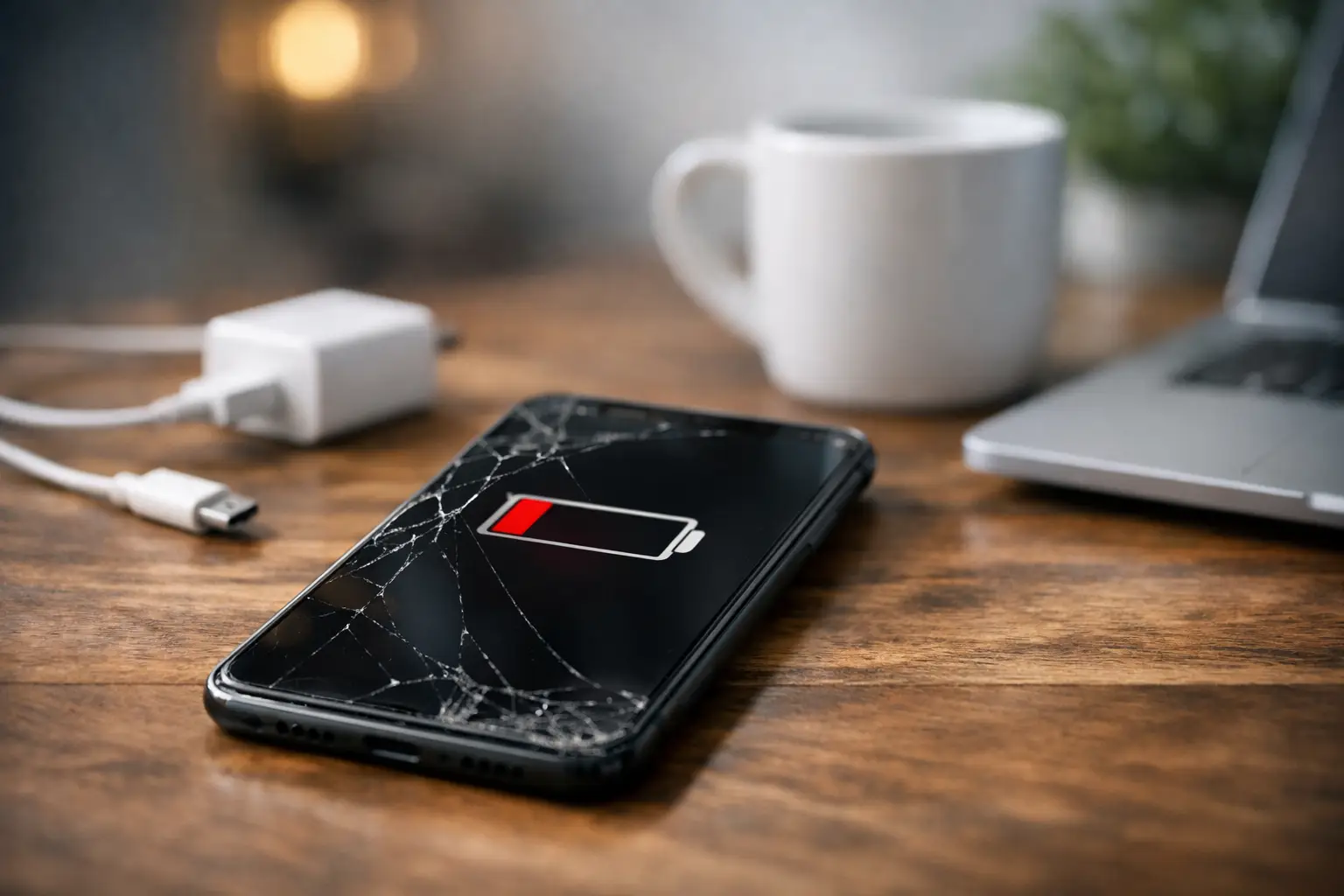
A phone that drops from 80% to 30% before lunch is more than annoying. It can mean missed calls, trouble getting directions, or no battery left when you need to pay, work, or check in with family. If you are asking why phone battery drains so quickly, the answer may be simple settings, a demanding app, a weak signal, or a battery that is wearing out.
The good news is that battery drain is usually something you can narrow down. Start with the easy checks first. If they do not change anything, the problem may need a closer look.
Why Phone Battery Drains Faster Than It Should
Your phone uses power all day, even when the screen is off. It is checking for messages, maintaining a cellular connection, updating apps, tracking location when permitted, and running background tasks. A small amount of battery use is normal. Sudden or extreme drain is not.
The key is to notice the pattern. Does the battery drop quickly only while using one app? Does it drain overnight while the phone sits untouched? Does it fall fast in certain locations? Those details point to different causes.
Screen brightness and display settings
The screen is one of the biggest battery users on any phone. High brightness is especially hard on battery life outdoors, where the display may stay at full power for long periods. A large screen, high refresh rate, always-on display, and long screen timeout can add to the drain.
Try lowering brightness or turning on adaptive brightness. Set the screen to lock sooner when you are not using it. If your phone has a high refresh rate setting, switching to a standard setting may help, though the screen may not feel quite as smooth when scrolling.
Apps working in the background
Some apps use more power than they should. Social media apps, video apps, navigation, games, fitness tracking, and apps that constantly refresh content are common examples. An app may also get stuck after an update and keep running in the background.
Check your battery settings to see which apps have used the most power over the past day. If one app is far above the others, update it first. If that does not help, close it, restrict its background activity, or remove and reinstall it. Be careful not to restrict apps you need for timely alerts, such as work messaging, security, or medical-related apps.
Location, Bluetooth, and other connections
GPS, Bluetooth, mobile data, Wi-Fi scanning, and hotspot use all require power. Navigation is a major drain because it keeps the screen active, uses location services, and may keep the phone connected to data for traffic updates.
You do not need to turn every feature off all the time. Instead, review which apps have location permission. Change access to “While Using the App” when that makes sense. Turn off Bluetooth when you are not using headphones, a watch, or another connected device. If you are in a low-signal area, your phone may work much harder trying to maintain a connection.
Poor cell signal
A weak signal can drain a battery faster than many people realize. When your phone struggles to find or hold a cell tower, it increases power use in the background. This often happens inside large buildings, parking garages, rural areas, or parts of town with limited coverage.
If your battery drain mainly happens in one location, signal strength may be the reason. Connecting to reliable Wi-Fi can help. In a place where you do not need calls or data for a while, airplane mode can prevent your phone from constantly searching for service.
Software updates and glitches
A phone can use extra battery for a day or two after a major software update. It may be indexing photos, optimizing apps, syncing files, or finishing other setup work. That is usually temporary.
If the battery drain continues for several days, check for another software update. Restart the phone. Also look for app updates, since an older app may not work efficiently with newer phone software. If the problem started right after you installed a certain app, that app deserves attention.
When the Battery Itself Is the Problem
All rechargeable phone batteries lose capacity over time. They are designed to wear gradually, but heat, frequent heavy use, and age can speed up the process. A battery that once lasted all day may eventually struggle to make it through a few hours.
A worn battery does not always make the phone slow. It simply holds less charge than it used to. That is why a phone can show 100% in the morning but still run low much sooner than expected.
Signs of a failing phone battery
Fast battery drain is one warning sign, but it is not the only one. Watch for a battery percentage that jumps suddenly, a phone that shuts down before reaching 0%, or a device that gets unusually hot during normal use. Slow charging, charging that stops and starts, and a phone that only works well while plugged in can also point to a battery or charging issue.
If the back of the phone is lifting, the screen is separating from the frame, or the device looks swollen, stop using it and do not keep charging it. A swollen battery needs prompt professional attention.
Battery health tools on some phones can provide useful clues. A reduced maximum capacity may explain shorter runtime, but it is not the whole story. A phone with decent reported battery health can still drain quickly because of an app, a bad charging port, or a software issue.
Quick Checks Before You Assume You Need a New Battery
Start by restarting the phone, then use it normally for a few hours. A restart can stop a frozen process that has been using power in the background.
Next, check the battery usage screen. Look for an app with unusually high usage, especially if you barely opened it. Update the app or remove it temporarily to test whether battery life improves.
Review brightness, location access, and background refresh settings. Turn on low power mode when you need to stretch the battery for the rest of the day. Low power mode is useful, but it is a temporary solution. It may reduce background activity, display performance, and automatic updates.
Then inspect your charging setup. A damaged cable, weak charging block, dirty charging port, or loose connection can make it seem like the battery is failing because the phone never reaches a full, stable charge. Do not dig inside the charging port with metal objects. That can damage the contacts and make the problem worse.
Heat matters, too. Leaving a phone in a hot car, under a pillow while charging, or in direct sunlight can hurt battery performance. Remove thick cases during charging if the phone gets hot, and avoid demanding games or video streaming while it is plugged in.
When to Get a Phone Checked
If you have adjusted settings, updated the phone, tested your apps, and the battery still drops fast, it is time for diagnosis. The issue could be an aging battery, but it could also be a charging port problem, liquid damage, a damaged cable connection, or an internal power issue.
This is especially true when the phone overheats, restarts on its own, will not charge consistently, or loses a large percentage of battery while sitting idle overnight. Waiting can turn a manageable battery repair into a phone that will not stay powered on at all.
For Richmond residents, Excell Wireless VA can check the device, identify the likely cause, and give you practical service guidance. Whether you have an iPhone, Samsung, LG, Google phone, or another model, bring in the phone and explain when the drain happens. Details such as “it dies during calls” or “it loses 40% overnight” make troubleshooting faster.
A phone battery should support your day, not force you to plan every errand around the next outlet. If the usual fixes are not working, getting the problem checked now can save you from being stuck with a dead phone when you need it most.