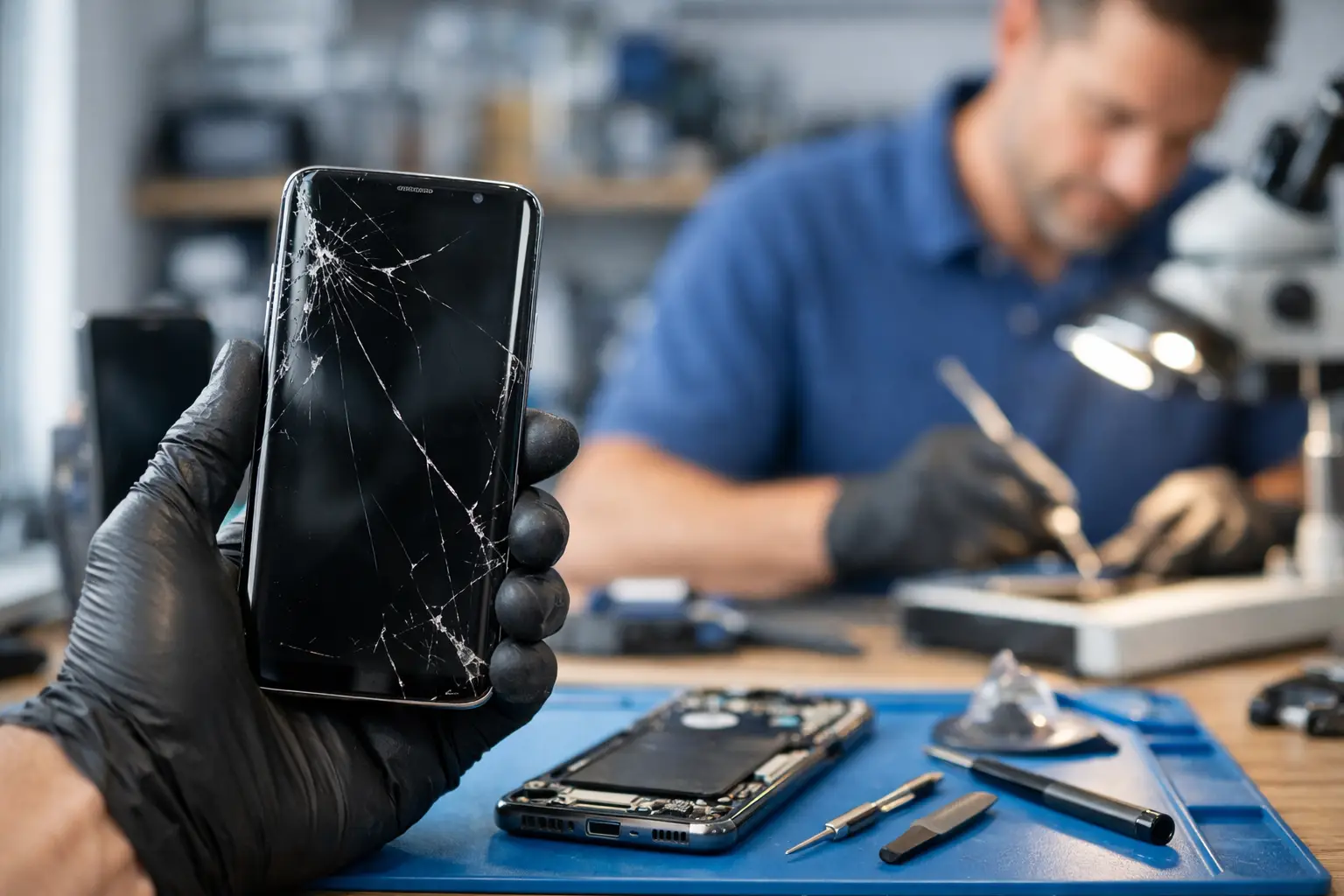
A cracked Galaxy screen is easy to see. A phone that will not charge, overheats, drops calls, or shuts down at 30 percent is harder to diagnose. Either way, choosing an independent Samsung repair shop is about more than finding the closest counter with a repair sign in the window. You need someone who will look at the actual problem, explain the options clearly, and tell you when a repair makes sense.
For many Richmond residents, a phone is their work calendar, camera, payment method, school contact, and connection to family. Being without it for days is not always practical. A local repair shop can be a useful alternative to shipping a device away or working through a manufacturer service process, especially when you need direct answers and a fast path forward.
What an Independent Samsung Repair Shop Can Help With
Independent means the shop is not Samsung and is not affiliated with Samsung. That does not mean the technician cannot work on Samsung devices. It means the shop operates independently and may offer practical repair options for a wide range of Galaxy phones, tablets, watches, and other personal electronics.
The common repairs are familiar: broken screens, damaged back glass, worn batteries, charging port problems, camera issues, speaker or microphone failures, water exposure, and buttons that stop responding. But troubleshooting matters just as much as replacing parts. A phone that will not turn on may have a bad battery, charging issue, damaged display, software problem, or board-level damage. Replacing the first part that seems likely is not the same as diagnosing the device.
A good shop starts by listening to what changed. Did the phone fall? Did it get wet? Did it begin acting up after an update? Does it charge only when the cable is held at an angle? Those details can save time and prevent the wrong repair.
Ask About the Diagnosis Before the Repair
A repair quote should be based on the issue at hand, not just a guess from across the counter. For a straightforward cracked screen, the problem may be obvious. For power, charging, network, or intermittent problems, the device may need testing before anyone can give a firm answer.
Ask whether there is a diagnostic process and whether any diagnostic fee applies if you decide not to move forward. You should also ask what the technician believes is causing the issue and whether there could be more than one problem. For example, a hard drop can damage the screen and affect the frame, battery connection, cameras, or charging system.
Clear communication is a good sign. You do not need a lecture full of technical terms. You do need a plain explanation of what is known, what still needs to be tested, how much the repair may cost, and what happens if the first repair does not solve the issue.
Be honest about drops and liquid exposure
Do not leave out the details because you are worried the repair will cost more. Water exposure and impact damage affect the repair plan. A phone that was dropped in a sink and worked for two days afterward may still have corrosion developing inside. A device with a small crack that suddenly has a black screen may have display damage beyond the visible glass.
Giving the shop the full story helps them focus on the right areas first. It can also help you decide whether repair is a smart investment or whether replacement is the better move.
Know What Kind of Parts Are Being Used
Not every replacement part is the same, and the lowest price is not always the best value. Ask what type of replacement part is available for your specific Samsung model. Depending on the device and repair, options may vary in quality, appearance, brightness, touch response, battery performance, and availability.
With displays, the difference can be noticeable. A lower-cost screen may restore basic function but may not match the original display in color, brightness, fingerprint performance, or durability. For some customers, that trade-off is acceptable if they need an affordable working phone. For others, especially people who use the device for work, photos, videos, or frequent mobile payments, a higher-quality option may be worth the added cost.
The right choice depends on your phone, your budget, and how long you plan to keep it. The key is making the choice with clear information instead of discovering the difference after the repair is complete.
Confirm the Price, Timing, and Warranty
Before leaving your Samsung device, make sure you understand the expected total. Ask whether the quote includes parts, labor, taxes, and any diagnostic charge. If further damage is found during the repair, ask whether the shop will contact you for approval before doing additional work.
Timing also matters. Some repairs can be completed quickly when the needed part is available. Others require ordering a part, more extensive testing, or careful work after liquid damage. Be cautious of anyone who promises an exact turnaround time before seeing the device or checking part availability.
Ask about the repair warranty in plain terms. Find out how long it lasts, what it covers, and what it does not cover. A warranty may cover a defective replacement part or workmanship, but it will not usually cover a new drop, crack, water exposure, or unrelated issue. That is reasonable. What matters is that the policy is explained before the repair, not after a problem comes up.
Protect Your Data Before You Hand Over the Device
Repairing a screen or charging port does not normally require someone to access your personal files. Still, any device repair carries some risk. A phone with serious damage may fail further during testing, and some software troubleshooting may require a reset. Back up your data if the phone still works well enough to do it.
Save photos, contacts, messages, authentication codes, and important work files. If you use an authenticator app for banking, email, or work logins, make sure you have recovery options ready. Remove or secure sensitive information where possible.
You should also know your device passcode if testing will require it. A technician may need to verify that the screen, camera, microphone, speakers, charging, or cellular functions work after the repair. Ask why access is needed and what testing will be performed. A professional shop should respect your privacy and only request what is necessary to complete the job.
Consider Whether Repair Is Worth It
Most people want the phone fixed, not a debate about replacing it. Still, an honest independent shop should tell you when a repair may not be the best use of your money. The answer depends on the phone’s age, storage condition, overall damage, repair cost, and value of a replacement device.
A battery replacement can make sense when a phone is otherwise reliable but no longer lasts through the day. A screen repair may be the right call when the device is recent, paid off, and working well besides the damage. On the other hand, a much older model with a bad screen, failing battery, and charging issue may need multiple repairs that exceed its practical value.
There is also the question of data. If the phone holds irreplaceable photos or business information, even a repair that is not economical as a long-term solution may be worthwhile to recover access and complete a backup. Tell the technician what matters most: keeping costs down, saving data, getting the phone back quickly, or making it dependable for another year.
Choose Direct Answers Over Sales Pressure
The best repair experience is usually simple. You describe the issue, the shop checks the device, you receive a clear explanation and quote, and you decide what to do. You should not feel pushed into a repair you do not understand.
At Excell Wireless VA, the focus is practical troubleshooting for the device in front of you. Whether your Samsung has a damaged screen, will not charge, or has a problem that is harder to pin down, bring the details you know and ask questions before authorizing work.
A good repair decision starts with a real diagnosis, an honest price, and a repair option that fits how you use your phone. That is the kind of clarity worth looking for when your device cannot wait.