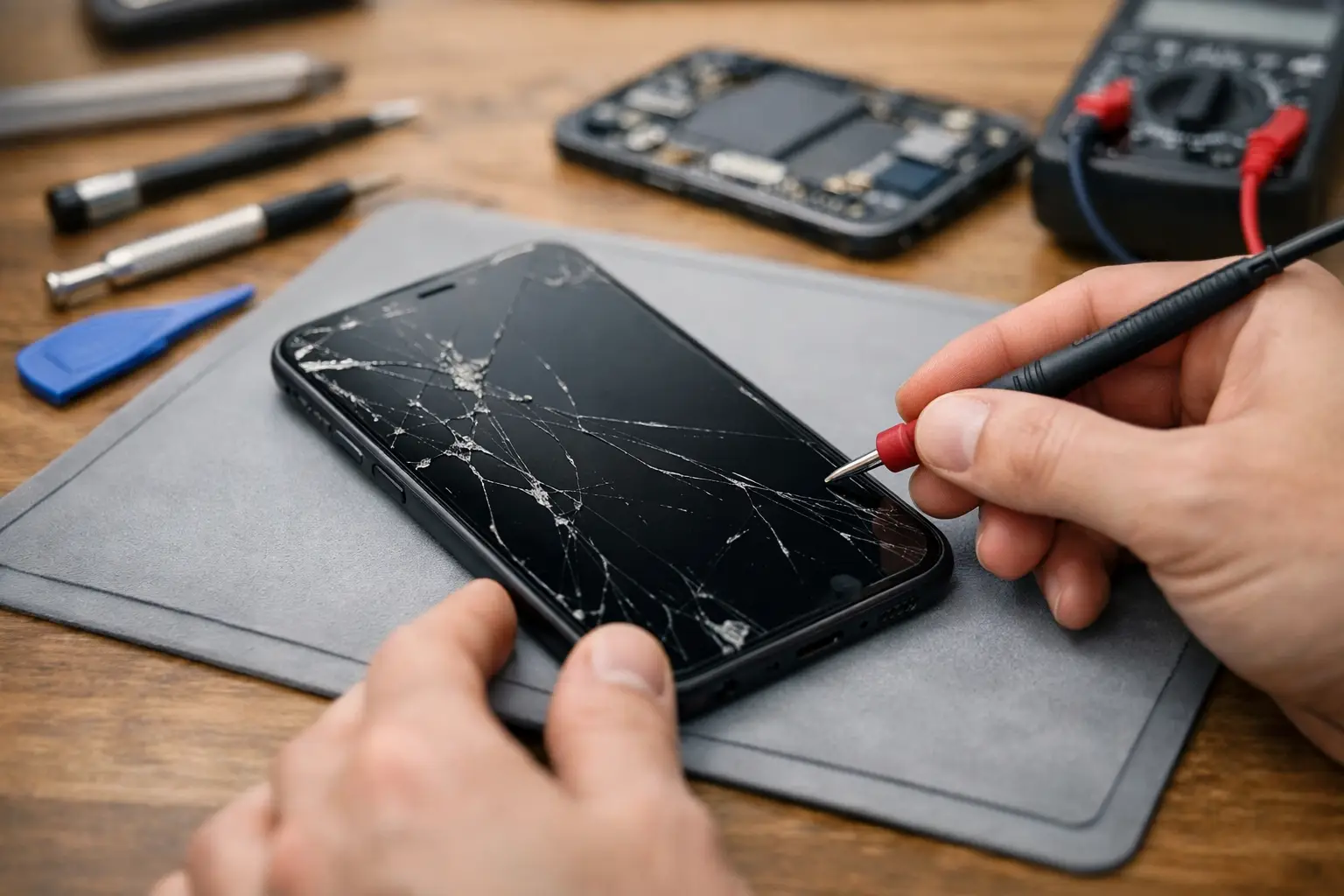
A phone that shows no sign of life can ruin your whole day fast. If you’re searching for my phone won’t turn on repair, you probably do not need a lecture – you need to know whether this is a simple fix, a battery problem, a charging issue, or a phone that needs professional service right away.
The good news is that a dead phone is not always a dead phone. Sometimes the issue is basic, like a bad cable or a frozen system. Other times, the problem is inside the device, such as a failed battery, damaged charging port, power button fault, or board-level issue after a drop or water exposure. Knowing the difference can save you time and keep you from making it worse.
My phone won’t turn on repair – what usually causes it?
When a phone will not power on, the cause usually falls into one of a few categories. The first is charging failure. If the battery is fully drained and the phone is not actually receiving power, it can look completely dead even though the screen and internal components still work.
The second common cause is software failure. Phones can freeze during an update, crash during startup, or get stuck on a black screen that makes it seem like they are off. In that case, the device may still have power, but the operating system is not loading correctly.
Then there is physical damage. A hard drop can loosen internal connections, damage the battery, break the screen, or affect the power management system. Water damage can do the same thing, except the damage may continue spreading after the phone gets wet.
Battery wear is another big one. Batteries do not last forever. If your phone was shutting off at random, draining quickly, getting hot, or struggling to hold a charge before it stopped turning on, the battery may have been failing for a while.
Finally, there are motherboard and power circuit issues. These are more serious and usually need diagnostic tools and repair experience. They are also one reason it is smart to stop guessing after the basic checks.
What to try before booking my phone won’t turn on repair
Start with the charger, because that is the fastest thing to rule out. Try a different charging cable, a different wall adapter, and a different outlet. If you normally charge through a computer or in the car, switch to a wall outlet instead. Give the phone at least 20 to 30 minutes on a known working charger before assuming it will not respond.
Next, check the charging port. Pocket lint, dust, or bent debris inside the port can block the connection. Look carefully with good lighting. If you see buildup, do not jab at it with anything metal. Gentle cleaning may help, but if the port looks damaged or loose, stop there.
After that, try a forced restart. Different phones use different button combinations, but many will respond if you hold the power button alone or hold the power button with a volume button for several seconds. This can help if the phone is frozen rather than truly dead.
Also pay attention to signs of life. Does it vibrate? Make a sound? Show a battery icon for a second? Connect to a computer? Even a tiny response changes the diagnosis. A phone with some response may have a display issue or charging issue, while a phone with no response at all may point to power delivery or internal hardware damage.
If the screen is black but the phone seems active, call someone from the device or listen for notifications. In some cases, the phone is on and the display has failed. That is a different repair than a no-power condition, even though it feels the same to the user.
When not to keep trying at home
There is a point where repeated button pressing and random charger swapping stops being useful. If the phone was dropped, got wet, overheated, or stopped working during charging, be careful. Those details matter because they often point to internal damage rather than a simple restart issue.
A wet phone is the clearest example. Do not keep charging it to see if it comes back. Power running through a wet device can make corrosion and shorting worse. If there was water exposure, the best move is to leave it off and have it inspected.
The same goes for a swollen battery or a phone that got unusually hot before dying. Heat, odor, or screen lifting can signal battery damage. That is not something to test over and over on your kitchen counter.
If the phone contains important photos, business contacts, work apps, or two-factor authentication access, it is also worth moving faster. The longer a failing device sits, the harder recovery can become in some cases.
What a repair shop will actually check
A proper diagnosis is more than plugging it in and hoping for the best. A technician will usually test whether the phone is taking in power, whether the battery is responding, and whether the screen is showing output. They may also inspect the charging port, power button, and internal connectors.
If the issue is straightforward, the repair may be too. A battery replacement, charging port repair, or screen replacement can bring a phone back if the rest of the device is healthy. These are common problems, and fixing them early can be more affordable than replacing the whole phone.
If the phone still does not respond after those checks, the problem may be deeper. Power management chips, board damage, corrosion, and short circuits take more advanced work. Not every dead phone is worth repairing, and a good shop should tell you that clearly instead of pushing a repair that does not make sense.
That honesty matters. Sometimes repair is the best value. Sometimes replacement is smarter, especially with older devices that already had battery issues, storage problems, or heavy wear.
The cost question depends on the cause
People usually want a number right away, but my phone won’t turn on repair can range from simple to complex. A bad cable costs almost nothing. A battery or charging port repair is usually far less than replacing a newer phone. Board-level repairs can cost more and may depend on the model, parts availability, and whether the phone also has water damage or impact damage.
Brand and age matter too. Some devices are easier to open and repair. Others are built in a way that makes even basic service more time-consuming. Newer premium phones can also have more expensive parts.
That is why a real diagnostic is worth it. Guessing from symptoms alone often leads people to buy the wrong charger, replace the wrong part, or give up on a phone that could have been fixed.
Repair or replace?
This depends on the phone’s age, condition, and what failed. If the phone is fairly recent and the problem is the battery, charge port, or screen, repair is often the practical move. If it is an older device with multiple issues and little resale value, replacement may make more sense.
Data can change the decision. Even if a full repair is not worth it, some customers still want the phone powered back on long enough to recover photos, contacts, notes, or account access. That can make a repair worthwhile when the device itself is no longer the priority.
For local customers in Richmond, getting the phone looked at in person is usually the fastest way to stop the guesswork. Excell Wireless VA handles device troubleshooting with a straightforward quote process, which is useful when you need answers quickly instead of mailing a phone out and waiting.
A few mistakes to avoid
Do not keep forcing a wet phone to charge. Do not use random low-quality chargers that may cause unstable power. Do not keep prying at the charging port with metal objects. And do not assume a black screen always means the phone is dead.
One more thing – avoid waiting too long if the phone contains anything important. Power issues can start small and become harder to deal with later, especially after moisture exposure or repeated charging attempts.
If your phone will not turn on, the smartest next step is simple: rule out the charger, try a safe restart, and then get a proper diagnosis before the problem gets worse.