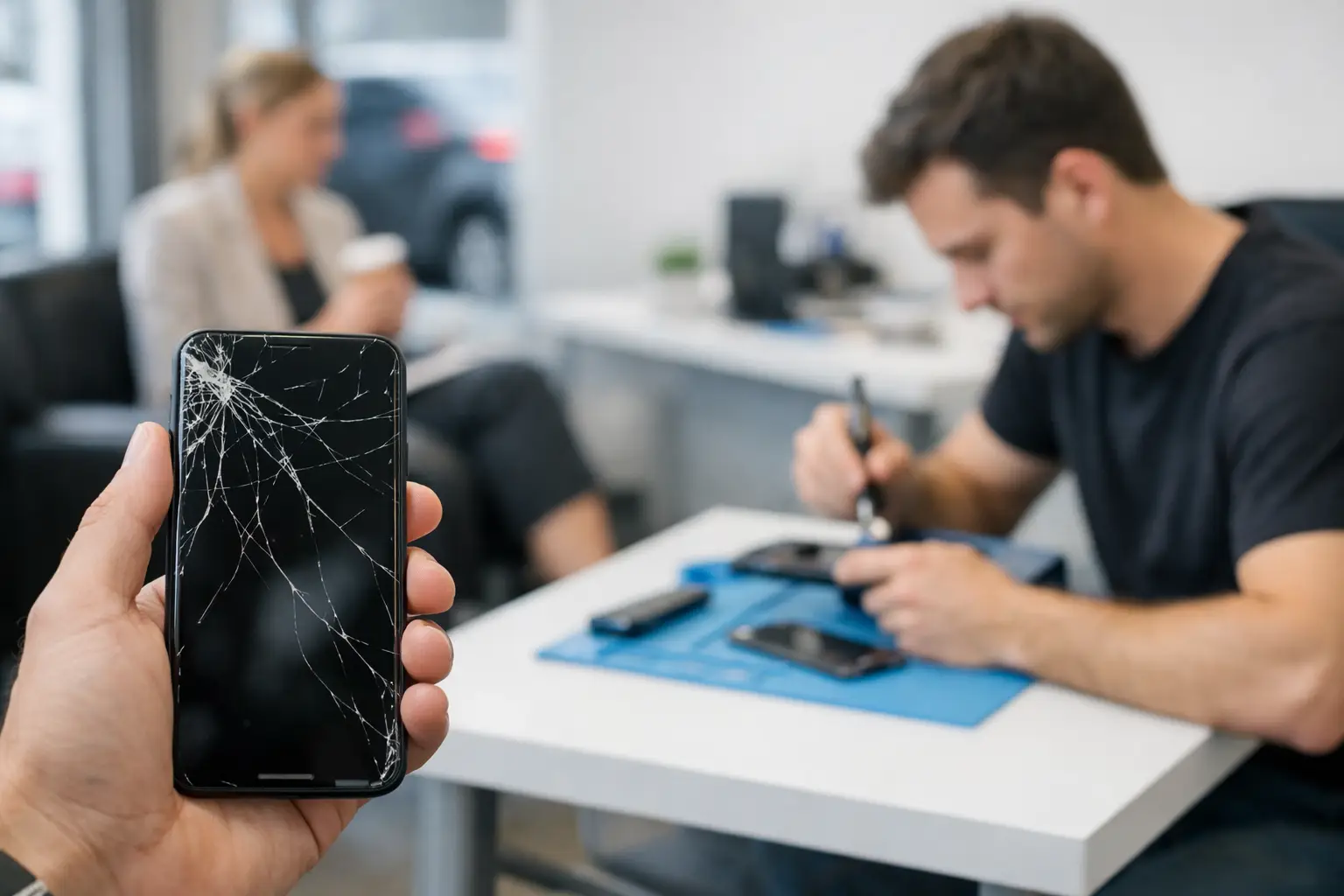
A cracked screen changes how you use your phone right away. Text can be hard to read, a sharp edge can catch your finger, and one small crack can spread after the next drop. If you need Richmond cracked screen service, the goal is simple: protect your device and get a clear answer on the repair before the damage gets worse.
A broken screen does not always mean your phone is finished. Many phones, tablets, and other devices can still be repaired, even when the display looks rough. The right next step depends on what is actually damaged, not just what the glass looks like from the outside.
When a Cracked Screen Needs Attention Now
Not every crack creates the same problem. A single hairline crack near the corner may leave the display and touch controls working normally for a while. A screen with deep cracks, black blotches, flickering, colored lines, or dead touch areas is a different situation. Those signs can mean damage has reached the display underneath the glass.
Bring the device in sooner if you see loose glass, exposed sharp edges, moisture getting through the cracks, or a screen that keeps getting darker. If your phone is already difficult to unlock, type on, or use for work and banking, waiting can create more hassle than the repair itself.
There is also the safety issue. Small glass fragments can come loose over time. A damaged screen can be especially frustrating for children using a family tablet or for anyone who handles a phone all day at work.
What Richmond Cracked Screen Service Should Start With
A proper cracked screen repair starts with checking the whole device. The visible crack is only part of the picture. A technician should look at display quality, touch response, front camera function, buttons, charging, speakers, and the frame around the screen.
Why does that matter? A hard drop that breaks the screen can also bend a frame, loosen an internal connection, affect the camera, or cause a charging issue that was not obvious at first. Knowing about those problems before repair helps you make a better decision and avoids surprises later.
At Excell Wireless VA, the approach is built around troubleshooting the issue in front of you. That matters when you have more than a cracked phone. If the device will not charge, has a black display, keeps restarting, or has touch problems after a drop, describe all of it when requesting a quote. The more complete the picture, the more useful the service guidance can be.
Screen Glass, Display, and Touch Problems Are Not Always the Same
People often say they need “screen repair,” but a phone screen is made up of more than one working part. Depending on the device and damage, the repair may involve the outer glass, the display panel, the touch layer, or a complete screen assembly.
If the glass is cracked but the picture is bright and touch works across the entire display, the damage may be mostly cosmetic. It is still worth addressing because cracks can spread and leave the device more vulnerable to moisture and future drops.
If you see black ink-like spots, a flashing screen, bright lines, blank sections, or a display that stays black while the phone still rings, the panel underneath has likely been affected. When taps do not register or the phone starts typing on its own, the touch layer may also be damaged. Those issues are usually not solved by a screen protector or a quick cosmetic fix.
The make and model matter too. Parts, screen construction, repair options, and pricing can vary widely between devices. An independent local repair provider can help assess many brands and models, but a quote should be based on the actual device and condition rather than a guess from a photo alone.
What to Do Before You Bring Your Device In
Do not keep pressing on a cracked screen to test it. Pressure can make cracks spread or worsen damage underneath. If the device still works, back up important photos, contacts, messages, and work files as soon as you can. Screen repairs are intended to preserve normal device use, but a current backup is always a smart move before any electronic service.
If you can access the phone, make sure you know your passcode and account details. Some testing may require you to unlock the device after service. Do not share passwords you do not need to share. If you have a case or screen protector, leave it on if it is helping contain loose glass until you reach the shop.
Avoid tape directly over the front camera, speaker opening, charging port, or buttons. A temporary screen protector can reduce the chance of cuts from minor cracks, but it will not repair a damaged display. Do not use super glue, household adhesives, or internet repair kits unless you understand the risk. Adhesive can seep into openings, interfere with the display, and make professional repair more difficult.
Choosing Repair or Replacement
The best choice depends on the condition and value of the device. Repair often makes sense when the phone still meets your needs, the issue is limited to the screen, and replacing the device would cost more or create more disruption. It can be a practical option for a newer phone, a reliable work device, or a tablet your family uses every day.
Replacement may make more sense when the screen is only one problem among several. A phone with severe frame damage, battery trouble, water damage, camera problems, and repeated power issues may need a broader conversation. The same is true for an older device that no longer receives the software support or performance you need.
Do not decide based only on the crack. Ask for a quote after the device is evaluated. A straightforward quote gives you a chance to compare the repair cost with the device’s condition and your plans for using it.
Questions Worth Asking at the Repair Counter
You do not need to be a tech expert to get useful answers. Start by explaining how the damage happened and what has changed since the drop. Mention whether the display flickers, whether touch works everywhere, and whether the device has been exposed to water or heat.
Ask what part of the screen is damaged and whether the device has any additional issues. Confirm the estimated repair cost before approving service. If preserving photos or work data is a concern, say so before the repair begins. Clear communication helps the technician focus on what matters most to you.
It is also fair to ask whether the frame is bent or whether the repair can be affected by prior damage. A repair shop should give practical guidance, even when the answer is that the device needs more than a simple screen replacement.
After a Screen Repair: Keep the Next Drop From Becoming Another Problem
A repaired screen deserves basic protection. Use a case that raises above the front edges and a quality screen protector suited to your device. Neither one makes a phone indestructible, but both can reduce the force of a future impact.
Be careful with loose pockets, car roofs, counters near sinks, and charging cables stretched across walkways. Many cracked screens come from ordinary moments, not dramatic accidents. A little protection is cheaper and easier than dealing with another broken display.
If you notice unusual touch behavior, screen lifting, flickering, or a new issue after repair, do not ignore it. Bring the device back for a check rather than trying to pry, press, or adjust the screen at home.
A cracked screen should not keep you cut off from calls, maps, payments, schoolwork, or the people who need to reach you. Describe the issue, request a quote, and bring the device in for a real assessment. Getting a clear answer is the fastest way to decide what your device needs next.