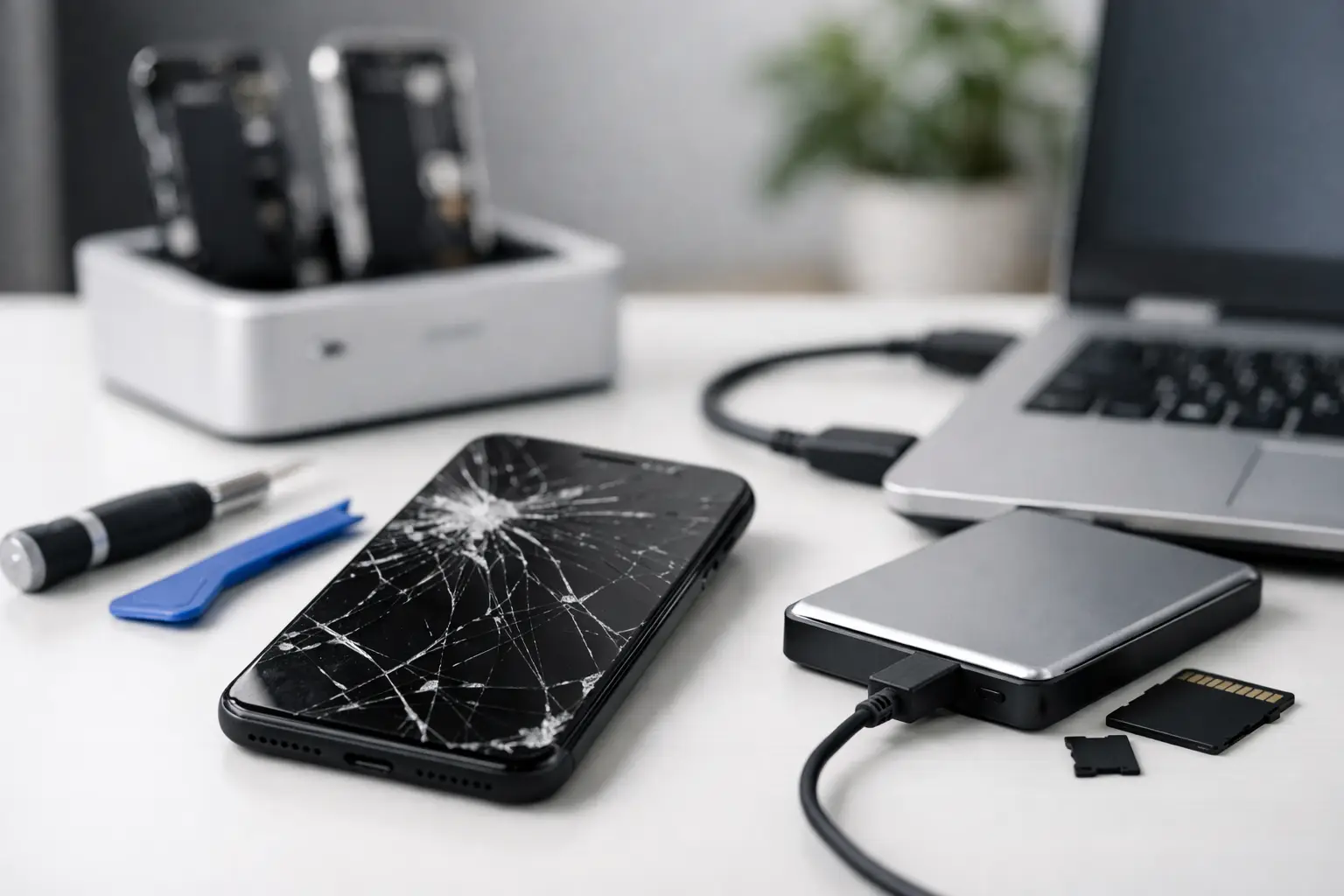
Your phone can have a cracked screen, refuse to charge, or stop turning on without your photos, contacts, and files being gone for good. Data recovery from a broken phone depends on what failed, how the phone was set up, and what you do next. The biggest mistake is often trying random fixes that make a repair harder.
If your phone holds family photos, work messages, customer contacts, banking access, or notes you cannot replace, slow down before you reset it, update it, or take it apart. A quick diagnosis can tell you whether the issue is the screen, battery, charging port, software, or the phone’s internal board. Those details matter when your data is the priority.
Start With the Safest Checks
First, check whether your information is already backed up. Many phones automatically save photos, contacts, and app data to a cloud account when backup is enabled. Sign in from another device and look for your photos, contacts, documents, and recent backups. Do not assume a backup is current just because you use a cloud account. Your last backup may have happened days, weeks, or months ago.
Next, try a known-good charging cable, power adapter, and wall outlet. Leave the phone connected for at least 30 minutes before deciding it is dead. A fully drained battery, damaged cable, or dirty charging port can look like a major failure when it is not.
If the phone vibrates, makes sounds, receives calls, or shows notifications but the display stays black, the device may still be running. That is usually a better situation than a phone with no power at all. In many cases, replacing a failed screen can restore access to everything stored on the phone.
Avoid repeatedly forcing restarts if the phone gets unusually hot, has water damage, smells burnt, or has a swollen battery. Stop charging it immediately in those cases. A damaged battery is a safety issue, and continuing to power the phone can cause more harm.
What Type of Damage Are You Dealing With?
A broken phone is not one problem. The best path for recovery changes based on the failure.
Broken screen, but the phone still works
This is one of the most common and most recoverable situations. If the touchscreen no longer responds but the phone still powers on, a technician may be able to install a working screen temporarily or complete a screen repair so you can unlock it and save your data.
Modern phones protect stored information with encryption. That means plugging the phone into a computer does not always provide access, especially if you cannot unlock the screen. A replacement screen is often more useful than a cable because it lets you enter your passcode and approve access directly on the device.
Charging or battery problems
A phone that will not charge may have a worn battery, damaged charging port, debris in the port, or a power-related board issue. If the phone can be powered safely after repair, your data may still be intact exactly where you left it.
Do not scrape aggressively inside a charging port with a pin, knife, or metal tool. You can bend the internal contacts and turn a simple cleaning issue into a port replacement. If lint is packed into the port, a repair shop can inspect it properly.
Water damage
Water damage is time-sensitive. Turn the phone off if it is still on, do not charge it, and do not keep testing it. The old rice trick is not a reliable repair method. Rice does not remove corrosion from internal components, and waiting can allow damage to spread.
A phone may work immediately after getting wet and fail later. If the information on it matters, getting it inspected quickly gives you the best chance of repairing the device enough to access your files. The goal may not be to make the phone perfect forever. Sometimes the practical goal is simply to get it running long enough to back up what matters.
No power or internal board damage
When a phone has no signs of life, recovery becomes more complicated. A failed charging circuit, power component, or internal board can prevent the phone from starting even when the storage itself is still good.
This is where expectations need to be realistic. Data recovery may require board-level diagnosis or a repair that restores the original phone long enough to unlock it. Moving a storage chip to another phone is not a simple solution on most current devices because the data is encrypted and tied to the original hardware and security system.
Do Not Reset the Phone Yet
A factory reset can erase locally stored photos, messages, downloads, app information, and other files that were never backed up. It may help with some software issues, but it should not be the first move when data recovery is your main concern.
The same goes for software updates, recovery-mode restores, and unfamiliar computer programs that promise instant recovery. Some tools are useful in the right situation, but they cannot bypass every locked or damaged phone. More importantly, a failed update or restore attempt can change the condition of the device and reduce your options.
If you can still unlock the phone, back it up right away before trying anything else. Save photos and documents, sync contacts, and write down important account information. If the phone is unstable, focus on the files that cannot be replaced first.
What a Repair Shop Can Actually Do
A local repair shop can begin with a straightforward diagnosis. The goal is to identify whether the phone needs a screen, battery, charging port, cleanup after liquid exposure, or a deeper repair. For many people, repairing the failed part is the most practical form of recovery because it gives them access to the device again.
Bring the phone in with its passcode if you are comfortable doing so, or be ready to unlock it yourself after the repair. The passcode is often necessary because current phone security is designed to prevent anyone else from accessing your information. A reputable technician should explain what access is needed and why.
Be clear about your priority at drop-off. Say whether you want the phone repaired for daily use, whether your main concern is retrieving photos and files, or whether you need both. That changes the repair plan. A customer who only needs their data may choose a different option than someone who wants a long-term fix for a phone they use every day.
At Excell Wireless VA, the first step is simple: describe what happened and what you need saved. A cracked display, charging issue, power problem, or water exposure can all call for a different approach, and a quote request or in-store visit can help you get an answer faster.
Protect Your Data After You Get It Back
Once you can access the phone again, make a backup before you leave the problem behind. Turn on automatic cloud backup for photos, contacts, and device settings. Copy important documents to another secure location as well. One backup is good; having a second copy for irreplaceable photos, business files, or family records is better.
It also helps to keep your phone updated, use a case and screen protector, and pay attention to early warning signs such as loose charging, unexpected shutdowns, battery swelling, or screen flickering. Small repairs are usually easier to handle before the phone stops working completely.
A broken phone does not automatically mean lost data. Keep it powered off if there is water or battery damage, avoid resets, and get the issue checked before trying risky fixes. The right repair may be all it takes to get your important information back in your hands.