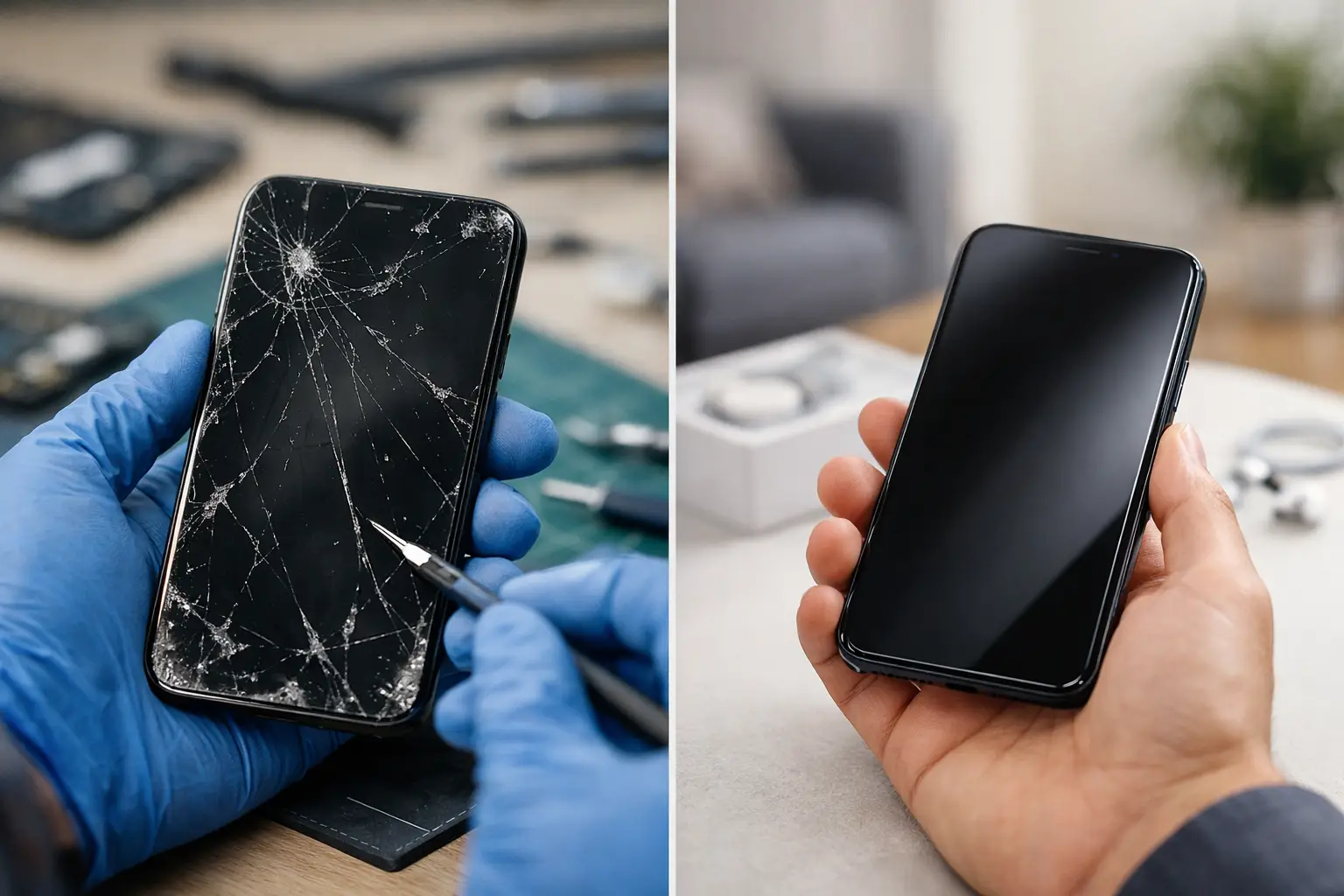
A cracked screen before work, a phone that will not charge at night, or a device that shuts off during an important call can make the decision feel urgent. When you are weighing phone repair or replacement, the right answer is not always the newest phone or the quickest fix. It depends on what failed, how old the device is, what the repair will cost, and whether the phone still does what you need it to do.
For many Richmond customers, repair is the practical first move. A single damaged part does not always mean the whole phone is done. A clear diagnosis can help you avoid spending hundreds of dollars on a new device when a repair can get you back up and running.
Phone Repair or Replacement: Start With the Problem
The type of damage matters more than how bad the phone looks at first glance. A shattered screen can be frustrating, but if the phone turns on, holds a charge, responds to touch, and works normally otherwise, a screen repair may make sense. The same is often true for a worn charging port, weak battery, damaged camera lens, speaker trouble, or certain software issues.
Replacement becomes more likely when several major problems happen at once. For example, a phone with a broken display, failing battery, water damage, and repeated power issues may need more than one repair. At that point, the total cost and the phone’s remaining useful life deserve a closer look.
Do not assume a phone is beyond repair because it will not turn on. A dead battery, bad charging cable, debris in the port, damaged charging component, or software problem can all look like a completely dead phone. Troubleshooting the actual cause comes before making an expensive decision.
Damage That Often Makes Sense to Repair
A repair is usually worth considering when the issue is limited and the phone has otherwise been reliable. Common examples include a cracked or unresponsive screen, a battery that drains too quickly, a charging port that only works at certain angles, damaged back glass, speaker or microphone problems, and camera issues.
These problems can disrupt daily life, but they do not necessarily mean the phone’s processor, storage, or core functions have reached the end. If you like your phone, it receives the apps and updates you need, and it meets your work or family needs, repairing one component can be a smart move.
Problems That May Point Toward Replacement
A replacement may be the better choice if your phone is old enough that it no longer receives security updates or cannot run the apps you rely on. It may also make more sense after severe water damage, motherboard damage, repeated repair needs, or a major failure combined with a very low resale value.
Be realistic about performance, too. If storage is constantly full, the phone freezes during basic tasks, the battery fails quickly, and it cannot keep up with your normal use, a new device can solve problems that a single repair will not fix. Repairing a cracked screen will not add storage, improve an outdated processor, or restore manufacturer software support.
Compare the Real Cost, Not Just the Price Tag
The cost of a repair should be compared with the full cost of replacing your phone, not just the price shown on a new device advertisement. A replacement may require a down payment, taxes, accessories, a new case and screen protector, a trade-in decision, or a change to your monthly phone plan. If your phone is financed, there may also be a remaining balance to consider.
Repair costs are generally more straightforward. You are paying to fix the issue that is stopping you from using your existing device. When the repair cost is a reasonable portion of the cost of a comparable replacement phone, repair is often the better value.
There is no one percentage that works for every situation. Spending money on a repair for a recent phone you plan to keep can be sensible. Spending nearly the same amount on an old phone with multiple issues may not be. A quote based on the exact make, model, and problem gives you a useful number to work with instead of guessing.
Consider What You Could Lose by Replacing It
A new phone can be exciting, but switching devices takes time. You may need to transfer photos, messages, banking apps, work accounts, passwords, authenticator apps, contacts, and eSIM or carrier settings. Most transfers go smoothly, but not all data is backed up properly when a phone fails without warning.
Repairing your current phone can preserve the setup you already know. Your photos, apps, settings, and accessories stay in place. That matters when you need your phone for work, school, deliveries, customer calls, child care, or two-factor login codes.
Before handing over a phone for repair or replacing it entirely, back up your data if the device is still accessible. Turn off features that may be required for service, such as Find My on supported devices, and know your passcode if testing is needed. If the screen is broken but the phone still works, do not wait too long to make a backup. Damage can get worse after another drop or exposure to moisture.
Battery Health Changes the Decision
Battery issues deserve their own consideration because they are one of the most common reasons people think they need a new phone. A battery that drops from 40 percent to 5 percent, overheats during normal use, or requires charging several times a day can make a phone feel outdated even when everything else works well.
In many cases, a battery replacement gives a good phone a second life. This is especially true when the screen, cameras, buttons, charging system, and performance are still in good shape. Replacing a battery can be far less expensive than replacing the entire phone.
However, battery trouble paired with slow performance, poor storage capacity, and other hardware failures is different. In that situation, the battery may be only one symptom of a device that is nearing the end of its useful life.
Do Not Ignore Water Damage or Swelling
Water damage is unpredictable. A phone may appear to work after getting wet, then develop charging, display, audio, or power problems days later. Do not keep charging a wet phone or try to force it on repeatedly. That can make damage worse.
A swollen battery needs prompt attention. If the screen is lifting, the back panel is separating, or the phone feels unusually hot, stop using and charging it. Battery swelling is not a cosmetic issue. It can damage the device and create a safety concern.
These cases need an in-person evaluation. A technician can assess the visible problem and look for signs that the damage extends beyond one replaceable part.
Ask the Questions That Make the Choice Clear
Before you decide, focus on a few practical questions. Is this the first major repair your phone has needed, or has it become a recurring problem? Does it still handle the apps, storage, camera quality, and speed you need? Will a repair solve the main issue, or are there several failures waiting behind it? Finally, how long do you realistically expect to keep the phone after it is fixed?
A good repair decision is not about keeping every phone forever. It is about avoiding a replacement before it is necessary. Likewise, a good replacement decision is not about giving up too soon. It is about recognizing when repair money would be better put toward a device that will serve you longer.
Get an Answer Before You Spend More
If you are not sure what is wrong, do not let a cracked screen or charging issue push you into an impulse purchase. Bring the device in for troubleshooting or request a quote with the phone model and a clear description of what it is doing. Excell Wireless VA helps Richmond customers sort out the problem first, so the next step is based on the condition of the phone, not a guess.
Your phone handles too much of your day to leave the decision to chance. Get the issue checked, compare the repair with the real cost of replacement, and choose the option that gets you back to reliable use with the least unnecessary expense.