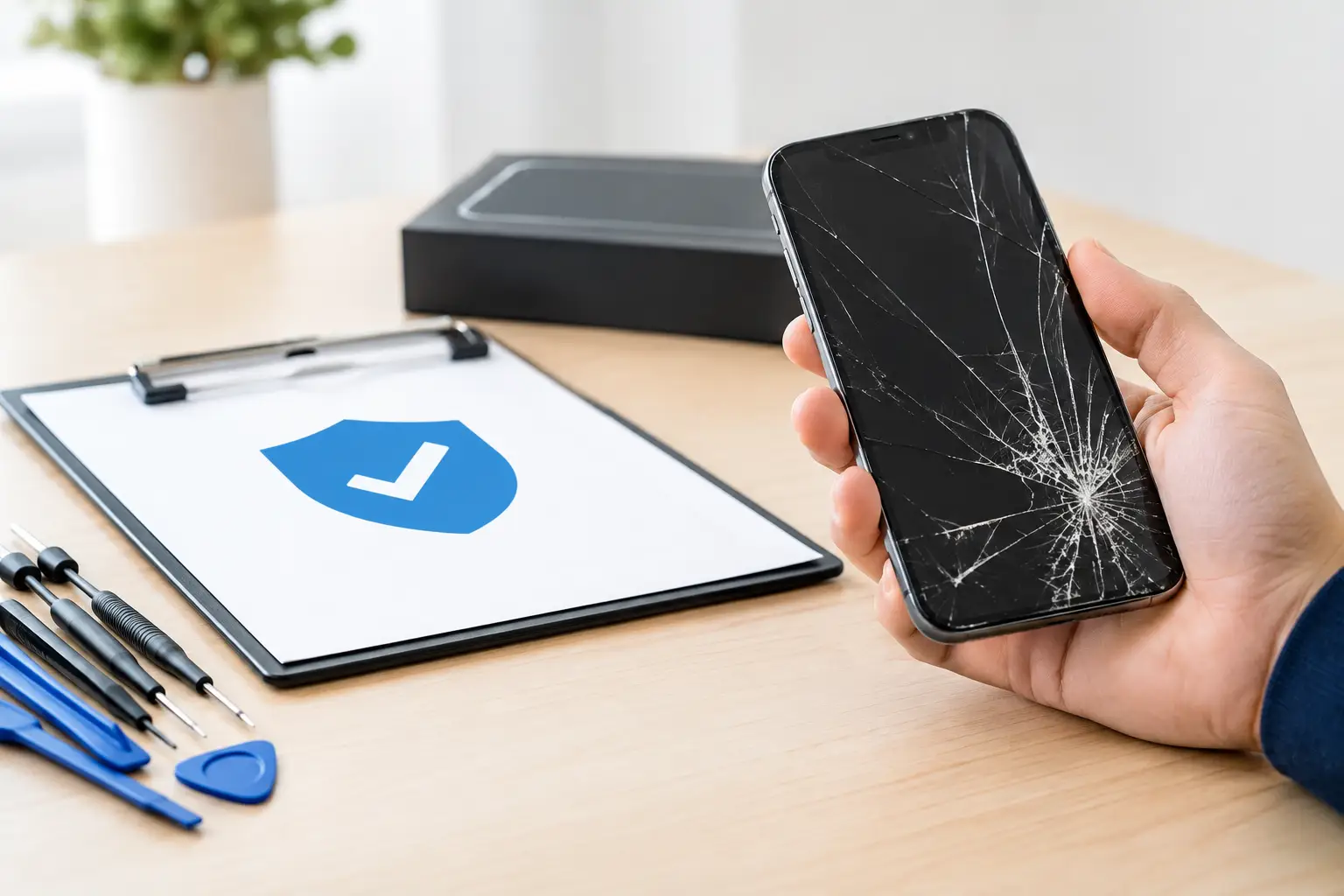
A cracked screen, dead battery, or charging problem can put your whole day on hold. Before you hand over your device, this phone repair warranty guide can help you understand what is covered, what is not, and what to ask so there are no surprises after the repair.
A warranty is not the same as a promise that every future problem will be fixed for free. It usually covers a specific repair and a specific period of time. The details matter, especially when your phone has more than one issue or has already been repaired before.
What a Phone Repair Warranty Usually Covers
Most repair-shop warranties cover the part that was replaced and the labor used to install it. If a new screen stops responding because the replacement part failed, or a newly installed charging port does not work as it should, the shop may inspect the phone and correct a verified issue within the warranty period.
That coverage is tied to the original repair. A screen warranty generally does not cover a battery that later fails. A battery warranty does not mean a phone with water damage, software trouble, or motherboard damage is covered. Think of the warranty as protection for the repair you paid for, not blanket protection for the entire device.
Manufacturer warranties work differently. A phone maker may cover defects in materials or workmanship for a limited time, but accidental damage is commonly excluded unless you purchased a separate protection plan. A drop, liquid exposure, bent frame, or cracked back glass can change what the manufacturer will cover.
The Part and the Device Are Not Always the Same Thing
This is where customers can get caught off guard. A replacement part may be working correctly, while another existing issue in the phone creates a similar symptom.
For example, a phone may still have touch problems after a screen repair because it has frame damage, internal board damage, or moisture corrosion. A battery may drain quickly because an app, weak cellular signal, or software issue is using power in the background. A good shop should explain when a new symptom appears unrelated to the completed repair.
What Phone Repair Warranties Commonly Exclude
Every shop has its own terms, but certain exclusions are common and reasonable. New physical damage after pickup is usually not covered. If the phone is dropped, crushed, bent, exposed to water, or damaged during another repair, the original warranty may no longer apply.
Normal wear is another common exclusion. Batteries naturally lose capacity over time. Charging cables wear out. Buttons can become less responsive after years of use. A warranty is meant to address a defect in the repaired part or workmanship, not the ordinary aging of a heavily used phone.
Software and data are separate concerns. A repair may require testing, updates, or a reset in some situations. Back up your photos, messages, business files, and authentication information before service whenever possible. A warranty on a physical repair does not guarantee recovery of data that was already inaccessible or lost due to software corruption.
Some devices also have pre-existing problems that limit warranty coverage. If a phone arrives with a bent housing, water-damage indicators, a failing motherboard, or aftermarket parts from a previous repair, a technician may be able to fix the immediate issue without being able to guarantee every function long term. That is not a reason to avoid repair. It is a reason to get a clear diagnosis first.
Questions to Ask Before You Approve a Repair
You do not need technical experience to ask good warranty questions. Get the answers before the repair begins, when you have the most options.
Ask how long the warranty lasts and whether it begins on the repair date or pickup date. Ask whether it covers both parts and labor. If there is a problem, ask whether the shop will inspect the device first to confirm that the issue is related to the original repair.
It also helps to ask what specifically voids coverage. New cracks, liquid exposure, bent frames, and unauthorized follow-up repairs are frequent examples. If you are repairing an older phone with several issues, ask the technician to explain which problem is being repaired and what symptoms may remain afterward.
For screen repairs, ask whether the replacement supports the features you use most. Brightness, touch response, fingerprint functions, display color, and refresh rate can vary depending on the device and available part options. For batteries, ask whether the repair includes checking the charging system. For charging-port repairs, ask whether the cable, adapter, or internal board could also be contributing to the problem.
A written receipt matters. Keep it with the repair date, device model, and a description of the service performed. If an issue comes up later, that information makes the process faster for everyone.
Manufacturer Coverage vs. Independent Repair Coverage
A manufacturer warranty and an independent repair warranty can both be useful, but they serve different needs.
Manufacturer service may be the right choice when your device is still covered for a factory defect, you have an active protection plan, or your phone needs specialized warranty service. It may also be necessary for certain account, activation, or device-replacement situations.
Independent repair can make more sense when the phone is out of warranty, the problem is accidental damage, or you need local help without mailing your device away. A neighborhood repair shop can inspect the device, discuss options face to face, and often help with many brands and models instead of one manufacturer ecosystem.
There can be trade-offs. Depending on the phone, an independent repair may affect manufacturer service options, water-resistance performance, device notifications, or certain proprietary functions. Ask directly about these possibilities before approving work. The right answer depends on your model, the damage, your budget, and how long you plan to keep the phone.
How to Protect Your Warranty After Repair
Once your phone is repaired, a little care goes a long way. Use a case and screen protector, especially after a screen or back-glass repair. Keep the phone away from moisture unless it has been specifically designed and maintained for water exposure. Even phones marketed as water-resistant can lose some resistance after impact, age, or prior damage.
Use quality charging equipment and avoid forcing a cable into a loose or dirty port. If charging feels inconsistent, bring it in before repeated plugging and unplugging turns a small problem into a damaged port.
Most importantly, contact the repair shop promptly if the same issue returns. Do not keep using a malfunctioning device for weeks, take it apart, or let another repair attempt complicate the diagnosis. A quick follow-up gives the technician the best chance to determine whether the issue is related to the original service.
When a Warranty Claim May Need a New Diagnosis
Sometimes a phone comes back with a symptom that looks familiar but has a different cause. A screen that will not turn on could be a failed display, but it could also be a dead battery, damaged charging circuit, or internal board issue. A phone that will not charge may have lint in the port, a bad cable, battery trouble, or deeper damage.
That is why a warranty claim may begin with an inspection instead of an immediate free replacement. The shop needs to verify the cause. If the original part or installation is at fault and the issue falls within the stated terms, the warranty process should be straightforward. If the phone has new damage or an unrelated failure, the technician should explain the options and provide a new quote before moving ahead.
For Richmond customers who need a clear answer fast, bring the device in with the receipt and explain exactly when the problem started. Excell Wireless VA can look at the issue, discuss the repair history, and help you decide on the next practical step. The best warranty is one you understand before service, then can use easily if you ever need it.