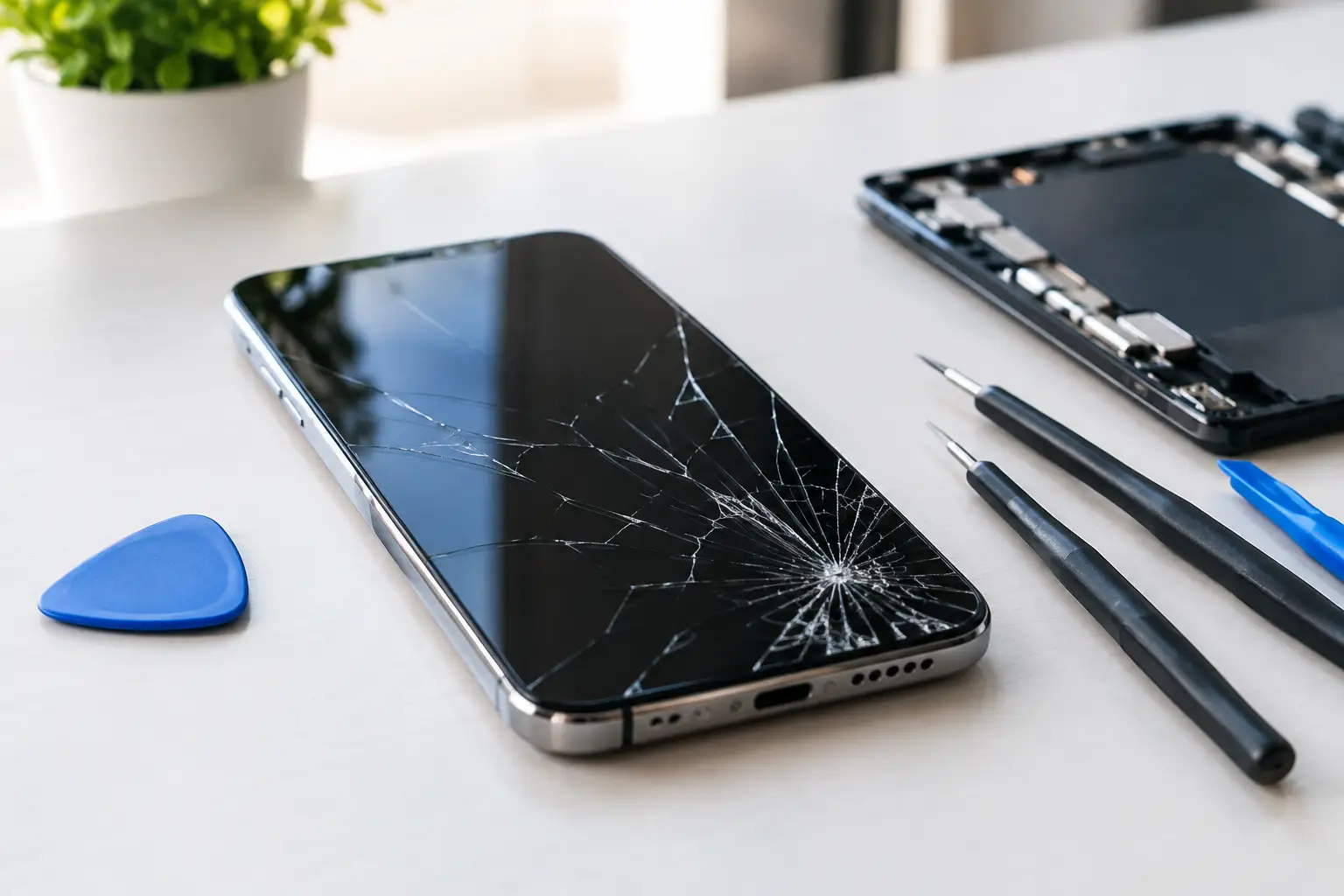
A cracked phone screen can go from annoying to urgent fast. A small chip catches on your finger, touch stops responding near the crack, or the display starts showing black spots and colored lines. The best screen repair options depend on what is actually damaged, how quickly you need your device back, and whether the repair makes financial sense for your phone.
Before you buy a kit or send your phone away, take a close look at the damage. A repair that sounds cheap can become expensive if the screen is not the only problem.
Best Screen Repair Options: Start With the Damage
Not every damaged screen needs the same repair. The outer glass, touch layer, display panel, and frame can all be affected differently. On many newer phones, those parts are bonded together. That means a crack in the glass may still require a full screen assembly replacement.
If your display is clear and touch works everywhere, you may only be dealing with surface glass damage. Even then, do not assume it is safe to ignore. Cracks weaken the screen, let in moisture and dust, and tend to spread after another bump or drop.
If you see flickering, dead areas, vertical lines, dark ink-like spots, green or white flashes, or a display that stays black while the phone still rings, the display itself is likely damaged. A screen protector will not solve those issues. You need a proper screen repair or replacement.
Also check the frame. A bent corner or separated screen can affect how a replacement part sits in the phone. If the device is swollen, overheating, or the screen is lifting away from the frame, stop charging it and have it checked right away. A swollen battery can push against the screen and needs attention before a new screen is installed.
Local Independent Repair: Fast and Practical
For many people, a local repair shop is the most practical choice. You can speak to someone directly, get a quote based on your exact model and damage, and avoid being without your phone for days or weeks. This matters when your device holds your work messages, banking apps, school accounts, photos, and family contacts.
An independent repair provider can often work on a wider range of devices than a single manufacturer service channel. That includes older iPhones, Samsung Galaxy phones, Google Pixel devices, tablets, and many other models. It is also useful when you are out of warranty or when your phone has more than one issue, such as a cracked screen and a charging problem.
The trade-off is that repair quality depends on the shop and the part used. Ask what type of screen will be installed, whether the repair includes a workmanship warranty, and whether key features will be tested before you leave. A good repair should include checking touch response, brightness, speakers, cameras, charging, and basic call function when applicable.
For Richmond customers who need quick, hands-on help, Excell Wireless VA can inspect the device and provide guidance based on the model and condition. Bring the phone in or request a quote with the make, model, and a clear description of what happened.
When local repair makes the most sense
Local repair is usually the better fit when the phone is otherwise working well, you need it back quickly, or replacing the phone would cost far more than repairing it. It can also be a smart move for a secondary phone, a child’s device, or a tablet that still does everything you need.
It may not be the right answer if the device has major water damage, repeated power issues, a bent frame, or repair costs close to the price of a reliable replacement. A straightforward shop will tell you when putting more money into the device is not the best call.
Manufacturer Service: Best for Some Warranty Situations
Manufacturer repair is another option, especially for newer devices that are still under a standard warranty or extended coverage plan. If your phone has covered accidental-damage protection, the out-of-pocket cost may be lower than paying for a repair elsewhere.
This route can be worthwhile when maintaining official service history matters to you or when your phone has a defect that may qualify for warranty coverage. Manufacturer service may also be the safer choice for certain specialty repairs involving advanced biometric hardware, folding screens, or problems that require model-specific calibration.
The downside is convenience. You may need an appointment, a mail-in process, a backup phone, or more time without your device. Coverage plans also have conditions, deductibles, and limits. A cracked screen caused by a drop is not normally covered by a basic manufacturer warranty.
Before choosing this path, check whether your damage is covered, how long the repair will take, and whether a replacement device is likely instead of a repair. Back up your data either way. Screen repair is usually routine, but any device service carries some risk.
DIY Screen Repair: Cheap Up Front, Risky in Practice
Do-it-yourself repair kits look appealing because the initial price is low. For an older phone you do not depend on every day, a DIY repair may be worth considering if you have steady hands, the right tools, and patience for tiny screws and delicate cables.
For most primary phones, DIY is not the best option. Modern phones are tightly assembled with adhesive, fragile display connectors, and parts that can be damaged during removal. A small mistake can cause Face ID or fingerprint issues, camera trouble, poor screen fit, lost water resistance, or a phone that will not power on.
Low-cost replacement screens can create other problems. Colors may look dull, brightness may be lower, touch may feel inconsistent, and battery life can suffer. You might save money on the kit but end up paying for a second repair after something goes wrong.
If you still plan to repair it yourself, do not start until you have backed up the phone, confirmed the exact model number, and reviewed the full procedure. Never puncture or bend the battery. If the screen is lifting because of battery swelling, do not attempt the repair at home.
Replacing the Phone: Sometimes the Better Value
Screen replacement is not always the best investment. If your phone is several years old and already has weak battery life, storage problems, camera issues, or unreliable charging, putting money into a screen may only delay a bigger replacement decision.
Compare the repair quote with the cost of a dependable replacement phone, not just the newest flagship model. A quality refurbished or midrange device may be a better value if your current phone needs several repairs. Remember to factor in data transfer, a case, a screen protector, and any remaining balance or insurance deductible.
On the other hand, do not replace a good phone just because the glass is cracked. If the device is current enough for your needs, holds a charge, and has no major internal damage, repairing the screen can save you a significant amount of money.
What to Ask Before Approving a Screen Repair
A few direct questions can help you avoid surprises. Ask for the total estimated price, not just the price of the part. Confirm whether the quote includes labor, adhesive, testing, and any warranty offered by the repair shop.
Ask how long the repair is expected to take and whether an appointment is needed. Let the technician know if the phone has been dropped in water, has a bent frame, loses charge quickly, or has issues beyond the screen. Those details affect both the repair plan and the final cost.
It is also reasonable to ask about part quality. The cheapest part is not always the best value, especially on a phone you use all day. The goal is a screen that looks right, responds properly, and holds up to normal use.
Protect the Repair Once It Is Done
After a screen repair, use a case with raised edges and add a quality screen protector. A protector will not prevent every break, but it can reduce scratches and absorb some impact. Give the adhesive time to settle if your technician provides care instructions, and avoid exposing the phone to water unless you have been told its water resistance was restored.
Do not wait until a small crack becomes a display failure. Get a clear quote, choose the repair option that fits your phone and budget, and get back to using your device without working around broken glass.
Leave a Reply