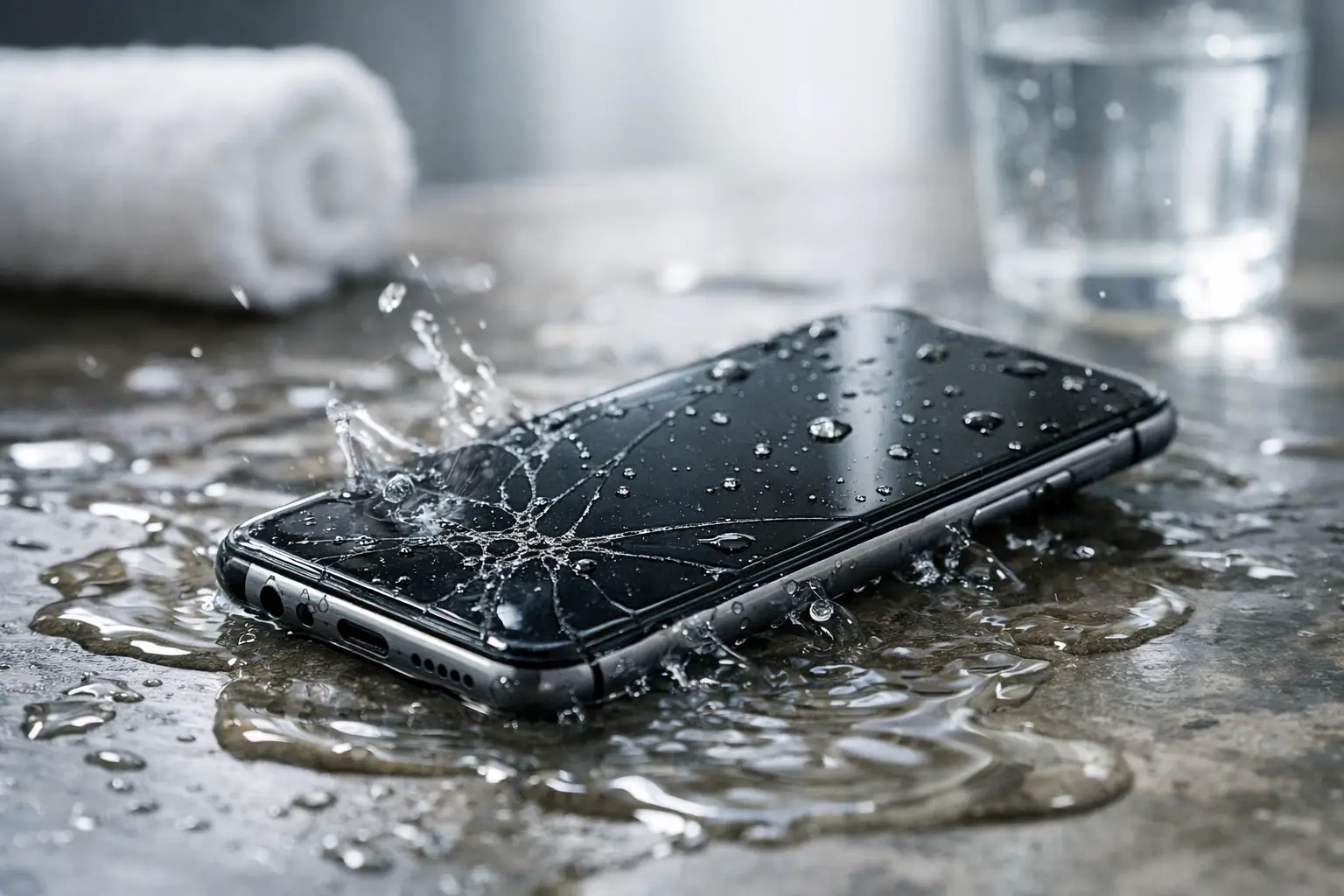
A phone dropped in the sink, splashed at the pool, or soaked in a rainy pocket can go from working normally to dead in minutes. This smartphone water damage guide gives you the practical steps to take right away, the common mistakes that make damage worse, and the signs you need professional repair.
First: Get It Out, Turn It Off, and Stop Charging
Time matters. Remove the phone from the water immediately, then power it off if it is still on. Do not test the screen, play a sound, open apps, or keep pressing buttons to see whether it works. Every extra action can move moisture farther into the device.
If it is plugged in, unplug the charging cable only if you can do so safely. Do not connect it to a charger after a spill. Electricity and moisture can cause a short circuit, damage the charging port, or create corrosion that continues long after the phone appears dry.
Take off the case, remove any external accessories, and remove the SIM tray if your model allows it. Gently wipe the outside with a clean, lint-free cloth. Hold the phone with the charging port facing down and let excess water drain out. Do not shake it hard. Shaking can push liquid into places it has not reached yet.
Here is the short version of what to do in the first few minutes:
- Turn the phone off.
- Disconnect cables and remove the case.
- Dry the exterior and keep the charging port facing down.
- Leave it off and do not charge it.
That simple response gives the device its best chance. The goal is not just to dry the outside. It is to prevent power from reaching wet internal components.
Do Not Put Your Phone in Rice
Rice is the best-known water damage fix, and it is one of the least helpful. It does not reliably remove moisture from inside a phone. Rice dust and small particles can also get into the charging port, speakers, and microphone openings.
Avoid a hair dryer, oven, microwave, heater vent, or direct sunlight too. High heat can warp seals, loosen adhesives, damage the battery, and affect the display. Compressed air is another bad idea because it can force water deeper into the phone.
A dry, cool room with good airflow is safer. Place the phone on an absorbent towel with the port facing down. If you have silica gel packets, placing them nearby in a sealed container may help absorb ambient moisture, but it is not a replacement for proper internal cleaning after significant exposure.
Water-resistant phones need caution as well. A water-resistance rating is not a promise that a phone is waterproof forever. Seals wear down with age, drops, past repairs, heat exposure, and normal use. Pool water, saltwater, soap, coffee, soda, and other liquids are more serious than clean tap water because they leave minerals or residue behind.
How Long Should You Wait Before Turning It Back On?
For a small splash that stayed on the outside, waiting at least 24 hours before charging or turning it on is a reasonable minimum. For a phone that was submerged, had liquid enter the charging port, or started acting strange afterward, waiting alone may not be enough.
The problem is corrosion. Water can evaporate, but minerals and contaminants can stay behind on the circuit board and connectors. Those deposits can slowly damage components over hours or days. A phone may work after it dries, then develop charging trouble, screen flickering, battery drain, speaker problems, or random restarts later.
If your phone was exposed to saltwater, chlorinated pool water, a sugary drink, coffee, or any sticky liquid, get it checked quickly. These liquids are especially likely to leave residue. Do not assume a phone is safe just because the display turns on the next morning.
Warning Signs That Mean You Should Bring It In
Some water-damaged phones fail immediately. Others give subtle warning signs. If you notice any of the following, stop using the phone as much as possible and have it inspected:
- The phone will not charge or only charges at a certain angle.
- A liquid detection alert appears when you connect a cable.
- The screen has lines, dark spots, flickering, or ghost touches.
- The cameras look foggy or have moisture under the lens.
- The speaker sounds muffled, crackly, or unusually quiet.
- The phone gets hot, restarts, drains battery fast, or will not power on.
A wet charging port is one of the most common issues after a spill. If the phone displays a moisture warning, do not try to override it by using a cable anyway. Let the port dry naturally. Wireless charging can sometimes work when the port is dry enough on the outside, but it is not a safe shortcut if the phone itself may have internal moisture or is overheating.
Battery symptoms deserve extra attention. If the phone becomes very hot, smells unusual, swells, separates at the screen or back panel, or makes crackling sounds, stop handling it and keep it away from anything flammable. Do not charge it. A damaged lithium-ion battery needs professional attention.
Protect Your Data Without Making the Damage Worse
If the phone is still functioning and was exposed only briefly, you may be tempted to back it up immediately. That depends on its condition. If it is cool, stable, and has no charging or screen issues, use a wireless backup connection if one is already available. Avoid plugging in cables.
If the phone is glitching, hot, or showing moisture alerts, power it down instead. Photos, contacts, messages, and work files matter, but repeatedly forcing a wet phone to operate can turn a repairable issue into a board-level failure.
Do not factory reset a water-damaged phone before having it checked. A reset does not remove moisture or corrosion, and it can make data recovery harder if the phone later stops working. If you know your account passwords, write them down somewhere safe. You may need them when the device is repaired or when you move data to another phone.
What Professional Water Damage Repair Can Do
A proper water damage inspection goes beyond drying the outside. A technician can open the device, check for liquid indicators and corrosion, clean affected areas, inspect the battery and charging port, and test important functions such as cameras, speakers, microphones, buttons, and network connections.
Not every water-damaged phone can be saved, and the outcome depends on the liquid, how long it was exposed, whether it stayed powered on, and how quickly it was brought in. Clean-water exposure caught early often has a better outlook than a phone that sat wet overnight or was exposed to saltwater.
A repair may involve cleaning corrosion, replacing a charging port, battery, screen, camera, or other affected part. In severe cases, the main board may be damaged. That is why quick action is usually less expensive than waiting for a minor charging issue to become a complete no-power problem.
For Richmond customers, Excell Wireless VA can assess water-damaged phones and other devices, explain what is failing, and provide service guidance before you commit to a repair. Bring the phone in powered off if possible, along with any details about what it was exposed to and when it happened.
Prevent the Next Water Emergency
Water resistance helps, but a case with a port cover or a waterproof pouch adds protection around boats, pools, beaches, and wet job sites. Keep phones out of bathroom counters, sink edges, cup holders, and loose jacket pockets in heavy rain. Those are the places where many accidents start.
Backups matter just as much as protection. Set your phone to back up photos and essential data regularly while it is working normally. Then a bad spill is still frustrating, but it does not have to mean losing irreplaceable memories or important work.
When water gets into a phone, do less, not more. Turn it off, keep it disconnected, skip the rice and heat, and get help before a small spill has time to cause a larger problem.