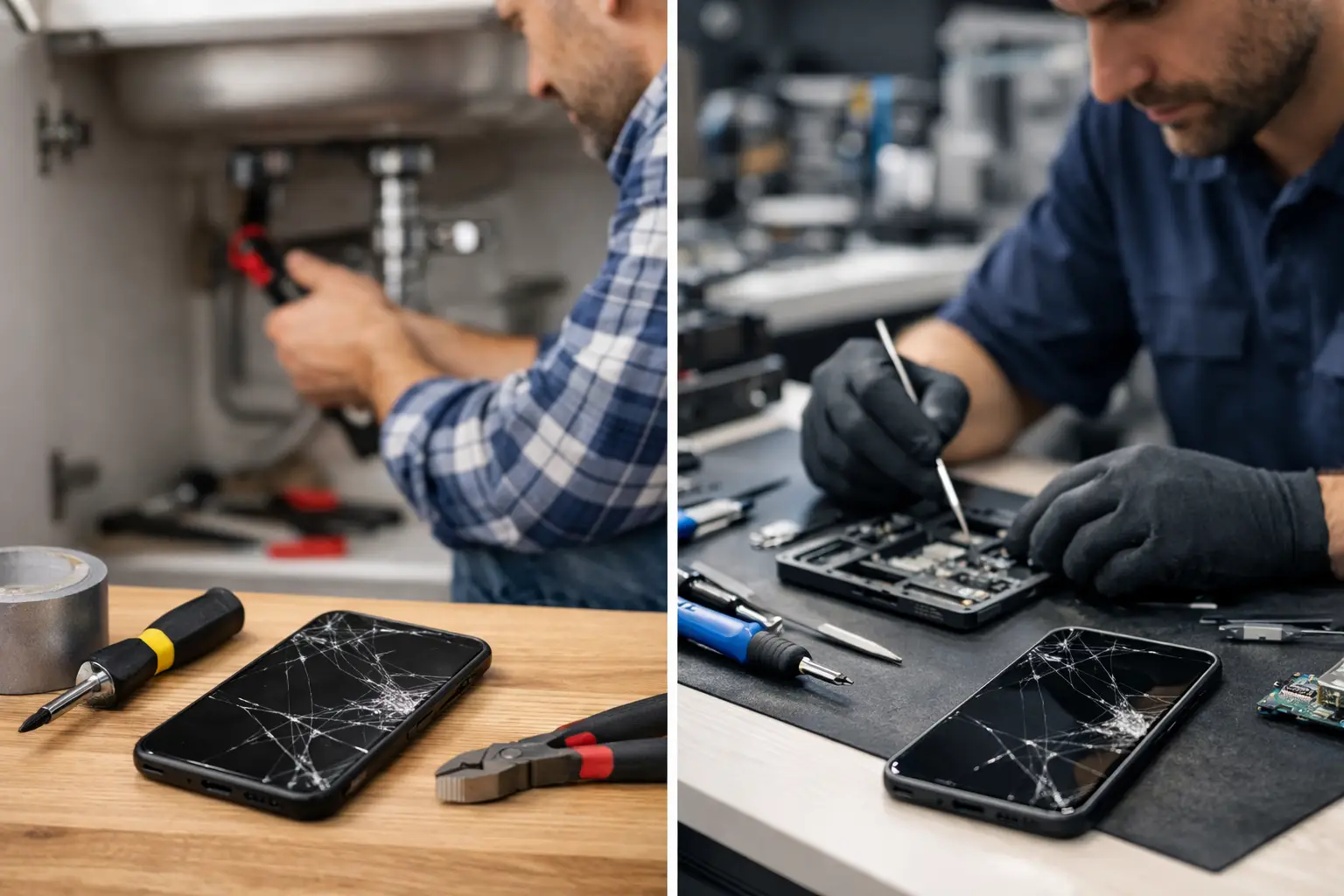
A cracked screen can make anyone reach for a repair kit. A phone that will not charge can make a cleaning video look like the fastest answer. But DIY versus professional repair is not only about saving money. It is about knowing whether a small problem is actually small – and whether a mistake could cost you the device, your data, or more time without your phone.
For some issues, a careful at-home check is reasonable. For others, opening the device or forcing a fix can turn a repairable problem into a bigger one. The right choice depends on what is wrong, what tools are required, and how much you rely on that device every day.
DIY Versus Professional Repair: Start With the Risk
The easiest way to make the call is to look at the downside. If a DIY attempt fails, can you simply try something else? Or could it damage the screen, battery, charging port, camera, water resistance, or internal cables?
Restarting a frozen phone, checking for a software update, removing a case that blocks a charging connection, or testing another cable are low-risk steps. They do not require special tools or putting pressure on delicate components. Backing up your data before you try anything is also smart, especially if the device has begun restarting, overheating, or showing storage errors.
Opening a phone, tablet, game console, laptop, or smartwatch is different. Modern electronics are tightly packed. Screens are often glued in place, batteries may be secured with strong adhesive, and small flex cables can tear easily. A repair that looks simple in a short video may depend on heat control, exact replacement parts, adhesives, drivers, and experience recognizing what is actually broken.
A good rule is simple: if the job requires you to pry, heat, solder, disconnect a battery, or remove a glued screen, professional help is usually the safer move.
When a DIY Fix Makes Sense
DIY troubleshooting can save time when you stay within basic, non-invasive checks. Start with the obvious causes before assuming a part has failed. Many charging complaints, for example, come from a worn cable, a weak adapter, debris in the port, or a power outlet that is not working.
If your phone is slow, close unused apps, free up storage, restart it, and check for software updates. If the speaker sounds muffled, remove the case and make sure the opening is clear. If Bluetooth will not connect, forget the accessory and pair it again. These steps are practical because they can solve common problems without putting the device at risk.
You can also handle basic accessory replacement when there is no need to open the device. Replacing a charging cable, power adapter, screen protector, or phone case does not involve sensitive internal parts.
Even then, pay attention to warning signs. Stop troubleshooting if the device gets unusually hot, smells burnt, swells, has visible liquid inside the camera, repeatedly powers off, or shows a damaged battery. Do not keep charging a device with a swollen battery or try to press the screen back into place. Those are not convenience issues. They can become safety issues.
Repairs That Usually Need a Professional
Some problems may have one visible symptom but several possible causes. A phone that will not charge could have a damaged port, weak battery, failed charging circuit, liquid damage, a software fault, or a bad cable. Replacing the port without testing the device first may waste money and leave the original problem untouched.
Broken screens and display problems
A cracked screen is not always just cracked glass. Touch response, display brightness, face recognition components, cameras, and seals around the frame can all be affected. If the display has black spots, colored lines, flickering, ghost touches, or no picture at all, the damage may go beyond the top glass.
Screen replacement also requires careful removal and reassembly. Poor-quality parts can create touch issues, weak brightness, or poor color. A professional repair gives you a clearer answer about what needs to be replaced before you spend money on parts.
Charging ports and power failures
It is fine to inspect a charging port with a light and try a known-good cable. It is not a good idea to dig aggressively with metal tools or force a connector into place. Pins inside the port are small and easy to bend.
Power issues deserve extra caution. A device that only charges at a certain angle, loses power quickly, or will not turn on may need a port repair, battery replacement, or board-level diagnosis. Testing comes before replacing parts.
Water damage
Water damage is one of the clearest cases for prompt professional help. Do not keep trying to turn the device on. Do not charge it, and do not rely on rice as a repair method. Moisture can remain inside the device, corrode components, and cause failures days later.
Power the device off if you can do so safely, remove the case, and get it checked as soon as possible. Fast action can make a real difference.
Battery swelling and overheating
A battery that lifts the screen, separates the back cover, overheats during normal use, or drains unusually fast needs attention. Batteries are not a part to puncture, bend, or pry out without proper tools and handling.
Professional service helps identify whether the battery is the only issue or whether heat, charging trouble, or internal damage caused the problem. It also helps ensure the old battery is handled properly.
The Real Cost Is More Than the Part
DIY repair kits can look inexpensive until you add the right tools, replacement parts, adhesives, shipping time, and the chance of needing a second repair. That does not mean DIY is always a bad value. It means the price of a part is not the full price of the job.
Time matters too. If your phone holds your work contacts, banking access, family photos, school information, two-factor login codes, and appointments, being without it for several days can cost more than the repair itself. A local repair shop may be able to diagnose the issue faster than a trial-and-error approach at home.
There is also the question of repair quality. A cheap replacement screen that dims quickly or a battery that performs poorly can create another problem soon after the first one. The best option is not automatically the lowest upfront price. It is the option that gets your device working reliably again.
Before You Approve Any Repair
Whether you try a simple fix or bring the device in, protect your information first. Back up the device if it still works. Remove any sensitive items you do not need to leave behind, and know your passcode if testing after the repair will require it.
Ask what the diagnosis found, what part is being replaced, and whether the quoted work addresses the full issue. If a device has multiple problems – such as a cracked screen, weak battery, and charging failure – a clear explanation helps you decide which repairs are worth doing now.
It can also help to think about the age and condition of the device. Repair is often a practical choice when the device otherwise meets your needs. If it has severe internal damage, repeated failures, or an older battery and screen at the same time, compare the repair cost with the value you will get from keeping it in service.
Get a Clear Answer Before You Take It Apart
You do not need to be an electronics expert to know when something is wrong. What you need is a safe next step. Start with basic troubleshooting for simple software and accessory issues. For physical damage, charging failures, battery concerns, water exposure, or anything that requires opening the device, get a diagnosis before ordering parts.
At Excell Wireless VA, customers in Richmond can bring in a phone or other personal device, explain the issue, and get straightforward service guidance. A quick quote request or call can help you decide whether repair makes sense before a small problem becomes a more expensive one.
Your device does a lot of work for you every day. When it starts failing, choose the fix that protects your time, your data, and the device itself.