Category: Uncategorized

  • How to Fix an Unresponsive Phone Touchscreen

    How to Fix an Unresponsive Phone Touchscreen

    A touchscreen that stops responding can turn a normal day into a problem fast. You cannot answer a call, approve a banking login, pull up directions, or even shut the phone down normally. Before you assume the screen needs replacement, use these steps to fix unresponsive phone touchscreen problems safely and narrow down what is actually wrong.

    Start With the Simple Causes

    Not every frozen or unresponsive display is a broken screen. Dirt, moisture, a damaged screen protector, a bad charger, or a temporary software crash can all make a phone act like touch input has failed.

    First, take the phone off the charger. A low-quality, damaged, or incompatible charging cable and adapter can sometimes interfere with touch response. If the screen works better once it is unplugged, stop using that charger and test another known-good charging setup.

    Then remove your case and screen protector. A thick, cracked, peeling, or poorly fitted protector can create dead spots or reduce sensitivity, especially around the edges of the display. Wipe the screen with a clean, dry microfiber cloth. Make sure your hands are dry too. Water droplets, sweat, lotion, and grime can confuse capacitive touchscreens.

    If the phone has been near water, do not keep tapping at it or plug it in. Turn it off if possible, remove the case, and let it dry in a well-ventilated area. Do not use rice, a hair dryer, an oven, or compressed air. Heat and forced air can push moisture deeper into the device or damage internal parts.

    Force Restart the Phone

    If the screen looks normal but will not respond, a force restart is usually the next move. This restarts the operating system without requiring you to use the touchscreen. It does not normally erase your photos, apps, or messages.

    On many newer iPhones, quickly press and release Volume Up, quickly press and release Volume Down, then hold the Side button until the Apple logo appears. On many Android phones, hold the Power button and Volume Down together for about 10 to 20 seconds. The exact button combination varies by model, so do not worry if it takes a second attempt.

    After the phone comes back on, test the full screen. Open the keyboard, swipe around the home screen, and try the areas that were not responding. If touch returns and stays normal, the issue may have been a temporary software freeze.

    If the screen freezes again soon after restarting, pay attention to when it happens. Does it only happen in one app? Only when charging? Only after the phone gets hot? Those details help separate a software issue from a screen, battery, or charging-port problem.

    Check Whether It Is One App or the Whole Phone

    A single app that will not respond is different from a touchscreen that has failed across the device. If touch works everywhere except one app, force-close that app when possible, restart the phone, and install any available app and system updates.

    Storage can matter too. A phone with almost no free storage may lag, crash, or appear frozen. Delete unneeded downloads, duplicate photos, and apps you no longer use if you can access the device. Back up important data before making bigger changes.

    If the entire screen is unresponsive – including the lock screen, keyboard, and home screen – the problem is more likely related to the display assembly, internal connection, liquid exposure, or a deeper software failure.

    Look for Signs of Screen Damage

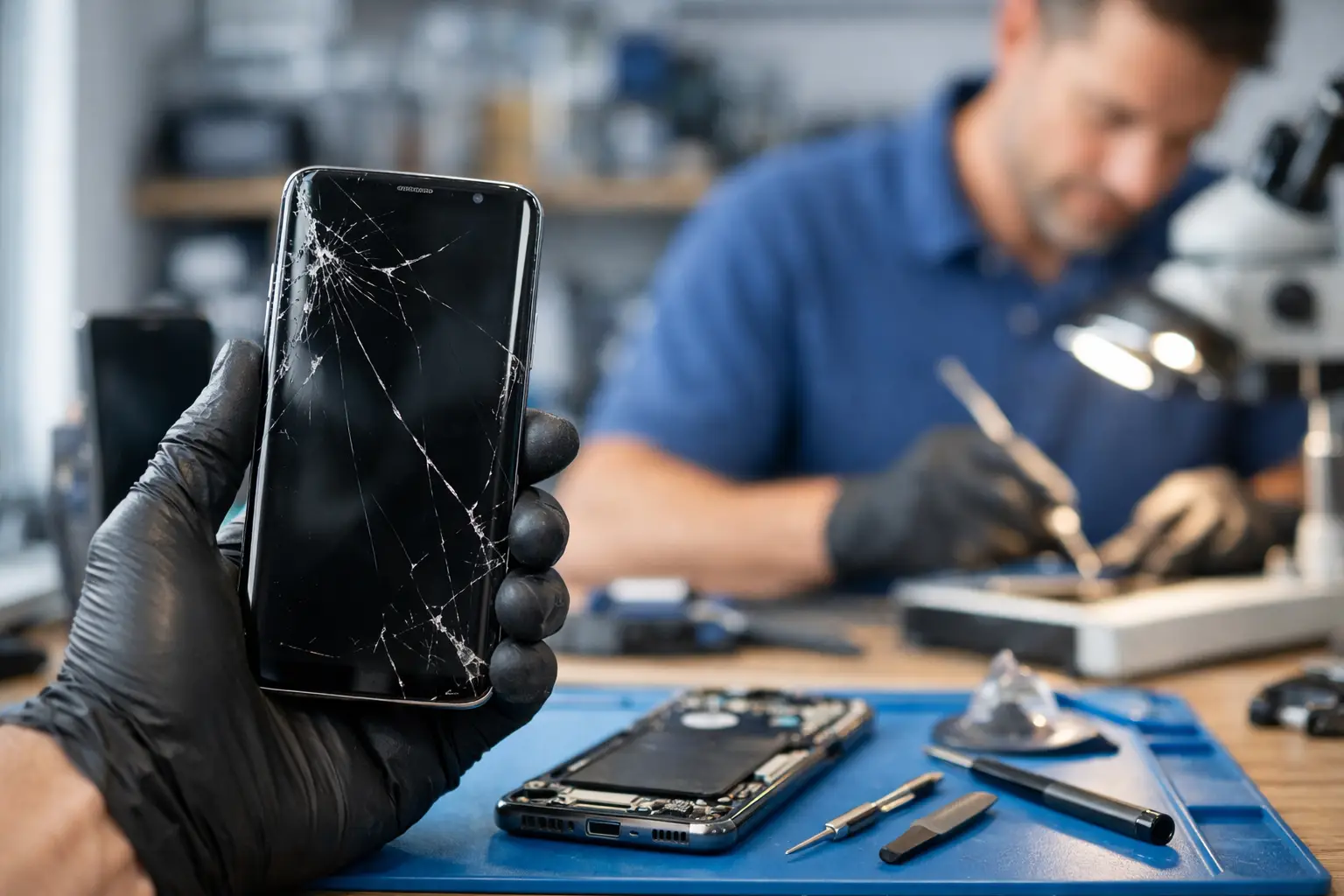
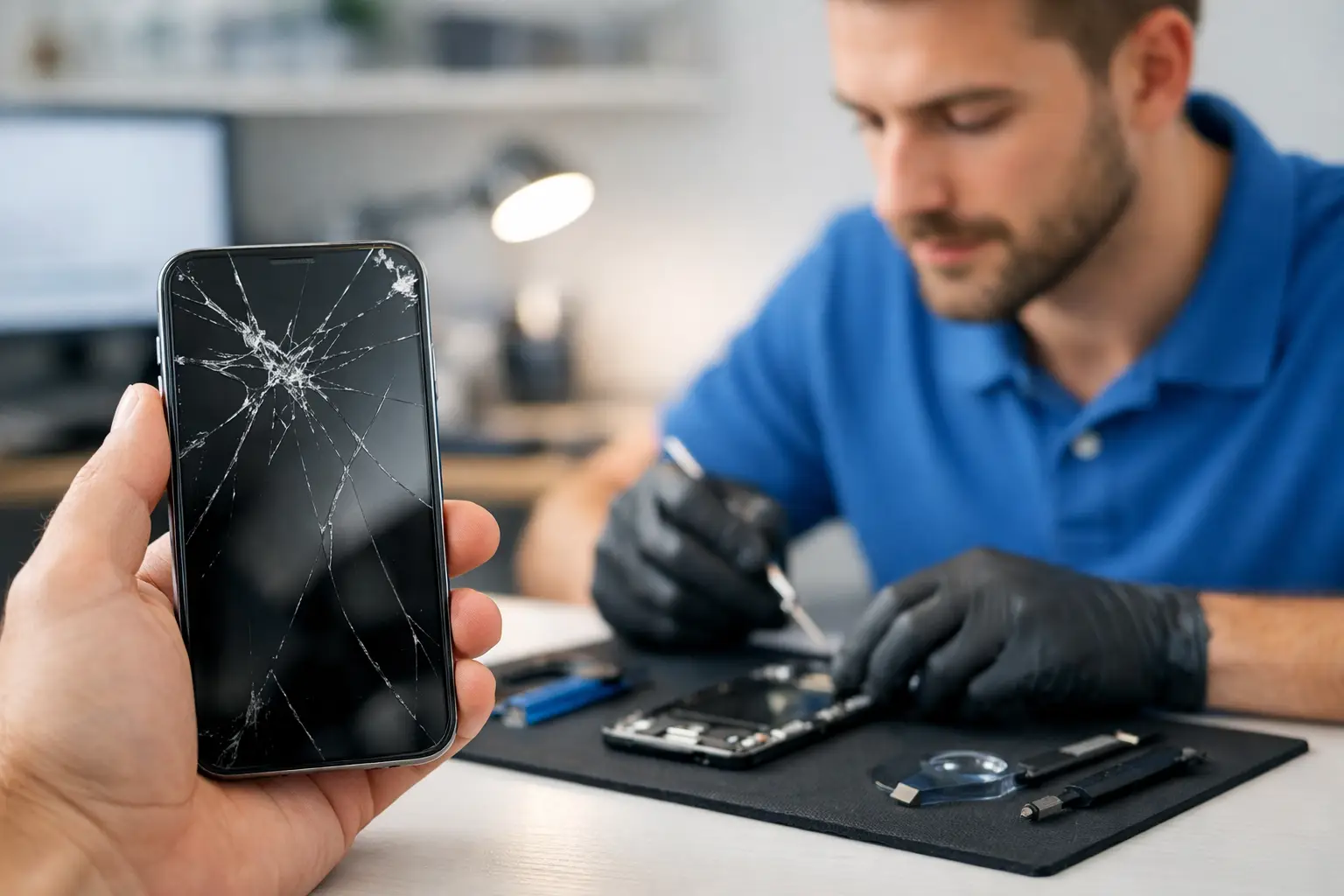
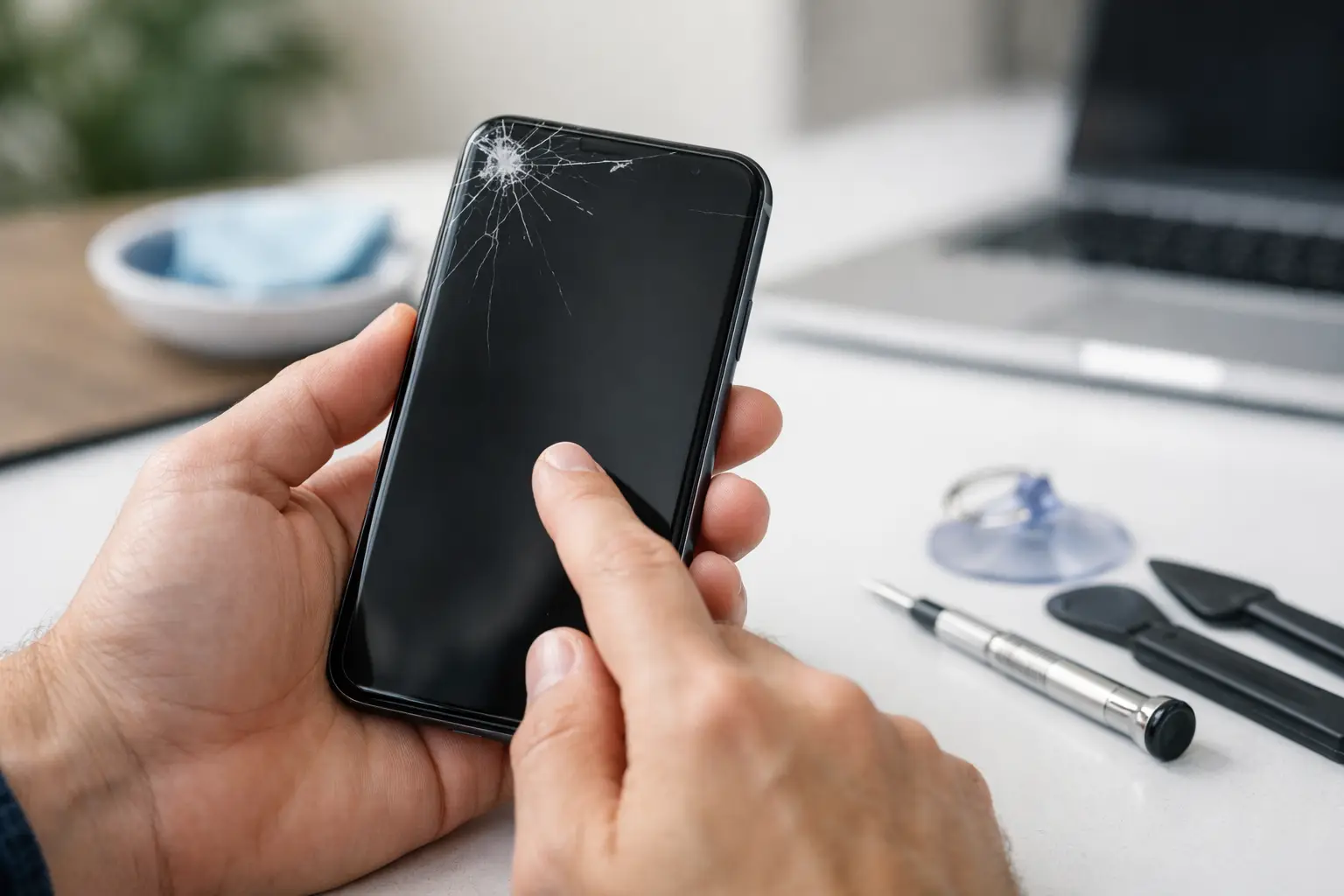
    A cracked screen does not always stop working immediately. Sometimes a phone keeps working after a drop, then develops unresponsive areas days later. The glass may look like the only damaged part, but the touch-sensitive layer underneath can be affected too.

    Watch for these warning signs:

    • Touch works in some areas but not others, often in a strip along one side.
    • The screen registers taps you did not make, often called ghost touch.
    • The display flickers, shows lines, has dark ink-like spots, or turns green, white, or black.
    • Touch fails after a drop, bend, impact, or exposure to water.
    • The phone vibrates, rings, or receives notifications, but the display stays black or will not respond.

    These symptoms usually point beyond a quick setting change. A screen replacement may be needed, but a technician should inspect the phone first. On some devices, the issue can involve a loose display connector, a damaged frame, corrosion, or a failing battery pressing against the screen. Replacing only the visible glass will not solve those problems.

    Do Not Make the Problem Worse

    When a touchscreen is not working, people often keep pressing harder. That will not improve a capacitive display and can make existing cracks spread. Avoid bending the phone, prying up the screen, or trying to open it with household tools.

    Be cautious with online repair videos as well. Many modern phones use strong adhesive, delicate flex cables, and parts that require model-specific tools. A repair that starts as a screen issue can become a damaged connector, Face ID or fingerprint problem, battery puncture, or loss of water resistance.

    If your phone is overheating, swelling, giving off a chemical smell, or lifting the screen away from the frame, stop using it. Do not charge it. A swollen battery needs prompt professional attention because it can damage the display and create a safety risk.

    Back Up Your Data If Touch Still Works Sometimes

    Intermittent touch response is your chance to protect your data. Back up photos, contacts, notes, authentication apps, and important files while the phone still turns on. If a section of the display works, rotate the device to reach controls from a different angle. You may also be able to use voice controls, a paired Bluetooth device, or a compatible mouse adapter, depending on your phone.

    Do not factory reset the phone as your first answer. A reset can help with a persistent software problem, but it will erase data if you do not have a backup. It also will not repair a damaged touchscreen, liquid corrosion, or a loose internal cable.

    If you decide to reset after backing up, remove any account locks only when you are ready to hand the device over or set it up again. Keep your passwords and verification methods available. Modern phones often require account credentials after a reset.

    When to Bring It In for Repair

    A local repair visit makes sense when the phone has physical damage, liquid exposure, recurring ghost touches, dark display spots, or touch failure that returns after a force restart. It is also the practical choice when the phone is your main tool for work, school, family coordination, or business calls and you cannot risk more downtime.

    Bring the phone in even if the screen looks fine. Internal damage is not always visible from the outside. A technician can test touch response, display function, charging behavior, battery condition, and signs of moisture before recommending a repair. That matters because the right fix depends on the actual cause, not just the symptom.

    For Richmond customers, Excell Wireless VA can inspect phones across major brands and help determine whether the issue is the screen, software, charging system, or another internal component. Describe what happened before touch stopped working – a drop, water exposure, recent update, charging issue, or sudden failure – when requesting a quote. Those details can speed up the diagnosis.

    Your phone should not become a guessing game. Start with cleaning, removing accessories, and a force restart. If touch is still unreliable, protect your data and get the device checked before a small issue turns into a complete screen failure.
  • Why Does My Phone Keep Restarting? 8 Causes

    Why Does My Phone Keep Restarting? 8 Causes

    A phone that restarts once can be annoying. A phone that keeps restarting can stop you from answering calls, using maps, accessing banking apps, or even getting past the lock screen. If you are asking, why does my phone keep restarting, the cause may be as simple as a bad app or as serious as battery, charging, or internal board damage.

    The key is to avoid making the problem worse. Start with the safe checks below. If your phone is stuck in a nonstop restart loop, gets hot, has liquid damage, or will not stay on long enough to troubleshoot, it is time for a hands-on diagnosis.

    Why does my phone keep restarting on its own?

    Your phone restarts when its software or hardware loses the stable power it needs to keep running. Sometimes the device detects a problem and restarts to protect itself. Other times, a failing part interrupts power without warning.

    A restart issue usually falls into one of two groups. Software problems may be fixed with updates, app removal, or settings changes. Hardware problems often need repair, especially when the phone has been dropped, exposed to moisture, overheated, or has an aging battery.

    1. A failing or worn-out battery

    Batteries do not last forever. As a battery ages, it may no longer deliver consistent power, even when the percentage on screen looks normal. Your phone can shut down or restart when you open a camera, play a game, make a video call, or use another power-hungry app.

    Battery trouble is more likely if the phone restarts around the same percentage each time, dies in cold weather, drains unusually fast, or only works reliably while plugged in. A swollen battery is an urgent warning sign. Do not press on the screen or keep charging a swollen phone. Turn it off and have it inspected.

    2. Charging cable, adapter, or port problems

    A loose charging connection can make a phone repeatedly switch between charging and not charging. On some devices, unstable power can trigger a reboot, especially if the battery is already weak.

    Try a known-good cable and wall adapter before assuming the phone itself is the problem. Check the charging port for lint, dirt, bent pins, corrosion, or a cable that will not sit firmly in place. Do not dig deep into the port with metal tools. A damaged port can short out or require replacement.

    3. A bad app or software conflict

    An app can cause crashes after an update, especially if it is outdated or poorly optimized for your phone’s current operating system. This often happens shortly after you install a new app, update an existing one, or restore data from an older device.

    Think about when the restarts started. If the issue began after installing a specific app, remove that app first and watch the phone for a day. Update the operating system and your remaining apps when possible. If your phone stays on in Safe Mode but restarts during normal use, a third-party app is a strong suspect.

    Safe Mode works differently by brand, so follow the steps shown for your specific phone model. It temporarily disables downloaded apps. It does not erase your photos, messages, or contacts.

    4. Not enough available storage

    A phone with almost no free storage can behave unpredictably. The operating system needs working room for updates, temporary files, photos, app data, and normal background tasks. When storage is completely full, apps may crash and the phone may restart.

    Delete files you no longer need, clear large downloads, and move photos or videos to a backup location if your phone can stay on long enough. Do not delete random system files or use unknown “cleaner” apps. Those apps can create more problems than they solve.

    5. An incomplete update or corrupted system file

    If the phone lost power during a system update, ran out of storage, or had a failed update installation, the operating system may not load correctly. The device may restart at the logo screen, reboot during startup, or keep looping before you can use it.

    A forced restart may clear a temporary glitch. The button combination varies by model, so use the correct method for your device. If the restart loop continues, a software recovery may be needed. This can involve data loss, which is why professional diagnosis is worth considering before attempting a factory reset.

    6. Overheating

    Phones can restart when they become too hot. Direct sun, a hot car, long gaming sessions, navigation, video streaming, poor ventilation, or a failing battery can all raise the temperature. Your phone may feel hot, dim the display, slow down, show a temperature warning, or turn off entirely.

    Remove the case, unplug the charger, and let the phone cool naturally in a shaded room. Do not place it in a refrigerator or freezer. Sudden temperature changes can cause condensation inside the device and create a bigger repair issue.

    If your phone overheats during simple tasks or while sitting idle, that points to more than normal use. It could be a battery problem, charging issue, damaged component, or software process stuck in the background.

    7. Drop or liquid damage

    A phone can look fine after a drop and still have internal damage. A loose battery connector, damaged charging component, cracked circuit board connection, or screen-related power issue can cause random restarts. The problem may show up immediately, or it may start days later.

    Liquid damage can be even less predictable. A phone may work for a while and then begin restarting as corrosion develops. If it got wet, turn it off if possible and do not charge it. Rice is not a repair method and can leave debris in the port. A quick inspection gives the device a better chance than repeated charging and restarting.

    8. A hardware fault inside the phone

    When restarts happen with multiple chargers, after software updates, after app removal, and even in Safe Mode, hardware becomes more likely. Battery failure is common, but the charging port, power button, motherboard, display assembly, or other internal components can also be involved.

    A stuck or damaged power button deserves attention. If the button feels jammed, overly sensitive, loose, or keeps activating in a pocket, it may be telling the phone to restart. Cases can sometimes press against a damaged button, so remove the case and test the phone carefully.

    Safe steps to try before repair

    Start by backing up your data if the phone stays on long enough. Photos, contacts, notes, two-factor authentication apps, and work files are much easier to protect before the phone becomes completely unusable.

    Then restart the phone manually, update the operating system, update your apps, and check your available storage. Remove any app installed just before the issue began. Test with a different charging cable and adapter, and use the phone without its case if overheating seems involved.

    Pay attention to the pattern. Does it restart only when charging? Only below 30% battery? When opening one app? After a drop? That information helps identify the real cause faster than guessing.

    Avoid a factory reset as your first move. It can help with severe software problems, but it erases data and will not fix a weak battery, damaged charging port, or liquid-damaged board. If you do choose to reset, make sure you know your account password and have a current backup first.

    When a restart loop needs professional help

    Bring the phone in for diagnosis if it cannot finish starting up, restarts every few minutes, gets unusually hot, has swelling, was dropped or exposed to liquid, or only stays on while connected to power. These signs often point to a physical issue that settings changes cannot fix.

    For Richmond customers, Excell Wireless VA can inspect phones across major brands and help determine whether the issue is a battery, charging, software, or internal hardware problem. A clear diagnosis lets you decide whether repair makes sense before spending money on parts you may not need.

    Your phone should not be a daily guessing game. If the restarts keep coming back after the basic checks, protect your data, stop forcing it to charge, and get the problem looked at before a small power issue becomes a phone that will not turn on at all.

  • Data Recovery From a Broken Phone: What to Do

    Data Recovery From a Broken Phone: What to Do

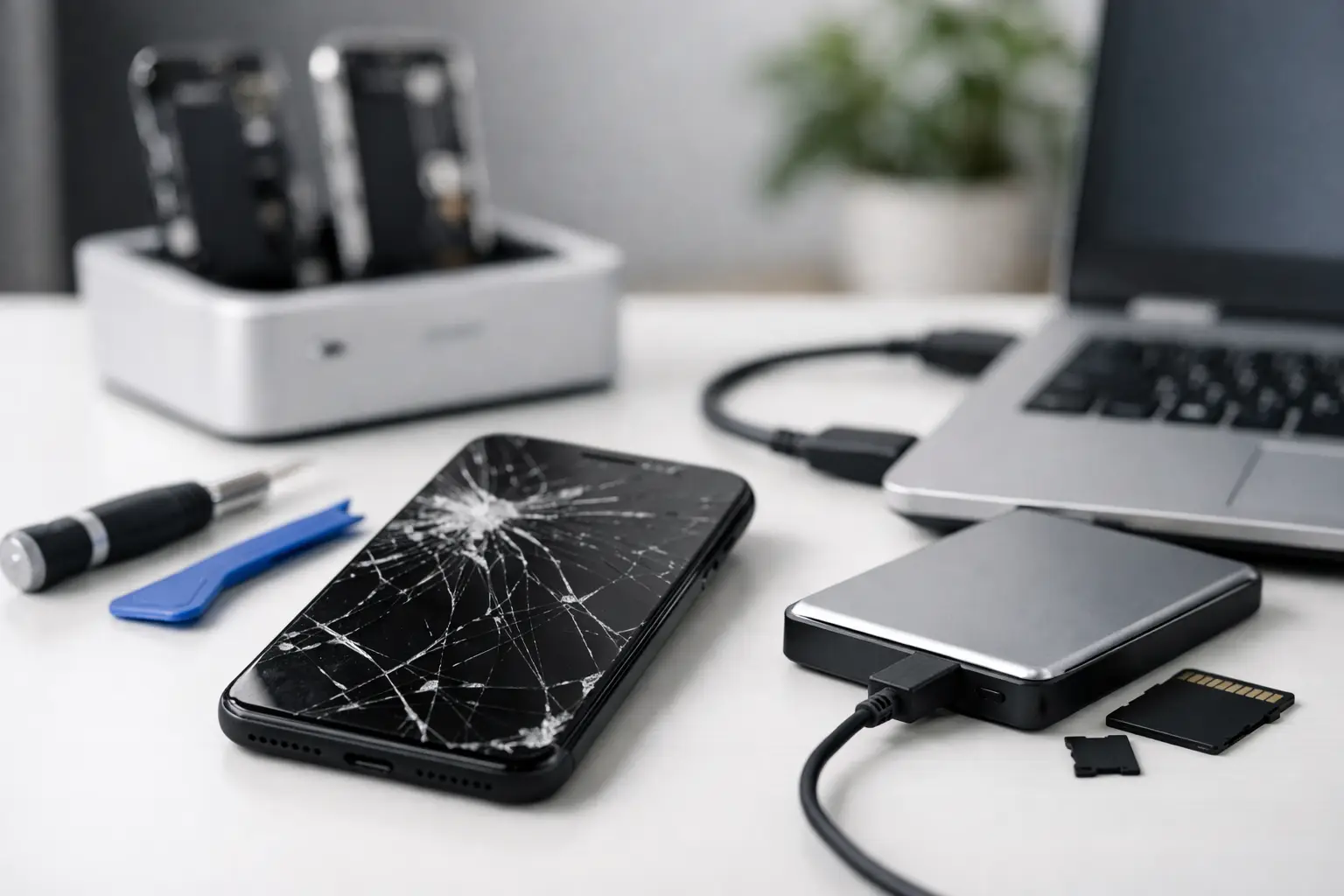
    Your phone can have a cracked screen, refuse to charge, or stop turning on without your photos, contacts, and files being gone for good. Data recovery from a broken phone depends on what failed, how the phone was set up, and what you do next. The biggest mistake is often trying random fixes that make a repair harder.

    If your phone holds family photos, work messages, customer contacts, banking access, or notes you cannot replace, slow down before you reset it, update it, or take it apart. A quick diagnosis can tell you whether the issue is the screen, battery, charging port, software, or the phone’s internal board. Those details matter when your data is the priority.

    Start With the Safest Checks

    First, check whether your information is already backed up. Many phones automatically save photos, contacts, and app data to a cloud account when backup is enabled. Sign in from another device and look for your photos, contacts, documents, and recent backups. Do not assume a backup is current just because you use a cloud account. Your last backup may have happened days, weeks, or months ago.

    Next, try a known-good charging cable, power adapter, and wall outlet. Leave the phone connected for at least 30 minutes before deciding it is dead. A fully drained battery, damaged cable, or dirty charging port can look like a major failure when it is not.

    If the phone vibrates, makes sounds, receives calls, or shows notifications but the display stays black, the device may still be running. That is usually a better situation than a phone with no power at all. In many cases, replacing a failed screen can restore access to everything stored on the phone.

    Avoid repeatedly forcing restarts if the phone gets unusually hot, has water damage, smells burnt, or has a swollen battery. Stop charging it immediately in those cases. A damaged battery is a safety issue, and continuing to power the phone can cause more harm.

    What Type of Damage Are You Dealing With?

    A broken phone is not one problem. The best path for recovery changes based on the failure.

    Broken screen, but the phone still works

    This is one of the most common and most recoverable situations. If the touchscreen no longer responds but the phone still powers on, a technician may be able to install a working screen temporarily or complete a screen repair so you can unlock it and save your data.

    Modern phones protect stored information with encryption. That means plugging the phone into a computer does not always provide access, especially if you cannot unlock the screen. A replacement screen is often more useful than a cable because it lets you enter your passcode and approve access directly on the device.

    Charging or battery problems

    A phone that will not charge may have a worn battery, damaged charging port, debris in the port, or a power-related board issue. If the phone can be powered safely after repair, your data may still be intact exactly where you left it.

    Do not scrape aggressively inside a charging port with a pin, knife, or metal tool. You can bend the internal contacts and turn a simple cleaning issue into a port replacement. If lint is packed into the port, a repair shop can inspect it properly.

    Water damage

    Water damage is time-sensitive. Turn the phone off if it is still on, do not charge it, and do not keep testing it. The old rice trick is not a reliable repair method. Rice does not remove corrosion from internal components, and waiting can allow damage to spread.

    A phone may work immediately after getting wet and fail later. If the information on it matters, getting it inspected quickly gives you the best chance of repairing the device enough to access your files. The goal may not be to make the phone perfect forever. Sometimes the practical goal is simply to get it running long enough to back up what matters.

    No power or internal board damage

    When a phone has no signs of life, recovery becomes more complicated. A failed charging circuit, power component, or internal board can prevent the phone from starting even when the storage itself is still good.

    This is where expectations need to be realistic. Data recovery may require board-level diagnosis or a repair that restores the original phone long enough to unlock it. Moving a storage chip to another phone is not a simple solution on most current devices because the data is encrypted and tied to the original hardware and security system.

    Do Not Reset the Phone Yet

    A factory reset can erase locally stored photos, messages, downloads, app information, and other files that were never backed up. It may help with some software issues, but it should not be the first move when data recovery is your main concern.

    The same goes for software updates, recovery-mode restores, and unfamiliar computer programs that promise instant recovery. Some tools are useful in the right situation, but they cannot bypass every locked or damaged phone. More importantly, a failed update or restore attempt can change the condition of the device and reduce your options.

    If you can still unlock the phone, back it up right away before trying anything else. Save photos and documents, sync contacts, and write down important account information. If the phone is unstable, focus on the files that cannot be replaced first.

    What a Repair Shop Can Actually Do

    A local repair shop can begin with a straightforward diagnosis. The goal is to identify whether the phone needs a screen, battery, charging port, cleanup after liquid exposure, or a deeper repair. For many people, repairing the failed part is the most practical form of recovery because it gives them access to the device again.

    Bring the phone in with its passcode if you are comfortable doing so, or be ready to unlock it yourself after the repair. The passcode is often necessary because current phone security is designed to prevent anyone else from accessing your information. A reputable technician should explain what access is needed and why.

    Be clear about your priority at drop-off. Say whether you want the phone repaired for daily use, whether your main concern is retrieving photos and files, or whether you need both. That changes the repair plan. A customer who only needs their data may choose a different option than someone who wants a long-term fix for a phone they use every day.

    At Excell Wireless VA, the first step is simple: describe what happened and what you need saved. A cracked display, charging issue, power problem, or water exposure can all call for a different approach, and a quote request or in-store visit can help you get an answer faster.

    Protect Your Data After You Get It Back

    Once you can access the phone again, make a backup before you leave the problem behind. Turn on automatic cloud backup for photos, contacts, and device settings. Copy important documents to another secure location as well. One backup is good; having a second copy for irreplaceable photos, business files, or family records is better.

    It also helps to keep your phone updated, use a case and screen protector, and pay attention to early warning signs such as loose charging, unexpected shutdowns, battery swelling, or screen flickering. Small repairs are usually easier to handle before the phone stops working completely.

    A broken phone does not automatically mean lost data. Keep it powered off if there is water or battery damage, avoid resets, and get the issue checked before trying risky fixes. The right repair may be all it takes to get your important information back in your hands.

  • Choosing an Independent Samsung Repair Shop

    Choosing an Independent Samsung Repair Shop

    A cracked Galaxy screen is easy to see. A phone that will not charge, overheats, drops calls, or shuts down at 30 percent is harder to diagnose. Either way, choosing an independent Samsung repair shop is about more than finding the closest counter with a repair sign in the window. You need someone who will look at the actual problem, explain the options clearly, and tell you when a repair makes sense.

    For many Richmond residents, a phone is their work calendar, camera, payment method, school contact, and connection to family. Being without it for days is not always practical. A local repair shop can be a useful alternative to shipping a device away or working through a manufacturer service process, especially when you need direct answers and a fast path forward.

    What an Independent Samsung Repair Shop Can Help With

    Independent means the shop is not Samsung and is not affiliated with Samsung. That does not mean the technician cannot work on Samsung devices. It means the shop operates independently and may offer practical repair options for a wide range of Galaxy phones, tablets, watches, and other personal electronics.

    The common repairs are familiar: broken screens, damaged back glass, worn batteries, charging port problems, camera issues, speaker or microphone failures, water exposure, and buttons that stop responding. But troubleshooting matters just as much as replacing parts. A phone that will not turn on may have a bad battery, charging issue, damaged display, software problem, or board-level damage. Replacing the first part that seems likely is not the same as diagnosing the device.

    A good shop starts by listening to what changed. Did the phone fall? Did it get wet? Did it begin acting up after an update? Does it charge only when the cable is held at an angle? Those details can save time and prevent the wrong repair.

    Ask About the Diagnosis Before the Repair

    A repair quote should be based on the issue at hand, not just a guess from across the counter. For a straightforward cracked screen, the problem may be obvious. For power, charging, network, or intermittent problems, the device may need testing before anyone can give a firm answer.

    Ask whether there is a diagnostic process and whether any diagnostic fee applies if you decide not to move forward. You should also ask what the technician believes is causing the issue and whether there could be more than one problem. For example, a hard drop can damage the screen and affect the frame, battery connection, cameras, or charging system.

    Clear communication is a good sign. You do not need a lecture full of technical terms. You do need a plain explanation of what is known, what still needs to be tested, how much the repair may cost, and what happens if the first repair does not solve the issue.

    Be honest about drops and liquid exposure

    Do not leave out the details because you are worried the repair will cost more. Water exposure and impact damage affect the repair plan. A phone that was dropped in a sink and worked for two days afterward may still have corrosion developing inside. A device with a small crack that suddenly has a black screen may have display damage beyond the visible glass.

    Giving the shop the full story helps them focus on the right areas first. It can also help you decide whether repair is a smart investment or whether replacement is the better move.

    Know What Kind of Parts Are Being Used

    Not every replacement part is the same, and the lowest price is not always the best value. Ask what type of replacement part is available for your specific Samsung model. Depending on the device and repair, options may vary in quality, appearance, brightness, touch response, battery performance, and availability.

    With displays, the difference can be noticeable. A lower-cost screen may restore basic function but may not match the original display in color, brightness, fingerprint performance, or durability. For some customers, that trade-off is acceptable if they need an affordable working phone. For others, especially people who use the device for work, photos, videos, or frequent mobile payments, a higher-quality option may be worth the added cost.

    The right choice depends on your phone, your budget, and how long you plan to keep it. The key is making the choice with clear information instead of discovering the difference after the repair is complete.

    Confirm the Price, Timing, and Warranty

    Before leaving your Samsung device, make sure you understand the expected total. Ask whether the quote includes parts, labor, taxes, and any diagnostic charge. If further damage is found during the repair, ask whether the shop will contact you for approval before doing additional work.

    Timing also matters. Some repairs can be completed quickly when the needed part is available. Others require ordering a part, more extensive testing, or careful work after liquid damage. Be cautious of anyone who promises an exact turnaround time before seeing the device or checking part availability.

    Ask about the repair warranty in plain terms. Find out how long it lasts, what it covers, and what it does not cover. A warranty may cover a defective replacement part or workmanship, but it will not usually cover a new drop, crack, water exposure, or unrelated issue. That is reasonable. What matters is that the policy is explained before the repair, not after a problem comes up.

    Protect Your Data Before You Hand Over the Device

    Repairing a screen or charging port does not normally require someone to access your personal files. Still, any device repair carries some risk. A phone with serious damage may fail further during testing, and some software troubleshooting may require a reset. Back up your data if the phone still works well enough to do it.

    Save photos, contacts, messages, authentication codes, and important work files. If you use an authenticator app for banking, email, or work logins, make sure you have recovery options ready. Remove or secure sensitive information where possible.

    You should also know your device passcode if testing will require it. A technician may need to verify that the screen, camera, microphone, speakers, charging, or cellular functions work after the repair. Ask why access is needed and what testing will be performed. A professional shop should respect your privacy and only request what is necessary to complete the job.

    Consider Whether Repair Is Worth It

    Most people want the phone fixed, not a debate about replacing it. Still, an honest independent shop should tell you when a repair may not be the best use of your money. The answer depends on the phone’s age, storage condition, overall damage, repair cost, and value of a replacement device.

    A battery replacement can make sense when a phone is otherwise reliable but no longer lasts through the day. A screen repair may be the right call when the device is recent, paid off, and working well besides the damage. On the other hand, a much older model with a bad screen, failing battery, and charging issue may need multiple repairs that exceed its practical value.

    There is also the question of data. If the phone holds irreplaceable photos or business information, even a repair that is not economical as a long-term solution may be worthwhile to recover access and complete a backup. Tell the technician what matters most: keeping costs down, saving data, getting the phone back quickly, or making it dependable for another year.

    Choose Direct Answers Over Sales Pressure

    The best repair experience is usually simple. You describe the issue, the shop checks the device, you receive a clear explanation and quote, and you decide what to do. You should not feel pushed into a repair you do not understand.

    At Excell Wireless VA, the focus is practical troubleshooting for the device in front of you. Whether your Samsung has a damaged screen, will not charge, or has a problem that is harder to pin down, bring the details you know and ask questions before authorizing work.

    A good repair decision starts with a real diagnosis, an honest price, and a repair option that fits how you use your phone. That is the kind of clarity worth looking for when your device cannot wait.

  • Same Day Phone Repair When You Need It Most

    Same Day Phone Repair When You Need It Most

    A phone that will not charge before work, a screen shattered on the sidewalk, or a device stuck on a black screen can throw off your entire day. Same day phone repair is about getting a clear answer quickly: what is wrong, whether it can be fixed today, and what the repair will cost before you commit.

    For many common phone problems, a local repair shop can diagnose the issue and complete service the same day. The exact timing depends on your device model, the damage, available parts, and whether there is more than one problem hiding behind the first symptom. A fast repair should still be a careful repair.

    What Same Day Phone Repair Can Usually Handle

    A cracked display is one of the most common reasons people need help right away. If the screen is broken but the phone still powers on, a screen replacement may be the answer. However, a black display does not always mean the screen alone is bad. The battery, charging system, or internal connections may also need inspection.

    Charging problems are another frequent same-day issue. Your cable may feel loose, the phone may charge only at a certain angle, or it may not respond to a charger at all. Sometimes debris packed into the charging port is the problem. Other times, the port is worn or damaged and needs repair. Bringing the phone in for a proper inspection is better than forcing a cable into the port and making the damage worse.

    Battery concerns can also be time-sensitive. A phone that dies at 40 percent, gets unusually hot, swells, or needs constant charging should be checked promptly. Battery replacement can often be completed quickly when the correct part is available. If the battery is swelling or pushing up the screen, turn the phone off and avoid charging it until it has been examined.

    Other issues that may be resolved the same day include damaged cameras, speaker or microphone trouble, broken back glass, power button failures, water-related problems, and software trouble. Not every issue has the same turnaround. A software reset may take less time than a repair involving an internal board-level fault, for example.

    What Affects Same Day Phone Repair Time

    The problem matters, but so does the phone itself. Popular models often have parts that are easier to source quickly. Older devices, less common models, and phones with multiple damaged components may require more time. A shop should explain that up front instead of promising a timeline before checking the device.

    The condition of the phone can change the repair plan. A cracked screen is straightforward when touch works, the frame is not bent, and the phone has no other damage. If the frame is twisted from a hard drop, a replacement screen may not sit correctly until the frame issue is addressed. If the device was exposed to water, corrosion can continue causing problems even after the phone first appears to work.

    Parts availability is another real factor. Same-day service is most likely when the needed part is in stock. If it is not, the right move is to get a quote and an honest timeline rather than accept a temporary fix that does not solve the problem.

    Data and security can add a few necessary steps. Some repairs require testing the touchscreen, cameras, speakers, charging function, and other features after the work is complete. That testing protects you from leaving with a phone that powers on but has another important function still failing.

    Before You Bring Your Phone In

    You do not need to diagnose your phone before requesting service. You do need to describe what happened as clearly as you can. Did the phone fall? Was it exposed to water? Did it stop charging gradually or all at once? Does it power on, vibrate, make sounds, or show notifications? Those details help narrow down the likely cause.

    If the phone is still usable, back it up before repair. Save your photos, messages, contacts, and work files to your preferred backup service or another device. Repairs are intended to preserve your information, but backup is always smart when a device has been dropped, exposed to liquid, or is behaving unpredictably.

    It also helps to bring the phone charged if possible, along with the charger if the issue involves charging. Remove cases and accessories that could hide damage. If you use a passcode, be prepared to provide it temporarily if testing requires access, or stay nearby to unlock the device when needed. A reputable repair shop should only access what is necessary to test the repair.

    For a faster quote, have these four details ready:

    • Your phone brand and exact model
    • The problem you are seeing
    • When the issue started and what happened before it started
    • Whether the phone turns on, charges, or responds to touch

    Do Not Wait on These Phone Problems

    Some damage becomes harder and more expensive to repair when it is ignored. Water exposure is the clearest example. Even if a wet phone seems fine after drying out, moisture and corrosion can affect connectors and internal components later. Turn it off if you can, do not keep charging it, and bring it in as soon as possible.

    A swollen battery also needs immediate attention. Signs include a screen lifting away from the frame, a back cover separating, heat while charging, or a phone that suddenly feels thicker than normal. Do not press the phone closed, puncture the battery, or leave it charging unattended.

    A badly shattered screen can expose sharp glass and allow more debris or moisture into the phone. Covering it with a screen protector may reduce the risk of cuts for a short time, but it is not a repair. If touch starts failing, lines appear across the display, or the screen flashes, get it looked at before the phone becomes unusable.

    Fast Service Still Needs the Right Repair

    When you need your phone back today, the cheapest option is not always the best option. A low-quality screen can have poor brightness, inaccurate touch response, or a weak fit. A repair that skips testing may leave you with a new screen but a camera, speaker, or charging issue that was never checked.

    Ask what the quote includes and whether the device will be tested before you leave. You should also ask whether the issue appears limited to one part or whether the technician sees signs of additional damage. Clear answers matter, especially if your phone is used for work, school, banking, family communication, or a small business.

    Independent repair is often a practical choice for people who do not want to mail a device away or wait through a manufacturer process. At Excell Wireless VA, the focus is simple: bring in the problem, get service guidance, and get a quote based on what your device actually needs.

    Get a Clear Answer Today

    A broken phone does not have to mean days without calls, maps, messages, payments, or access to work. Call or request a quote with your phone model and the issue you are having. If same-day service is possible, you can move forward with a repair plan without wasting time guessing at the problem.

    The best next step is usually the simplest one: stop using a phone that is overheating, wet, swollen, or badly damaged, then get it checked by someone who can tell you what is fixable and how soon you can have it back.

  • Walk In Repair Versus Mail In: Which Is Faster?

    Walk In Repair Versus Mail In: Which Is Faster?

    A cracked screen is annoying. A phone that will not charge, power on, or hold a signal can stop your whole day. When that happens, the choice between walk in repair versus mail in is not just about where the device gets fixed. It affects how long you are without it, who you can talk to, and how much control you have over the process.

    For many Richmond customers, a local repair shop makes more sense because the problem is urgent. You can bring in the device, explain what happened, get it looked at, and make a decision without boxing it up and waiting for shipping updates. Still, mail-in service can be useful in a few situations. The right answer depends on the device, the issue, the repair provider, and how quickly you need it back.

    Walk In Repair Versus Mail In: The Real Difference

    Walk-in repair means you take your device to a physical repair location. You speak with a technician or service representative, describe the issue, and leave the device for diagnosis or repair. Depending on the problem, the repair may be completed the same day or require more time for testing, parts, or deeper troubleshooting.

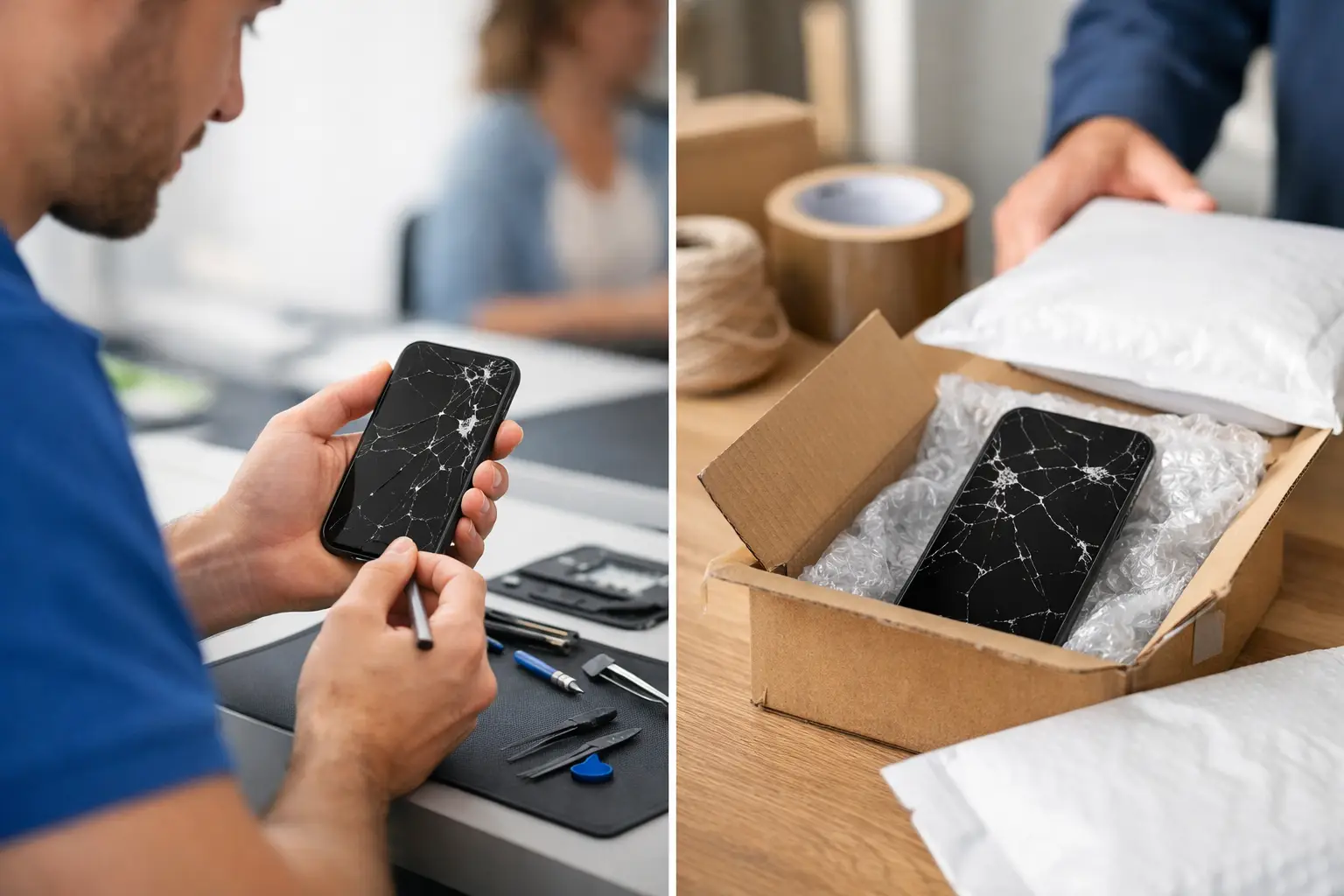
    Mail-in repair means you ship the device to a repair center. The provider receives it, checks the issue, performs the repair, and ships it back. This can work well when there is no nearby service option, but it adds transit time at both ends. You also need to package the device safely, track the shipment, and wait for updates from a team you may never meet.

    The difference is simple: walk-in repair puts you closer to the repair process. Mail-in repair puts distance between you and the device until the job is done.

    Speed: When Being Local Matters Most

    If your phone is your alarm clock, wallet, work contact, school tool, map, and family connection, every day without it matters. Shipping can turn a straightforward repair into a longer interruption. Even before a technician sees the device, you may spend time requesting a shipping label, packing the item, dropping it off, and waiting for delivery.

    With walk-in service, the intake starts when you arrive. You can show the exact problem instead of trying to explain it in a form. That matters with issues that happen only sometimes, such as random restarts, weak charging, microphone problems, overheating, or a screen that works at certain angles.

    A local shop also gives you a clearer answer when the repair is not as simple as it first looked. A cracked screen may be limited to the display. Or the impact may have affected the frame, cameras, battery connection, or touch function. Seeing the device in person makes it easier to discuss your options before moving forward.

    Mail-in service may be reasonable if the repair is highly specialized or if you live far from a qualified shop. But for common phone, tablet, charging, battery, and screen issues, the shipping time is often the biggest drawback.

    Cost Is More Than the Repair Price

    A mail-in repair quote can look convenient at first. Before choosing it, look at the full cost. Shipping may be included, discounted, or charged separately. You may also need insurance for a valuable phone, tablet, laptop, or game console. If the device has a problem after it comes back, sending it out again can create another delay and another shipping question.

    Walk-in repair can make the cost conversation more direct. You can bring in the device, ask what the quote includes, and decide whether repair makes sense compared with replacement. For an older device, the best choice may depend on the condition of the battery, charging port, cameras, frame, and storage – not just the one issue that brought you in.

    The cheapest advertised price is not always the best value. A low quote does not help much if it leaves out parts, labor, shipping, diagnostic work, or the possibility that a second issue will be found. Ask for clear information before approving a repair, whichever option you choose.

    Communication Is Easier Face to Face

    Most people do not know the technical name for what is wrong with their device. That is normal. You may only know that the screen flickers, the phone will not connect to Wi-Fi, the battery drops from 40% to zero, or the charging cable has to be held a certain way.

    At a walk-in shop, you can demonstrate the problem. You can ask what the technician is checking and what may be causing it. You can also ask practical questions: Will my data be affected? Should I back up the device first? Is a repair worth it? What happens if the issue turns out to be different from the original diagnosis?

    Mail-in service relies more heavily on written descriptions, automated status messages, and phone or email support. That can be fine for a clearly defined issue. It can be frustrating when the problem is intermittent or when you need an answer quickly.

    For customers who want straightforward help, a face-to-face conversation removes a lot of guesswork. Excell Wireless VA works with customers who need that kind of direct troubleshooting across a wide range of personal electronics.

    Device Safety and Data Privacy

    Both repair methods require trust. With mail-in service, your device is handled by a carrier, received by a facility, repaired, packed again, and returned through the shipping system. Good packaging and tracking lower the risk, but they do not remove it completely.

    A walk-in repair avoids the shipping portion of that process. You hand the device to a local team and pick it up from the same place. That can feel more comfortable, especially when the device contains work messages, family photos, banking apps, or private documents.

    Before any repair, back up your device if you can. Remove your SIM card if the provider asks you to, and know your screen lock information. Some repairs require testing basic functions after service. You should never share passwords for email, banking, social media, or other personal accounts.

    If the phone will not turn on or the screen is unusable, tell the repair shop. They can explain what testing may be possible and what information, if any, is needed to complete the job.

    When Mail-In Repair Can Be the Better Choice

    Mail-in is not automatically a bad option. It may be the better fit when you have a rare device, need a manufacturer-specific service path, or live far from a repair provider that can handle the issue. It can also work if you have a backup phone and are not under pressure to get the device back quickly.

    Some customers choose mail-in repair because they are dealing with warranty coverage or a manufacturer program. Read the terms carefully. Independent repair and manufacturer service may use different parts, procedures, pricing, warranty terms, and data handling practices. Choose the option that matches your priorities, not just the one that sounds most familiar.

    How to Choose Without Wasting Time

    Start with the urgency of the problem. If you need your phone for work, school, caregiving, travel, or daily communication, walk-in repair is usually the practical first move. Bring the device in, explain the issue, and get a quote based on what is actually happening.

    Then consider the repair itself. A broken screen, weak battery, charging problem, damaged camera, software issue, or device that will not power on may be worth diagnosing locally. You get a chance to ask questions before the device disappears into a shipping box.

    Finally, think about your backup plan. If you have another device and the repair is specialized, mail-in may be manageable. If you do not have a backup, the added shipping time can be a major inconvenience.

    The best repair choice is the one that gets you a clear answer and a working device without adding unnecessary delay. If your electronics are slowing down your day, bring the problem to someone who can see it, test it, and help you decide what to do next.

  • Bluetooth Speaker Repair Service in Richmond

    Bluetooth Speaker Repair Service in Richmond

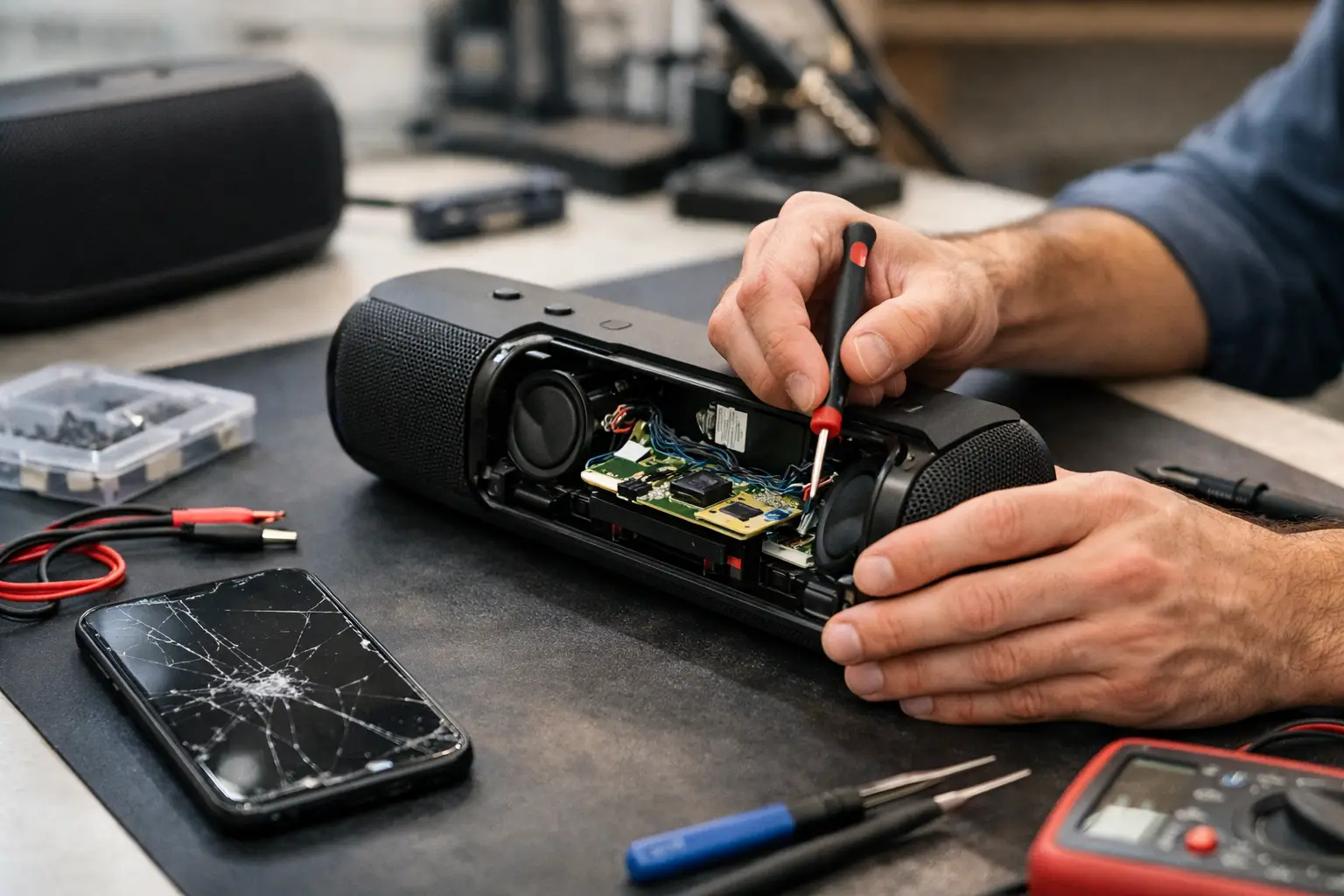
    A speaker that will not charge, keeps cutting out, or suddenly sounds weak can ruin more than a playlist. If you need a bluetooth speaker repair service, the fastest answer usually starts with finding out whether the problem is the speaker itself, its battery, its charging port, or the device connected to it.

    At Excell Wireless VA, the goal is simple: bring in the device, explain what changed, and get practical repair guidance without having to guess your way through the problem. Bluetooth speakers come in many brands, sizes, and designs, so the right fix depends on the symptoms – not just the model name.

    When a Bluetooth Speaker Needs Repair

    Most speaker problems start small. You may notice that the battery runs down faster than usual, the charging cable has to sit at a certain angle, or the sound is quieter on one side. Waiting can turn a manageable issue into a speaker that will not power on at all.

    A professional look is worthwhile when the speaker will not hold a charge, does not turn on, produces distorted sound, will not pair with a phone, or has visible damage after a drop or spill. A speaker that gets unusually hot while charging should also be checked promptly. Stop charging it until you know what is causing the heat.

    Not every issue calls for a part replacement. A pairing problem may be caused by a phone setting, old Bluetooth connections stored in the speaker, or a software issue. On the other hand, a loose charging port, damaged battery, failed button, or worn speaker driver needs hands-on diagnosis.

    Start With a Few Safe Checks

    Before bringing in your speaker, it is fine to rule out the easy stuff. Use a known-good charging cable and wall adapter, then let the speaker charge for at least 30 minutes. Some speakers will not show a power light right away when their battery is fully drained.

    Try pairing the speaker with a different phone, tablet, or computer. If it connects and plays normally with another device, the speaker may be fine and the original device may need its Bluetooth settings reset. If it will not connect to anything, forget the speaker from your phone’s Bluetooth list and follow the model’s pairing reset steps if you have them.

    Keep these checks basic. Do not force a charging connector, pry open the case, or keep plugging in a speaker that has been exposed to water and will not power on. Bluetooth speakers often use tightly sealed cases, small cables, and lithium-ion batteries. A quick DIY attempt can damage parts that were still repairable.

    What a Bluetooth Speaker Repair Service Can Diagnose

    A proper diagnosis looks beyond the obvious symptom. For example, a speaker that will not charge may have a worn battery, a damaged charging port, broken internal solder connections, or a bad cable. The light on the speaker can point in the right direction, but it does not confirm the cause by itself.

    Charging and battery trouble

    Battery issues are common in speakers that have been used heavily for years or stored for long periods. The battery may drain quickly, refuse to charge, or show a full charge but shut off minutes later. In some cases, battery replacement makes sense. In others, the speaker’s age, condition, and part availability may make replacement the better value.

    Charging ports can also wear out from repeated use. If the cable feels loose, only works in one position, or falls out easily, the port may need repair. This is not a problem to solve by pushing the cable harder. Doing that can worsen internal damage.

    Sound problems

    Muffled audio, crackling, low volume, or no sound can come from a damaged speaker driver, debris near the grille, water exposure, or an internal connection issue. If your speaker sounds normal at low volume but distorts when turned up, that detail helps narrow down the problem.

    Tell the technician whether the issue affects all audio, only certain songs, or only one side of a stereo speaker. Also mention whether the speaker was dropped, used outdoors, or exposed to moisture. Small details can save diagnostic time.

    Bluetooth and control issues

    A speaker that turns on but will not pair may need a reset, firmware troubleshooting, or inspection of the Bluetooth hardware. Buttons that stick, fail to respond, or change volume on their own can point to physical wear or moisture damage.

    Sometimes the repair is straightforward. Sometimes a damaged control board or unavailable part makes repair less practical. Honest guidance matters here. The best choice is not always the most involved repair – it is the option that gets you dependable audio without spending more than the speaker is worth.

    Water Damage Is Different

    Many portable speakers are marketed as water-resistant, but water-resistant does not mean damage-proof. A speaker may survive rain or a splash, yet still develop problems after pool water, saltwater, a heavy soak, or repeated moisture exposure.

    If a speaker gets wet, turn it off if possible and disconnect it from power. Do not charge it to see whether it still works. Charging a wet electronic device can create more damage. Let the outside dry, avoid heat sources such as hair dryers, and bring it in for an assessment if it will not power on, sounds distorted, or has charging trouble afterward.

    Water damage can be unpredictable. Corrosion may develop after the speaker appears to work normally, especially around charging ports and internal connections. Acting early gives the device a better chance than waiting until it fails completely.

    Is Repair Worth It?

    The answer depends on the speaker’s value, condition, and the cost of the needed part. A premium speaker with a good enclosure and a replaceable battery may be worth repairing. A low-cost speaker with severe water damage or a failed main board may not be.

    Consider how you use it. If it is the speaker you rely on for job sites, travel, family gatherings, or a small business, getting it diagnosed can be more convenient than buying a replacement and hoping it performs the same way. If you mainly need basic audio and the repair cost approaches the price of a comparable new speaker, replacement may be the smarter move.

    A quote-based repair process helps you make that call with real information. Bring the speaker, its charging cable if you have it, and a clear description of the issue. Mention when it last worked normally and what happened just before the problem began.

    Get a Clear Answer Before You Replace It

    Do not throw away a speaker just because it stopped connecting or charging. Many faults have a specific cause, and a quick inspection can tell you whether repair is practical. For Richmond customers, a local shop visit means you can explain the issue to a real person and get guidance based on the device in front of them.

    Your speaker does not need a vague promise. It needs the right diagnosis, a clear repair option when one makes sense, and a straightforward answer when it does not. Call, request a quote, or bring it in and get closer to hearing your music again.

  • How to Choose a Game Console Repair Shop

    How to Choose a Game Console Repair Shop

    Your console stops turning on the night before the weekend, or it starts overheating halfway through a match, and suddenly a simple repair feels urgent. That is usually when people start searching for a game console repair shop and realize not every repair option is worth their time.

    Some shops move fast, communicate clearly, and tell you exactly what they can do. Others keep your device for days with no update, guess at the problem, or push a replacement before checking whether a repair makes sense. If you want the job done right, it helps to know what to look for before you hand over your system.

    What a good game console repair shop should actually do

    A good repair shop should make the next step simple. You explain the issue, they ask a few practical questions, and they tell you whether the problem sounds repairable, what the process looks like, and how to bring the console in.

    That sounds basic, but it matters. Many console problems are not obvious from the outside. A system that will not power on could have a bad power supply, HDMI issue, board damage, overheating problem, or damage from a drop or liquid exposure. A shop that treats every problem like a quick guess is already giving you a warning sign.

    A reliable shop should be comfortable troubleshooting common issues across major systems. That includes no power, no display, overheating, loud fan noise, charging issues on handhelds, disc read errors, controller connection problems, and damaged HDMI ports. They should also be honest when a repair may not be cost-effective.

    Signs you found the right repair shop

    The best shops are usually not the ones making the biggest promises. They are the ones asking the right questions and setting clear expectations.

    If a technician wants to know the console model, what happened before the issue started, whether it has been dropped, whether it still shows lights or makes sound, that is a good sign. Those details help narrow down the problem before the device is even opened.

    Clear communication matters just as much as technical skill. You should know whether the shop offers diagnosis, how pricing is handled, whether parts availability could affect timing, and when you can expect an update. If you have to chase basic information before the repair even starts, that usually does not improve later.

    A strong local shop also understands urgency. People do not bring in consoles for fun. They bring them in because something stopped working and they want a real answer. Fast intake, practical advice, and direct communication go a long way.

    Questions to ask before you hand over your console

    You do not need a long checklist, but a few smart questions can save you time.

    Ask what kinds of console issues they repair most often. Ask whether they have experience with your specific model. Ask how they handle diagnosis and whether they contact you with a quote before moving forward. If the issue is something common like an HDMI port failure or overheating, ask whether that is a repair they see regularly.

    It also helps to ask about turnaround time, but keep your expectations realistic. Some repairs are straightforward. Others depend on board-level damage, parts availability, or whether the original issue caused additional failures. A good shop will give you a practical range, not an empty promise.

    If you have already tried another fix, say so. If the console was opened before, mention that too. Previous repair attempts can change what the technician finds inside and affect both time and cost.

    Common console problems a repair shop sees

    A lot of console issues fall into a few categories, even if the symptoms look different at first.

    Power problems are one of the most common. The console may be completely dead, turn on briefly and shut back off, or show lights without fully booting. Sometimes the cause is simple. Sometimes it points to a deeper internal fault.

    Display issues are another frequent repair. You may hear sound but get no picture, or the system may work only when the cable is held in a certain position. In many cases, the HDMI port takes the damage, especially if the console has been plugged and unplugged often or moved around while connected.

    Overheating can show up as loud fans, random shutdowns, lag, or heat pouring from the case after a short session. Dust buildup, failing fans, dried thermal compound, or internal damage can all play a role. The right repair depends on the actual cause, not just the symptom.

    Disc reading failures, software crashes, storage issues, and charging problems on handheld systems also show up often. These are the kinds of repairs where a proper diagnosis matters most. Swapping random parts rarely solves them.

    Why local repair often makes more sense

    When a console breaks, people usually consider three options. They ignore it, replace it, or get it repaired. Repair often wins when the problem is limited, the system still has value, and you want a faster answer than a manufacturer process or online mail-in service can offer.

    A local repair shop gives you something people still value when a device goes down – direct contact. You can call, explain the issue, ask questions, and bring the console to a real location. That is a lot more practical than packing it up, shipping it out, and waiting through a generic support process.

    For customers in Richmond, that local advantage matters even more when the repair feels urgent. A nearby shop can often give you quicker guidance, quicker intake, and a clearer idea of whether the system is worth fixing. Excell Wireless VA is built around that kind of straightforward help. Any device. Any issue. Tell the shop what is happening, get a quote, and take the next step.

    When repair is worth it and when it might not be

    Not every console should be repaired. That is the honest answer.

    If the system has a minor port issue, cooling problem, power fault, or replaceable internal component failure, repair is often the better value. If the console is relatively current, holds saved data you want to keep, or would cost a lot more to replace, repair usually makes even more sense.

    But it depends on the extent of the damage. Severe liquid damage, heavy board corrosion, or multiple failures at once can push a repair into less practical territory. In those cases, a trustworthy shop should explain the situation plainly instead of trying to force a sale.

    That honesty is part of what separates a solid repair provider from a risky one. You want real troubleshooting, not pressure.

    How to help the repair go smoothly

    Before you bring in your console, gather the basics. Know the exact model if you can. Be ready to describe what the system does, what changed, and whether anything happened right before the issue started. If there was a storm, a drop, a spill, or a failed update, mention it.

    Bring the power cable or accessories if the shop asks for them. Some issues are easier to verify with the original setup. If your console still powers on, back up data when possible before service. That is not always an option, but if it is, do it.

    Most importantly, do not keep trying random fixes from five different videos once the problem becomes serious. Repeated failed attempts can make diagnosis harder and turn a manageable repair into a larger one.

    Choosing a game console repair shop with confidence

    A good game console repair shop is not just fixing hardware. It is saving you time, reducing guesswork, and giving you a clear path forward when your system stops working.

    Look for direct communication, practical troubleshooting, experience with common console failures, and a simple process for getting a quote or bringing the device in. If a shop can explain the next step clearly and treat the problem like something they handle every day, you are probably in the right place.

    When your console goes down, you do not need a speech. You need answers, a realistic quote, and a repair shop that knows what to do next.

  • Laptop Repair Quote Online: What to Expect

    Laptop Repair Quote Online: What to Expect

    When your laptop stops charging the night before class, starts overheating during work, or shows a cracked screen after one bad drop, you usually want one thing first – a laptop repair quote online that gives you a real sense of cost, timing, and next steps. Not a vague promise. Not a long wait. Just a clear starting point so you can decide whether to fix it, bring it in, or replace it.

    Why people ask for a laptop repair quote online first

    Most laptop problems show up at the worst time. Maybe the battery dies at 30 percent, the hinge is pulling apart, the fan sounds loud, or the keyboard stopped responding after a spill. In that moment, people are not looking for a long technical breakdown. They want to know if the repair is likely simple, serious, affordable, or not worth delaying.

    That is why online quote requests matter. They save time and cut out guesswork. Instead of driving around or calling multiple places with half the story, you can send the model, the issue, and a few photos and get a practical response. For many common problems, that is enough to give a useful estimate range and let you know whether the repair makes sense.

    A quote also helps you plan. If you use your laptop for work, school, payroll, scheduling, or basic day-to-day life, downtime matters. Getting an estimate early helps you decide whether to bring it in right away, back up your files first, or prepare for parts ordering if the repair is more involved.

    What makes an online laptop repair quote more accurate

    Not every quote request gives the same result. The more specific the details, the more useful the response will be. A message that says “my laptop is broken” usually leads to follow-up questions. A message that says “Dell Inspiron 15, screen cracked, still powers on, touch not working” is much easier to assess.

    Model matters because parts and repair difficulty vary. A charging port repair on one laptop may be straightforward. On another, the issue may involve board-level damage, battery failure, or a damaged power circuit. The outside symptom can look the same, but the actual repair can be very different.

    Photos help too. If the frame is bent, the hinge is separating, liquid got near the keyboard, or the screen shows lines or black spots, a picture can reveal details that words miss. That can mean the difference between a rough guess and a realistic estimate.

    If the laptop still turns on, mention that. If it makes sounds, lights up, charges only at a certain angle, or works on an external monitor, say that too. Small details often point to the real issue faster than long explanations.

    Common problems that can often be quoted online

    Some laptop repairs are easier to estimate before inspection than others. Screen replacement is a common example, especially if the exact model is known and the damage is visible. Keyboard issues, battery replacement, charging port problems, fan replacement, hinge repair, and software troubleshooting can often start with an online estimate as well.

    That said, “can be quoted” does not always mean “can be finalized.” A quote given online is often based on the symptoms you describe. Once the laptop is checked in person, the technician may find related damage. A cracked screen might also include a bent lid. A charging issue may be more than a bad port. A liquid spill may have affected more than the keyboard.

    This is normal. A good quote process should be practical, not misleading. The point is to give you a strong starting point, not pretend every repair can be diagnosed perfectly without seeing the device.

    When a laptop repair quote online is only a starting point

    Some issues need hands-on testing before anyone can speak confidently about cost. No power is a big one. If a laptop does absolutely nothing, the cause could be a failed charger, bad battery, damaged DC jack, motherboard issue, or liquid damage. Those are very different repairs with very different price points.

    Intermittent problems can be tricky too. Random shutdowns, freezing, blue screens, and performance drops may come from heat, storage failure, RAM issues, software corruption, or board faults. An online quote can still be useful in those cases, but it may come as a range rather than one fixed number.

    That is not a bad thing. In many cases, a repair shop that gives a realistic range and explains what could change is being more honest than one that throws out a low number just to get you in the door.

    What to include when requesting a quote

    If you want a faster answer, send the details that matter most. Start with the brand and full model number if you can find it. Then describe the main issue in plain language. You do not need technical terms. “Screen cracked after a fall” or “only charges if I hold the cable a certain way” is fine.

    Add whether the laptop powers on, whether there was any liquid exposure, and whether the damage happened suddenly or got worse over time. If you already tried another charger, mention that. If the laptop is needed for work or school right away, it helps to say so because turnaround matters just as much as price for many people.

    Photos are worth sending when the damage is physical. Clear pictures of the screen, hinge area, charging port, keyboard, or overall condition can save time and reduce back-and-forth.

    Price depends on more than the part

    People often assume a laptop repair price is just the cost of one replacement part. Sometimes it is. Often it is not. Labor, disassembly time, part quality, model design, and related damage all affect the final number.

    For example, one battery replacement may be quick and simple. Another may require opening a tightly packed machine with fragile clips, adhesive, or internal components that take more time to access safely. A screen repair on a standard model may be straightforward, while a high-resolution panel, touch display, or very slim design can raise both part cost and labor.

    Then there is the question of value. Repairing a newer laptop with solid specs usually makes sense if the issue is isolated. Repairing an older low-cost laptop with multiple problems may not. A good quote process should help you see that clearly, not pressure you into a repair that does not add up.

    Online quotes save time, but local service still matters

    A laptop repair quote online is convenient because it gets the process moving fast. But repair is still a hands-on service. Once you know the likely cost and issue, the next step is getting the machine in front of someone who can confirm the problem and do the work correctly.

    That is where a local shop has real value. You can ask questions, get a real timeline, and avoid the headache of packing and shipping a computer away for days or weeks. If something changes after inspection, you can usually get a direct answer quickly instead of dealing with a call center or automated email chain.

    For customers in Richmond, that local piece matters when the laptop is not just a device but the thing you need for class, work files, meetings, or daily household tasks. Fast communication and practical guidance go a long way.

    How to tell if the quote process is worth your time

    A useful quote process should feel simple. You send the issue, the model, and a few details. You get a response that sounds specific, not canned. It should tell you whether the issue sounds repairable, whether pricing is likely fixed or estimated, and what the next step is.

    Be careful with replies that promise an exact number without enough information. Be just as careful with vague responses that avoid giving any range at all. The best middle ground is clear, direct, and honest about what is known so far.

    If you are dealing with an urgent laptop issue, speed matters, but clarity matters more. A fast response is helpful only if it actually helps you decide what to do next.

    When you request a quote, keep it simple, give real details, and look for a shop that does the same in return. A good repair starts with a straight answer.

  • iPad Charging Port Repair: What to Expect

    iPad Charging Port Repair: What to Expect

    Your iPad says it’s charging only if you hold the cable at a weird angle. Or it charges one minute, stops the next, and leaves you guessing whether the battery, cable, or port is the real problem. In a lot of cases, ipad charging port repair is the fix – but not always. The tricky part is knowing when the port is actually damaged and when the issue is something simpler.

    If your iPad is part of your workday, school routine, or family life, charging problems get frustrating fast. A device that won’t reliably power up is hard to trust. Before you assume the worst, it helps to understand what can go wrong, what repair usually involves, and when it makes sense to get the device checked by a repair shop.

    Signs you may need iPad charging port repair

    The most obvious sign is an iPad that does not charge when plugged in. But charging port issues are not always that clean. Sometimes the battery icon shows charging, but the percentage barely moves. Sometimes the connection drops if the cable shifts even slightly. In other cases, the iPad only charges with one specific cable or one specific wall adapter.

    A loose-feeling connection is another warning sign. If the charger no longer fits snugly, the port may be worn, bent, or obstructed by pocket lint and debris. Some customers assume the cable is cheap or the battery is old, when the real issue is that the charging port is no longer making a solid connection.

    You may also notice visible damage. Corrosion, bent pins, cracked housing around the port, or residue from moisture exposure can all interfere with charging. If the iPad has been dropped while plugged in, that impact can damage the charging assembly even if the outside of the device looks mostly fine.

    What causes charging port problems?

    Daily wear is a big one. Charging ports deal with constant plugging and unplugging, and over time that physical stress adds up. This is especially common on older iPads that have seen years of regular use.

    Dust and compacted debris are another common cause. A port can collect lint, dirt, crumbs, and other buildup that blocks the charger from seating properly. This is one reason the symptoms can seem inconsistent. The cable may connect enough to work sometimes, then fail as soon as it shifts.

    Liquid exposure can also create charging issues, even when the device still powers on. Corrosion inside the port may interrupt charging or cause unstable power delivery. In those cases, cleaning alone may not be enough.

    Then there is impact damage. If an iPad falls with the charger inserted, the force can bend internal components or break soldered connections. That kind of damage usually does not improve on its own.

    It is not always the port

    This is where a lot of people waste time and money. A charging problem can come from the cable, wall adapter, battery, software, or internal power management components. That is why a proper diagnosis matters before any repair starts.

    For example, a bad cable can mimic a bad port. So can a weak charger brick. An aging battery may also make it look like charging has failed when the real problem is poor battery health. In some cases, the iPad may need a forced restart or software update rather than hardware work.

    That does not mean you should ignore the symptoms. It just means the best repair shops test the full charging path instead of jumping straight to a parts replacement.

    What to try before bringing it in

    Start with the basics. Try a different charging cable and wall adapter that you know work with another device. Check the port under good lighting. If you see obvious dust packed inside, do not jam metal tools into it. That can make the damage worse.

    You can also restart the iPad and see whether charging improves after the reboot. If the device recently got wet, stop charging it until it has been inspected. Continuing to push power through a wet or corroded port can lead to bigger issues.

    If you have already swapped accessories and the charging problem keeps coming back, it is time to get it looked at. Intermittent charging usually gets worse, not better.

    How ipad charging port repair usually works

    The repair itself depends on the iPad model and the type of damage. On some models, the charging port is part of a larger assembly. On others, the repair may involve more delicate board-level work. That is one reason pricing and turnaround time can vary.

    A repair shop will usually begin with testing. They may inspect the port, verify charging behavior with known-good accessories, and check whether the issue is isolated to the port or tied to another internal component. If the port is clogged or lightly corroded, a careful cleaning may solve the problem without a full replacement.

    If the port is physically damaged, replacement is often the next step. That process can involve opening the device, removing the screen or other components, and installing a new charging assembly. On some iPads, this is more labor-intensive than customers expect because the internal layout is tight and the device is built to be compact, not easy to service.

    After the repair, the device should be tested again for consistent charging, proper cable fit, and stable power transfer. A good repair is not just about getting the battery icon to appear once. It should charge normally without needing pressure, cable bending, or repeated reconnecting.

    Repair or replace?

    That depends on the age of the iPad, its overall condition, and the total repair cost. If the device is otherwise working well and the only major issue is charging, repair often makes sense. This is especially true if the iPad still handles school apps, streaming, work tasks, or everyday browsing without trouble.

    If the iPad has multiple problems at once – such as a failing battery, cracked screen, and charging issues – you may need to weigh the cost against the value of the device. A newer iPad with a charging port problem is usually worth checking. A much older one may or may not be, depending on how you use it.

    The good news is that a local repair diagnosis can help you make that call quickly. You do not have to guess.

    Why professional repair matters

    Charging port issues look simple from the outside, but iPads are not easy devices to open and work on. Screen removal can be risky, adhesives are strong, and internal components are delicate. A rushed repair attempt can turn one problem into several.

    DIY cleaning videos also leave out an important detail – if the issue is bent pins, broken solder joints, or liquid damage, surface cleaning will not fix it. In some cases, aggressive cleaning can damage the port further.

    Professional repair matters because the problem needs to be identified correctly first. If the port is the issue, the repair should be done with the right tools and tested afterward. If the battery or board is the issue, you want to know that before replacing the wrong part.

    When to stop troubleshooting and bring it in

    If the iPad only charges at certain angles, stops charging when touched, or has gone completely unresponsive after a drop or liquid exposure, stop experimenting. Those are signs the issue may be beyond a bad cable.

    The same goes for repeat problems. If you have cleaned the port, tried different accessories, restarted the device, and still cannot get reliable charging, more home testing probably will not solve it. At that point, a quote and an in-person inspection save time.

    For customers in Richmond who need a straight answer fast, a local shop like Excell Wireless VA can check the issue, tell you whether ipad charging port repair is the right move, and help you decide what makes sense for your device.

    A charging problem does not always mean your iPad is done. Sometimes the fix is simple. Sometimes it takes a real repair. Either way, the sooner you get a solid diagnosis, the sooner you can stop fighting with the cable and get back to using your device.