Category: Uncategorized

  • Water Damaged Phone Repair Service Tips

    Water Damaged Phone Repair Service Tips

    A phone falls in the sink, the toilet, a pool, or just gets soaked in a pocket during a storm – and suddenly every second feels expensive. When you need a water damaged phone repair service, the first few moves matter more than most people think. The wrong step can turn a repairable phone into a dead one.

    Water damage is tricky because the problem is not always the water itself. The bigger issue is what happens after the liquid gets inside. Power moving through wet components can short out circuits. Minerals and residue can start corroding contacts, connectors, and tiny board-level parts. A phone may seem fine for a few hours, then stop charging, lose sound, or go completely black later.

    What to do before you bring it in

    Start by getting the phone out of the liquid right away. If it is still on, power it down as quickly as possible. Do not test buttons over and over to see what still works. Every extra press can push moisture deeper inside or create more electrical activity where it should not be.

    If you can safely remove a case, take it off. If the model has a removable SIM tray, taking that out can help air move slightly better through the device. Dry the outside with a clean towel or cloth. Keep it gentle. You are trying to remove surface moisture, not force liquid around the inside.

    What you should not do is just as important. Do not charge it. Do not put it on a wireless charger. Do not use a hair dryer with heat. Do not bake it, leave it on a radiator, or assume a bag of rice will solve the problem. Rice is one of those ideas that sounds helpful but usually wastes valuable time. Meanwhile, corrosion keeps working.

    If the phone was exposed to something other than clean water, the urgency goes up. Salt water, soda, coffee, juice, and soap water are harder on electronics because they leave more residue behind. In those cases, a proper inspection matters even more.

    Why a water damaged phone repair service can help

    A real water damaged phone repair service does more than dry off the outside. The goal is to inspect what happened internally, stop ongoing corrosion where possible, and test which parts were affected. Depending on the model and the type of exposure, the issue may be limited to a charging port, battery, screen, earpiece, camera, or other replaceable component. In more serious cases, the main board may need advanced work or the phone may only be recoverable enough to pull data.

    This is where timing matters. People often wait a day or two because the phone turns back on, then bring it in after the battery drains fast, the display flickers, or the microphone stops working. By then, the damage has had more time to spread. Quick action does not guarantee a full save, but it usually improves the chances.

    A local repair shop also gives you something many people want in this situation – a straight answer. You can bring the phone in, explain what happened, and get guidance based on the model, the liquid exposure, and the current symptoms. That is usually a lot more useful than guessing from internet tips.

    Signs your phone has water damage

    Sometimes the signs are obvious. The phone will not turn on, the screen is black, or it keeps rebooting. Other times, the damage shows up in smaller ways that are easy to overlook at first.

    You may notice the screen has lines, dark spots, or touch problems. Charging may become inconsistent. The speakers can sound muffled or distorted. Cameras may fog up or stop focusing. Face ID, fingerprint sensors, and buttons can act unpredictably. Some phones also show moisture warnings when you try to charge them.

    There is also the delayed-failure problem. A device can appear normal for a while, then start failing days later. That is one reason water damage is never something to shrug off just because the phone powered back on.

    What a repair shop usually checks

    The first step is usually inspection and testing. A technician will look at the phone’s condition, ask what kind of liquid was involved, how long the phone was exposed, and whether it has been charged or powered on since the accident. Those details help set expectations.

    From there, the device may be opened so internal components can be checked for visible moisture, residue, or corrosion. The charging port, battery connection, display connectors, cameras, and board areas may all need attention depending on the symptoms. Some phones need cleaning and part replacement. Some need deeper board-level diagnostics. Some are too far gone for full repair but may still allow data recovery.

    That last point matters. A lot of customers are not just worried about the phone. They are worried about photos, messages, notes, banking apps, work contacts, and two-factor authentication access. In a water damage case, saving data can be just as important as saving the device itself.

    Repair or replace? It depends on the phone

    Not every water-damaged phone should be repaired. It depends on the age of the device, the extent of the damage, the repair cost, and whether the phone contains data you cannot easily replace.

    If the phone is newer and the damage is limited to a part like the screen, battery, or charging assembly, repair often makes sense. If the motherboard has severe corrosion and several components have failed, replacement may be the better move financially. That is especially true for older models with lower resale value.

    This is where practical advice matters more than a sales pitch. A good shop should tell you when repair is worth it and when it is not. Sometimes the smartest move is data recovery first, then replacing the phone. Sometimes a repair buys you enough time to back everything up and make a clean transition to a new device.

    How fast should you act?

    As fast as you reasonably can. If your phone got wet this morning, today is better than tomorrow. If it happened over the weekend, do not keep charging it and hoping it improves. The sooner the phone is properly assessed, the better the odds of limiting internal damage.

    For people in Richmond who need help quickly, a nearby shop matters because there is no waiting around to ship the phone out and hope for updates later. You can explain the issue directly, get a quote, and find out what the next step should be without turning a simple problem into a longer one.

    Choosing a water damaged phone repair service

    Look for a shop that handles multiple brands and common device issues every day. Water damage does not always fit a simple fix, so experience with different phones and failure patterns matters. You also want clear communication. If a phone may need diagnostic work before final pricing, that should be explained upfront.

    It also helps to choose a repair business that keeps the process simple. You should be able to call, describe what happened, and get guidance on whether to bring it in right away. That direct approach is especially useful when you are dealing with an urgent problem and do not want to spend hours sorting through warranty fine print or manufacturer delays.

    Excell Wireless VA fits that practical need well. If your phone has taken on water and started acting up, the next move should be simple – call, explain the issue, and get a quote.

    The biggest mistake people make

    The biggest mistake is waiting because the phone still sort of works. Water damage is rarely stable. A device that powers on now can fail later once corrosion spreads or trapped moisture reaches another component. The second biggest mistake is trying too many home fixes before getting real help.

    A wet phone does not need guesswork. It needs a fast, careful response and an honest assessment of whether the device can be saved, repaired, or at least used to recover what matters most.

    If your phone has been exposed to water, treat it like a time-sensitive repair, not a problem that will fix itself. A quick decision today can save you money, save your data, and save a lot of frustration by the end of the week.

  • My Phone Won’t Turn On Repair Guide

    My Phone Won’t Turn On Repair Guide

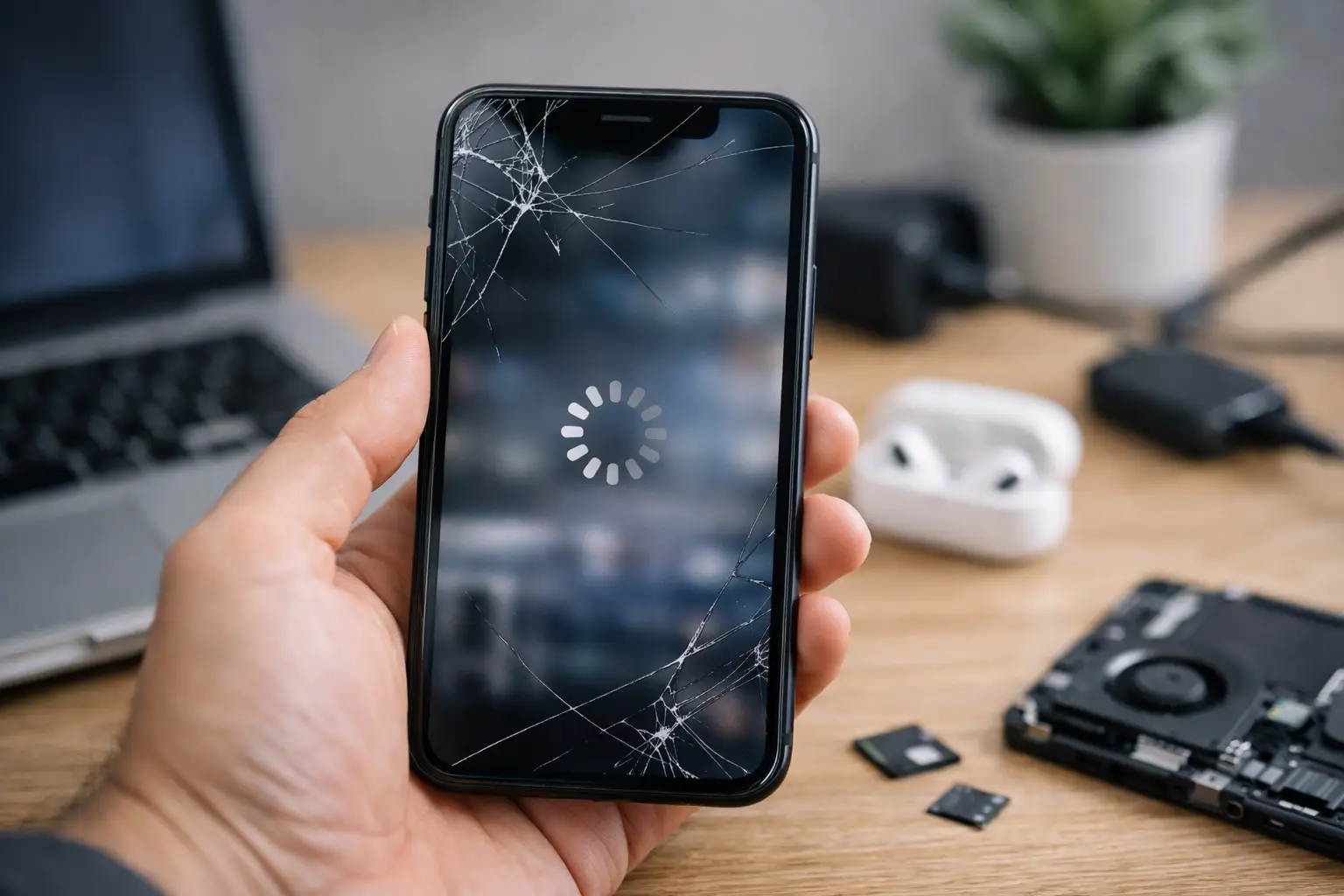
    A phone that shows no sign of life can ruin your whole day fast. If you’re searching for my phone won’t turn on repair, you probably do not need a lecture – you need to know whether this is a simple fix, a battery problem, a charging issue, or a phone that needs professional service right away.

    The good news is that a dead phone is not always a dead phone. Sometimes the issue is basic, like a bad cable or a frozen system. Other times, the problem is inside the device, such as a failed battery, damaged charging port, power button fault, or board-level issue after a drop or water exposure. Knowing the difference can save you time and keep you from making it worse.

    My phone won’t turn on repair – what usually causes it?

    When a phone will not power on, the cause usually falls into one of a few categories. The first is charging failure. If the battery is fully drained and the phone is not actually receiving power, it can look completely dead even though the screen and internal components still work.

    The second common cause is software failure. Phones can freeze during an update, crash during startup, or get stuck on a black screen that makes it seem like they are off. In that case, the device may still have power, but the operating system is not loading correctly.

    Then there is physical damage. A hard drop can loosen internal connections, damage the battery, break the screen, or affect the power management system. Water damage can do the same thing, except the damage may continue spreading after the phone gets wet.

    Battery wear is another big one. Batteries do not last forever. If your phone was shutting off at random, draining quickly, getting hot, or struggling to hold a charge before it stopped turning on, the battery may have been failing for a while.

    Finally, there are motherboard and power circuit issues. These are more serious and usually need diagnostic tools and repair experience. They are also one reason it is smart to stop guessing after the basic checks.

    What to try before booking my phone won’t turn on repair

    Start with the charger, because that is the fastest thing to rule out. Try a different charging cable, a different wall adapter, and a different outlet. If you normally charge through a computer or in the car, switch to a wall outlet instead. Give the phone at least 20 to 30 minutes on a known working charger before assuming it will not respond.

    Next, check the charging port. Pocket lint, dust, or bent debris inside the port can block the connection. Look carefully with good lighting. If you see buildup, do not jab at it with anything metal. Gentle cleaning may help, but if the port looks damaged or loose, stop there.

    After that, try a forced restart. Different phones use different button combinations, but many will respond if you hold the power button alone or hold the power button with a volume button for several seconds. This can help if the phone is frozen rather than truly dead.

    Also pay attention to signs of life. Does it vibrate? Make a sound? Show a battery icon for a second? Connect to a computer? Even a tiny response changes the diagnosis. A phone with some response may have a display issue or charging issue, while a phone with no response at all may point to power delivery or internal hardware damage.

    If the screen is black but the phone seems active, call someone from the device or listen for notifications. In some cases, the phone is on and the display has failed. That is a different repair than a no-power condition, even though it feels the same to the user.

    When not to keep trying at home

    There is a point where repeated button pressing and random charger swapping stops being useful. If the phone was dropped, got wet, overheated, or stopped working during charging, be careful. Those details matter because they often point to internal damage rather than a simple restart issue.

    A wet phone is the clearest example. Do not keep charging it to see if it comes back. Power running through a wet device can make corrosion and shorting worse. If there was water exposure, the best move is to leave it off and have it inspected.

    The same goes for a swollen battery or a phone that got unusually hot before dying. Heat, odor, or screen lifting can signal battery damage. That is not something to test over and over on your kitchen counter.

    If the phone contains important photos, business contacts, work apps, or two-factor authentication access, it is also worth moving faster. The longer a failing device sits, the harder recovery can become in some cases.

    What a repair shop will actually check

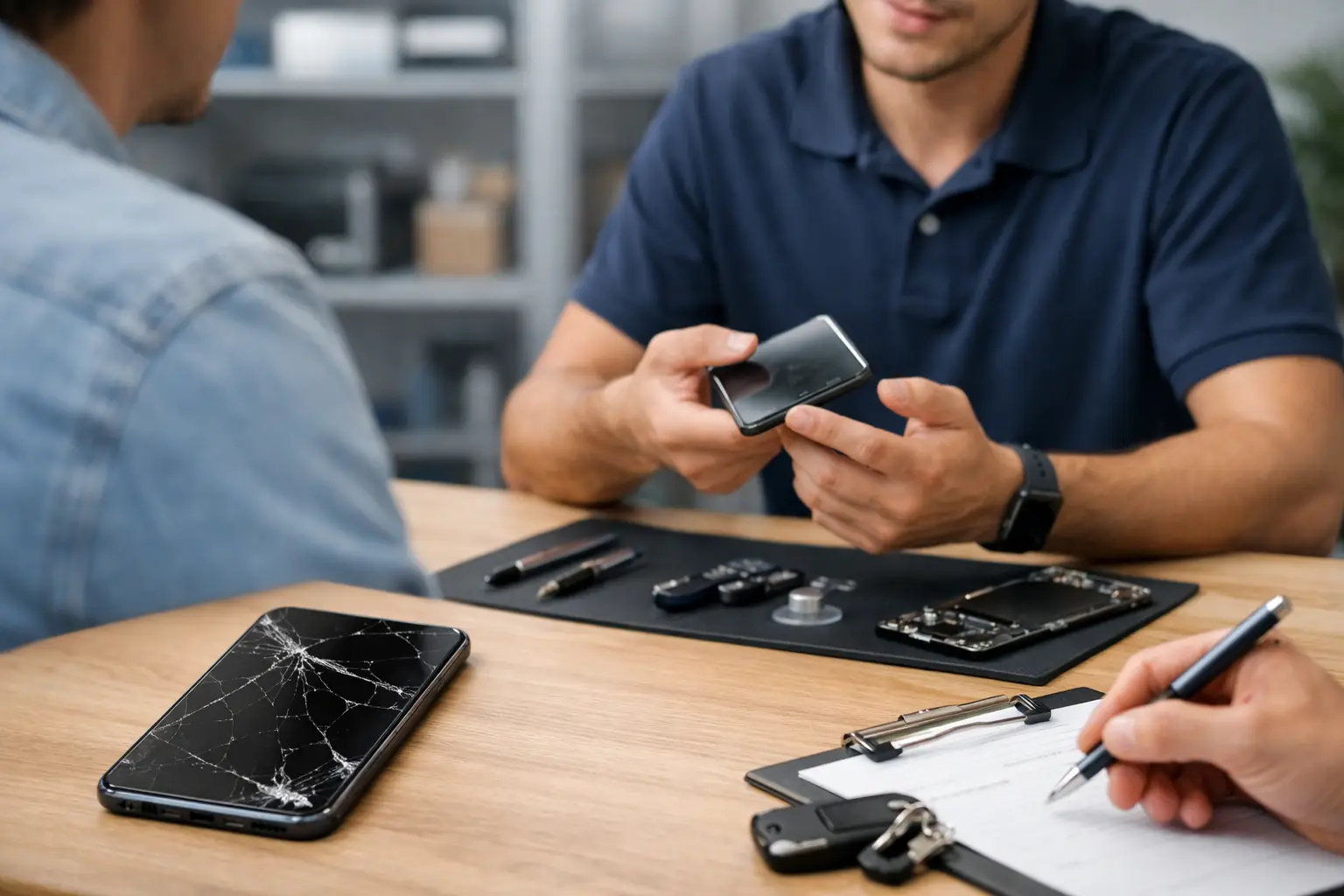
    A proper diagnosis is more than plugging it in and hoping for the best. A technician will usually test whether the phone is taking in power, whether the battery is responding, and whether the screen is showing output. They may also inspect the charging port, power button, and internal connectors.

    If the issue is straightforward, the repair may be too. A battery replacement, charging port repair, or screen replacement can bring a phone back if the rest of the device is healthy. These are common problems, and fixing them early can be more affordable than replacing the whole phone.

    If the phone still does not respond after those checks, the problem may be deeper. Power management chips, board damage, corrosion, and short circuits take more advanced work. Not every dead phone is worth repairing, and a good shop should tell you that clearly instead of pushing a repair that does not make sense.

    That honesty matters. Sometimes repair is the best value. Sometimes replacement is smarter, especially with older devices that already had battery issues, storage problems, or heavy wear.

    The cost question depends on the cause

    People usually want a number right away, but my phone won’t turn on repair can range from simple to complex. A bad cable costs almost nothing. A battery or charging port repair is usually far less than replacing a newer phone. Board-level repairs can cost more and may depend on the model, parts availability, and whether the phone also has water damage or impact damage.

    Brand and age matter too. Some devices are easier to open and repair. Others are built in a way that makes even basic service more time-consuming. Newer premium phones can also have more expensive parts.

    That is why a real diagnostic is worth it. Guessing from symptoms alone often leads people to buy the wrong charger, replace the wrong part, or give up on a phone that could have been fixed.

    Repair or replace?

    This depends on the phone’s age, condition, and what failed. If the phone is fairly recent and the problem is the battery, charge port, or screen, repair is often the practical move. If it is an older device with multiple issues and little resale value, replacement may make more sense.

    Data can change the decision. Even if a full repair is not worth it, some customers still want the phone powered back on long enough to recover photos, contacts, notes, or account access. That can make a repair worthwhile when the device itself is no longer the priority.

    For local customers in Richmond, getting the phone looked at in person is usually the fastest way to stop the guesswork. Excell Wireless VA handles device troubleshooting with a straightforward quote process, which is useful when you need answers quickly instead of mailing a phone out and waiting.

    A few mistakes to avoid

    Do not keep forcing a wet phone to charge. Do not use random low-quality chargers that may cause unstable power. Do not keep prying at the charging port with metal objects. And do not assume a black screen always means the phone is dead.

    One more thing – avoid waiting too long if the phone contains anything important. Power issues can start small and become harder to deal with later, especially after moisture exposure or repeated charging attempts.

    If your phone will not turn on, the smartest next step is simple: rule out the charger, try a safe restart, and then get a proper diagnosis before the problem gets worse.

  • Phone Battery Replacement Near Me

    Phone Battery Replacement Near Me

    Your phone drops from 40% to 12% in an hour, gets hot on the charger, or shuts off before the day is over. That is usually the moment people search for phone battery replacement near me and want a real answer fast – not a maze of warranty pages, shipping labels, and vague timelines.

    If your phone is still working but the battery is not, a replacement can often make more sense than buying a new device. The trick is knowing when the battery is actually the problem, what a repair shop should check, and when the cheapest option is not the best one.

    When phone battery replacement near me is the right move

    A weak battery does not always fail all at once. Most of the time, it gets worse in small ways. Your phone may need charging twice a day. It may lag when the battery gets low. It may restart randomly, especially during calls, video, maps, or other heavy use.

    Battery swelling is a more urgent sign. If the screen starts lifting, the back cover separates, or the phone feels unusually warm even when idle, stop putting it off. A swollen battery should be checked right away.

    Age matters too. Most phone batteries wear down over time, usually after a couple of years of regular charging. If the device still does what you need and the only real complaint is battery life, replacement is often the practical fix.

    That said, not every power problem is a battery problem. Charging ports fail. Cables go bad. Software can drain power in the background. Water damage can create charging and shutdown issues that look like battery failure. A good repair shop should not guess. They should inspect the device and tell you what they actually find.

    What to expect from a local battery replacement

    A local repair shop should make this simple. You bring in the phone, describe the issue, and get a quote based on the device model and the symptoms. In many cases, battery replacement is a straightforward repair. In others, the phone may need further testing first, especially if it has already had charging issues, liquid exposure, or a cracked frame.

    The biggest advantage of going local is speed. You can talk to a real person, ask questions, and get a clearer idea of timing than you would with a mail-in option. For people who use their phone for work, school, banking, rides, family communication, or two-factor login, that matters.

    You also get a chance to ask the right questions before handing over your device. Ask whether the shop has experience with your phone model, whether they test the device after replacement, and whether the quote includes labor. If the phone has other issues, such as a damaged screen or charging port, it is better to know up front.

    Cheap battery repair can cost more later

    Everyone wants a fair price. That makes sense. But with battery replacement, the lowest quote is not always the best deal.

    Battery quality matters. So does installation. A poor-quality battery may hold less charge, wear out faster, run hot, or trigger warning messages on some devices. Bad installation can damage internal parts, weaken water resistance, or leave the screen sitting unevenly.

    This is where a neighborhood repair shop earns trust. Clear pricing, honest troubleshooting, and a direct answer on whether the repair is worth doing are more valuable than a rock-bottom number with no real support behind it.

    It also depends on the phone itself. Replacing the battery on a newer, higher-value device is usually easy to justify. On an older phone with multiple problems, the answer may be less obvious. If the battery is bad but the screen is cracked, the charging port is loose, and the phone barely keeps up with current apps, you may want to compare total repair cost against replacement cost.

    How to choose the right shop for phone battery replacement near me

    When people search for phone battery replacement near me, they are usually not trying to become repair experts. They just want the phone working again. Still, a little caution helps.

    Look for a shop that handles more than one brand and more than one type of issue. That usually means they are used to diagnosing real hardware problems instead of treating every symptom the same way. An independent repair business that works on different devices every day is often better prepared for the odd cases, like battery drain caused by a board issue or charging failure caused by debris in the port.

    Pay attention to how they communicate. If the process is clear – call, describe the issue, get a quote, bring it in – that is a good sign. If they cannot explain what they check, what the repair includes, or how long it may take, keep looking.

    Local matters here because convenience matters. If you are in Richmond and your phone is barely making it through the morning, a nearby repair option is simply easier to deal with than shipping your device away and waiting.

    Signs you should not wait any longer

    Some battery issues are annoying. Others are urgent.

    If your phone battery percentage jumps around, the device shuts off at random, or the phone gets hot during normal use, get it checked soon. If the screen is separating from the frame or the back panel is bulging, treat that as a priority. Those signs can point to swelling, and that is not something to ignore.

    Another reason not to wait is data access. Many people put off repair until the phone becomes unreliable enough to miss calls, lose messages, or fail during login verification. If your phone is central to work or family communication, waiting for total failure usually creates more hassle than dealing with the battery early.

    Is battery replacement better than buying a new phone?

    Sometimes yes, sometimes no. That is the honest answer.

    If your current phone still runs well, takes decent photos, and handles the apps you use every day, a battery replacement can give it a lot more useful life for much less than the cost of a new device. For many people, that is the smart move.

    If the phone has several issues at once, the decision changes. A battery replacement may not be enough if the device also has charging problems, major physical damage, camera failure, or storage issues. In that case, ask for a realistic assessment instead of forcing a repair that does not make sense.

    The best repair shops will tell you when a service is worth doing and when it is not. That kind of honesty saves time and money.

    What to do before you bring your phone in

    If the phone still powers on, back up your data first. That is always the safe move, even for a routine repair. Remove your case so you can check for swelling or frame separation more easily. Bring your charger if the issue may involve charging, not just battery life.

    It also helps to describe the problem clearly. Saying “the battery is bad” is fine, but saying “it drops 20% in 10 minutes, shuts off at 15%, and only charges when I hold the cable a certain way” gives the technician more to work with.

    If you are looking for fast, local help, a shop like Excell Wireless VA fits the way most people actually handle repair problems – get a quote, talk to someone directly, and bring the device in without turning it into a week-long project.

    A bad battery can make a good phone feel useless. The fix does not need to be complicated. If your device is draining fast, overheating, swelling, or dying before the day is done, getting it checked now is usually the simplest way to avoid a bigger problem later.

  • Phone Charging Port Repair Near Me

    Phone Charging Port Repair Near Me

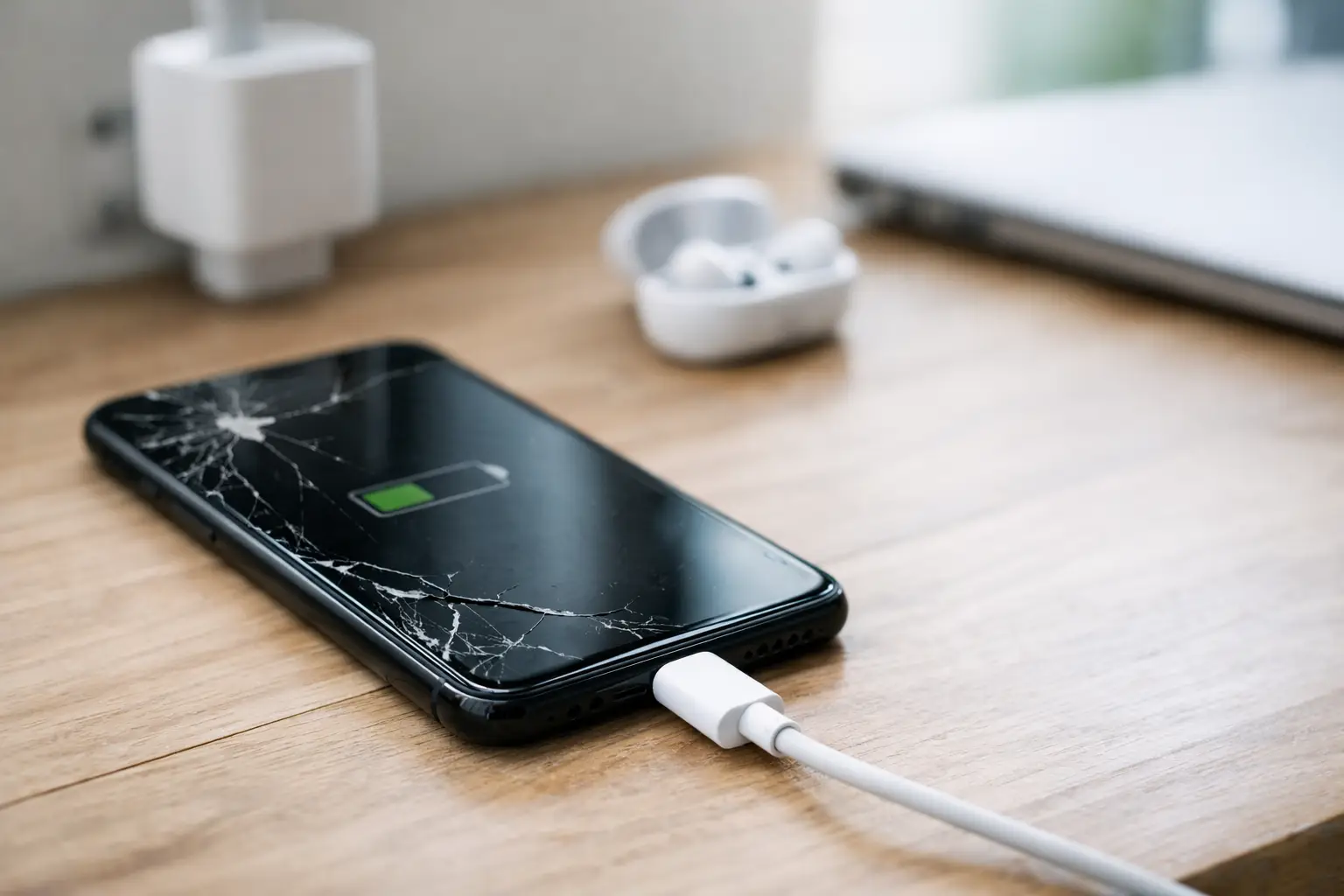
    When your battery is at 3% and the cable only works if you hold it at a weird angle, searching for phone charging port repair near me stops being a casual errand. It becomes urgent. A bad charging port can turn a normal day into a mess fast – missed calls, no maps, no payment apps, no access to work or school.

    The good news is that a charging problem does not always mean your phone is done. In many cases, the issue is fixable. The bigger question is whether you are dealing with simple debris in the port, cable failure, battery trouble, or actual port damage. Knowing the difference can save you time, money, and a second repair later.

    What a charging port problem really looks like

    Most people notice the problem in stages. At first, the phone charges slowly. Then the cable starts slipping out. Then charging only works if the phone sits perfectly still. After that, the device may stop charging at all or connect and disconnect over and over.

    That does not always mean the port itself is broken. A worn charging cable can cause the same symptoms. So can a weak wall adapter, software glitch, moisture warning, or battery issue. But if multiple cables fail, the connector feels loose, or the port looks bent or dirty, the charging port becomes the likely suspect.

    On newer phones, port damage can also affect data transfer, fast charging, Android Auto or CarPlay connections, and even microphone performance on some models. That is why this repair matters more than just getting the battery icon to move.

    Before you book phone charging port repair near me

    A few quick checks are worth doing before you bring the phone in. Start with the easiest variable – try a different charging cable and a different wall block that you know works on another device. If wireless charging works but wired charging does not, that is another clue pointing toward the port.

    Next, inspect the port carefully under good light. Pocket lint is more common than people think. A small amount packed into the bottom of the port can stop the connector from seating fully. People often assume the cable is loose when it is really being blocked.

    If your phone recently got wet, do not force a charger into it. Moisture inside the port can trigger warnings and cause corrosion if ignored. In that case, the right move is to let the device dry and get it checked if the warning stays active.

    Also pay attention to heat. If the phone gets hot while charging, charges slowly, or loses battery even while plugged in, the problem may involve both the port and the battery. That matters because a good repair shop should diagnose the whole issue, not just swap one part and send you out the door.

    When cleaning helps and when it does not

    Sometimes a charging port only needs professional cleaning. That is the best-case scenario. Dust, lint, and compacted debris can stop the charger from clicking in, and a careful cleaning can restore normal charging.

    But cleaning is not the answer if the internal pins are bent, the port is cracked, or the solder points have come loose from the board. Those problems need repair or replacement. Trying to fix them at home with a pin, paper clip, or random tool often makes things worse. The port is small, fragile, and tied to other important components.

    This is one of those situations where DIY can cost more than a proper repair. If you damage the pins or short the connection, what started as a basic port issue can turn into board-level work.

    What causes charging ports to fail

    Wear and tear is the biggest reason. Most people charge their phone every day, often more than once. Over time, repeated plugging and unplugging wears down the connector. If you use the phone while it is charging, that stress increases. Cords get yanked, bent, twisted, and bumped while connected.

    Dust and pocket lint are another major cause, especially if your phone rides in jeans, purses, backpacks, or work bags. Moisture exposure can lead to corrosion, even if the phone was never fully submerged. Cheap cables can also contribute by fitting poorly or damaging the connector over time.

    Then there is accidental impact. Dropping a phone while the charger is plugged in can put direct pressure on the port. One bad fall is enough to bend the connector or loosen the charging assembly.

    How local repair shops usually handle it

    If you visit a repair shop for a charging issue, the first step should be diagnosis. That matters because charging failure is not always one problem. A technician may test the cable, charging block, port connection, battery behavior, and power intake before recommending a repair.

    If the port is blocked, a cleaning may solve it. If the part is damaged, the shop may replace the charging port assembly. On some phones, that repair is relatively direct. On others, the charging port is integrated into a more complex component, which can affect labor time and cost.

    This is also where model differences matter. A repair on one Android phone may be quicker than on another. Some iPhones and Samsung devices require more disassembly than older models. Tablets and other devices can be even more variable. That is why quote-based repair makes sense – the exact fix depends on the device and the condition it is in.

    How much charging port repair usually costs

    There is no one-size-fits-all price, and anyone giving a flat number without seeing the device is guessing. Cost depends on the phone model, whether the port needs cleaning or full replacement, part availability, and whether there is related damage.

    A simple cleaning is obviously less expensive than replacing the charging port. If battery damage, liquid corrosion, or board issues are involved, the price can go up. That does not mean repair is not worth it. In many cases, fixing the port is much cheaper than replacing the phone, setting up a new device, and potentially losing data or app access.

    The practical way to look at it is this: if the phone still meets your needs and the repair restores reliable charging, the value is usually there. If the device has multiple failing parts and is already near the end of its life, replacement may make more sense. A good local shop will tell you that honestly.

    Why local help beats waiting on mail-in service

    When your phone will not charge, time matters. Mail-in repair can make sense for some situations, but it is a bad fit for a device you rely on every hour. You pack it up, ship it out, wait for intake, wait for diagnosis, approve the cost, and then wait again.

    A nearby shop is simpler. You can talk to a real person, explain what the phone is doing, and usually get a faster answer about whether the issue is the port, the battery, or something else. For many customers, that speed is the whole point of searching nearby in the first place.

    If you are in Richmond and need direct support instead of a shipping label, that local convenience matters. Excell Wireless VA is built around that kind of repair experience – straightforward help, clear next steps, and real troubleshooting for real device problems.

    What to look for in a repair shop

    The best repair option is not always the cheapest quote. You want a shop that can diagnose the issue first, explain the repair in plain language, and tell you if the problem goes beyond the charging port. That matters because replacing the wrong part wastes both time and money.

    It also helps to choose a shop that handles multiple brands and device types. Charging issues are common across iPhones, Samsung phones, Google Pixel devices, Motorola phones, tablets, and other electronics, but each one can fail a little differently. A broad repair background usually means better troubleshooting.

    Clear communication matters too. If a shop cannot tell you what they are checking, what the likely issue is, or how long the repair may take, keep looking.

    Don’t wait until the phone is completely dead

    A failing charging port usually gives warnings before it quits. Slow charging, cable wiggle, intermittent connection, and random disconnects are all signs that something is off. Waiting too long can turn a manageable repair into a bigger headache, especially if the phone dies before you back anything up or transfer what you need.

    If your device only charges at a certain angle, stops charging in the car, or refuses to recognize cables that used to work, get it checked sooner rather than later. Sometimes the fix is quick. Sometimes it takes more work. Either way, you are better off finding out before the battery hits zero for the last time.

    If you are searching for phone charging port repair near me, you probably do not need a long runaround. You need a real diagnosis and a clear path to getting your phone working again. Start there, and you will know whether the answer is a simple cleaning, a part replacement, or a smarter next step.

  • Where to Fix a Cracked Phone Screen

    Where to Fix a Cracked Phone Screen

    A cracked screen usually happens at the worst possible time – right before work, during school pickup, or when you need directions, banking, or a two-factor code. If you’re wondering where to fix a cracked phone screen, the right answer depends on three things: how fast you need it fixed, how much you want to spend, and whether your phone has other damage besides the glass.

    For most people, there are four real options: a local repair shop, the phone manufacturer, your wireless carrier, or a mail-in repair service. Each one can make sense. Each one also has trade-offs. If your phone is your daily lifeline, speed and convenience usually matter just as much as price.

    Where to fix a cracked phone screen first

    The fastest place to start is usually a local repair shop. If the phone still powers on and the damage is limited to the screen, an independent repair store can often give you a quick answer, a quote, and a realistic timeline. That matters when you do not have days to wait or want to avoid shipping your phone across the country.

    A local shop is often the best fit when you need practical help, not a long process. You can walk in, show the damage, and ask direct questions. Is it only the glass? Is the display damaged underneath? Will Face ID, fingerprint unlock, or touch sensitivity still work after repair? Those answers are easier to get in person than through a support portal.

    Manufacturer service can be a smart choice if your device is still under warranty, covered by a protection plan, or if you strongly prefer official brand channels. The downside is that appointments may be limited, turnaround can vary, and some repairs end up becoming mail-in jobs anyway.

    Carrier repair options are convenient for some customers, especially if they bought device protection through their plan. But carrier support often routes you through a third-party process, which may or may not be faster than going straight to a nearby repair business.

    Mail-in repair works best when local options are limited. It is less ideal when you need your phone every day and cannot be without it for several days.

    How to choose where to fix a cracked phone screen

    The best repair option is not always the cheapest one on paper. A lower price can cost more if the repair takes too long, if the part quality is poor, or if you are left guessing about what is actually broken.

    Start with the type of damage. Some cracked phones only have broken outer glass. Others also have black spots, flickering, dead pixels, touch issues, or frame damage from the impact. If your phone has more than a cosmetic crack, you need a shop that can diagnose the full problem before replacing parts.

    Then think about urgency. If you need the device for work, school, business calls, rideshare apps, or payment apps, turnaround time should be near the top of your list. A same-day or next-day repair may be worth more than saving a small amount through a slower service path.

    Price still matters, of course. Ask for a clear quote before agreeing to anything. That quote should make it clear whether the repair covers the screen assembly only, whether labor is included, and whether there may be extra cost if technicians find deeper damage once the phone is opened.

    It also helps to ask what kind of part is being used. Not every replacement screen is the same. Some customers want the most budget-friendly option. Others care more about display quality, color accuracy, brightness, and touch response. A good repair provider should be able to explain the difference in plain language.

    Local repair shop vs manufacturer service

    This is where most people get stuck. They know the screen is broken, but they are not sure whether to go local or go through the brand.

    A manufacturer route may give peace of mind if your phone is newer, under coverage, or tied to specific warranty concerns. If preserving that service history matters to you, it can be the right move.

    A local independent repair shop is usually better when speed, flexibility, and personal service matter more. You can often get help faster, ask direct questions, and avoid the back-and-forth that comes with larger support systems. For Richmond-area customers, that local convenience is a big reason many people choose neighborhood repair businesses over national channels.

    There is also the issue of device variety. Manufacturer service is brand-specific by nature. A local shop can usually help with multiple brands and often with other device issues you may have noticed at the same time, like charging problems, battery drain, speaker trouble, or camera damage from the same drop.

    That broad support is useful because cracked screens are not always an isolated problem. One hard impact can damage the display, loosen internal connections, and affect how the phone charges or responds to touch.

    Signs you should not wait to repair it

    Some people can live with a small crack for a while. Others should get it handled as soon as possible.

    If glass shards are loose, repair should move up your list right away. The phone can become uncomfortable or unsafe to use, especially for kids or anyone swiping constantly through the day. If the screen is exposing the display underneath, moisture and dust can get in and make the damage worse.

    If touch response is failing, do not wait. A crack that interferes with typing, tapping, or swiping can quickly turn into a phone you cannot unlock or use at all. The same goes for flickering, screen discoloration, or blacked-out areas. Those are signs the display itself has been damaged, not just the top layer.

    Battery swelling is another reason to stop using the phone and get it checked. If the screen is lifting away from the frame or the phone looks bent after a drop, that is a different level of risk. At that point, you need diagnosis, not just a cosmetic repair quote.

    Questions to ask before you hand over your phone

    Before choosing any repair provider, ask a few direct questions. How long will the repair take? What exactly is being replaced? Is there any warranty on the repair itself? Will all major functions be tested afterward?

    You should also ask whether the quoted price is final based on the visible damage or if there is a chance of extra charges after inspection. Honest repair shops will tell you upfront that some hidden issues only show up once the device is opened, but they should still explain that process clearly.

    Data matters too. A screen repair does not usually require wiping your phone, but you should still ask whether your data will remain intact. If the screen still works enough to use the device, backing it up before repair is the smart move.

    Finally, ask about timing in real terms. “Quick” means different things to different businesses. You want to know whether that means an hour, same day, next day, or longer if parts need to be ordered.

    What makes a good cracked screen repair option

    A good repair option is simple: clear quote, realistic timeline, solid workmanship, and easy communication. You should not have to chase down updates or guess whether your phone is repairable.

    This is where a strong local shop stands out. If you can call, explain the issue, get straightforward guidance, and bring the device in without a maze of steps, the whole process gets easier. That is exactly what many customers want when their screen is broken and they need help now, not next week.

    For Richmond customers, a local business like Excell Wireless VA fits that need by keeping the process direct. You describe the issue, get service guidance, and move toward a repair decision without a lot of extra friction.

    The best choice comes down to what you need most right now. If warranty coverage is the priority, start with the manufacturer or your protection plan. If speed, convenience, and local support matter more, a nearby independent repair shop is often the better answer. A cracked screen is frustrating, but the fix does not have to be complicated – get a clear quote, ask the right questions, and choose the option that gets your phone back in your hand fast.

  • How Much Does Phone Screen Repair Cost?

    How Much Does Phone Screen Repair Cost?

    A cracked screen usually starts as a small problem and turns into a bigger one fast. If you’re wondering how much does phone screen repair cost, the short answer is that most repairs land anywhere from about $79 to $329, depending on the phone, the screen type, and how bad the damage really is.

    That range is wide for a reason. A basic older-model screen is one job. A newer premium phone with OLED display, touch issues, frame damage, or face recognition components nearby is another. If you want a realistic idea of price, you need to know what actually drives the estimate.

    How much does phone screen repair cost for most phones?

    For many common smartphones, screen repair falls into a few rough tiers. Budget and older phones often cost less to repair because parts are easier to source and the screen assembly is simpler. Mid-range phones usually sit in the middle. Newer flagship phones cost more, especially if they use OLED panels or high-end display assemblies.

    A practical range looks like this. Older or budget devices may cost around $79 to $149. Many mid-range phones land around $129 to $219. Premium models from recent years can run $199 to $329 or more. Foldable devices are in their own category and can cost significantly more than a standard phone screen repair.

    These are not one-size-fits-all prices. Two phones from the same brand can be very different. A standard LCD screen is usually cheaper than an OLED screen. A screen-only crack is usually cheaper than a repair involving the frame, digitizer, or back housing.

    What affects phone screen repair cost?

    The biggest factor is the model of the phone. A newer iPhone, Samsung Galaxy, or other premium device often costs more because the replacement part itself costs more. Some phones also take more labor because they are built tighter, use stronger adhesives, or require extra care around cameras, sensors, and biometric hardware.

    Screen type matters just as much. LCD screens are generally more affordable. OLED and AMOLED screens usually raise the price. They deliver better color and contrast, but they also cost more to replace.

    The extent of the damage changes the quote too. If the glass is cracked but the display still works normally, the repair may be more straightforward. If you have black spots, flickering, dead pixels, no touch response, ghost touch, or a bent frame, the job may involve more than just replacing the front glass.

    Part quality can also affect price. Some repairs use aftermarket parts, while others use higher-grade replacements depending on the device and availability. That does not always mean one option is wrong and the other is right. It means the estimate may reflect different part costs, visual quality, and performance expectations.

    Labor and local market pricing matter as well. A neighborhood repair shop and a manufacturer service center may price the same repair very differently. Faster turnaround, in-person diagnosis, and local availability all play into the final number.

    Why newer phones usually cost more

    People are often surprised that a screen repair can cost a few hundred dollars, but newer phones pack a lot into that front assembly. Many displays combine the glass, touch layer, and image panel into one unit. That means a crack on the outside can still require replacement of the full screen assembly.

    Premium phones also tend to have edge-to-edge designs, thinner construction, and expensive display technology. On some models, removing the damaged screen without affecting nearby components takes more time and care. That raises labor even before the part cost is added.

    If your phone has water resistance, the device may also need new adhesive seals during reassembly. That is another detail that can affect total repair cost.

    Cheap screen repair is not always the best deal

    Everyone wants to save money, and that makes sense. But the lowest advertised price is not always the lowest final cost.

    A very cheap repair quote can leave out important details. It may not include labor. It may apply only to one specific model. It may assume the damage is limited to the glass when the display underneath is also affected. In some cases, a low-cost repair can also mean lower-quality parts, weaker touch response, dimmer display output, or a shorter lifespan.

    That does not mean expensive is automatically better. It means a fair quote should match the actual device and actual damage. If a repair shop asks the right questions or wants to inspect the phone first, that is usually a good sign.

    When the screen damage is more than a screen problem

    A cracked display can come with hidden issues. If the phone was dropped hard enough to break the front, it may also have frame damage, battery stress, camera issues, or charging problems. That is one reason online estimates and walk-in quotes sometimes differ.

    If your phone still turns on but the screen is black, the problem may be the display assembly. If it does not charge after the drop, there may be another repair involved. If the frame is bent, the new screen may not sit correctly until that is addressed.

    This is where a local inspection helps. A quick in-store check can tell you whether you are dealing with a straightforward screen replacement or a larger repair.

    Is it worth repairing the screen or replacing the phone?

    That depends on the age of the phone, the repair price, and how well the device is working otherwise. If your phone is fairly new and the only issue is the broken screen, repair is usually the more affordable move. Spending $129 to $279 on a repair is often a lot cheaper than buying a new phone.

    If the phone is older, already has battery issues, or needs multiple repairs, replacement may make more sense. For example, a screen repair on an aging device can be hard to justify if the battery is weak, storage is nearly full, and the phone is slowing down.

    A good rule is to compare the repair cost to the current value of the phone and the cost of replacing it. If repair gives you another year or two of reliable use at a reasonable price, it is usually worth considering.

    How to get an accurate screen repair quote

    If you want a real answer to how much does phone screen repair cost, be ready to share the exact model and what the damage looks like. “My phone is cracked” is a start, but it is not enough for a precise estimate.

    It helps to mention whether the display still lights up, whether touch is working, and whether there are lines, dark spots, or flickering on the screen. If the phone is bent, got wet, or stopped charging after the drop, say that too. Those details can change the quote.

    Photos can help, but an in-person inspection is still the best way to confirm the repair needed. A local shop can usually tell you quickly whether the issue is limited to the screen or if there is more going on.

    What Richmond customers should expect from a local repair shop

    If you need help fast, a local shop should make the next step simple. You should be able to call, explain the issue, and get a realistic idea of timing and price. If the model or damage needs a closer look, the shop should tell you that directly instead of guessing.

    For Richmond-area customers, speed and convenience matter just as much as price. Most people are not shopping for a phone repair because they have extra time. They need their device for work, school, banking, family, and everyday life. That is why a quote-based process works well. It gets you closer to a real answer without sending you through a long manufacturer process.

    At Excell Wireless VA, that is the practical approach – tell us the device, tell us the issue, and get pointed in the right direction.

    The real answer on screen repair cost

    Phone screen repair cost is rarely one flat number. For many devices, you can expect something in the $79 to $329 range, with older phones at the lower end and newer premium models at the higher end. The actual price depends on the model, the screen technology, part availability, and whether the damage goes beyond the glass.

    If your screen is cracked, the best move is not to wait for it to get worse. Get the model checked, get a real quote, and make the decision based on the phone you have, not a generic price you saw online.

  • Hello world!

    Welcome to WordPress. This is your first post. Edit or delete it, then start writing!